From Pi-hole to Homelab: A Raspberry Pi Self-Hosting Starter Pack (Copy)
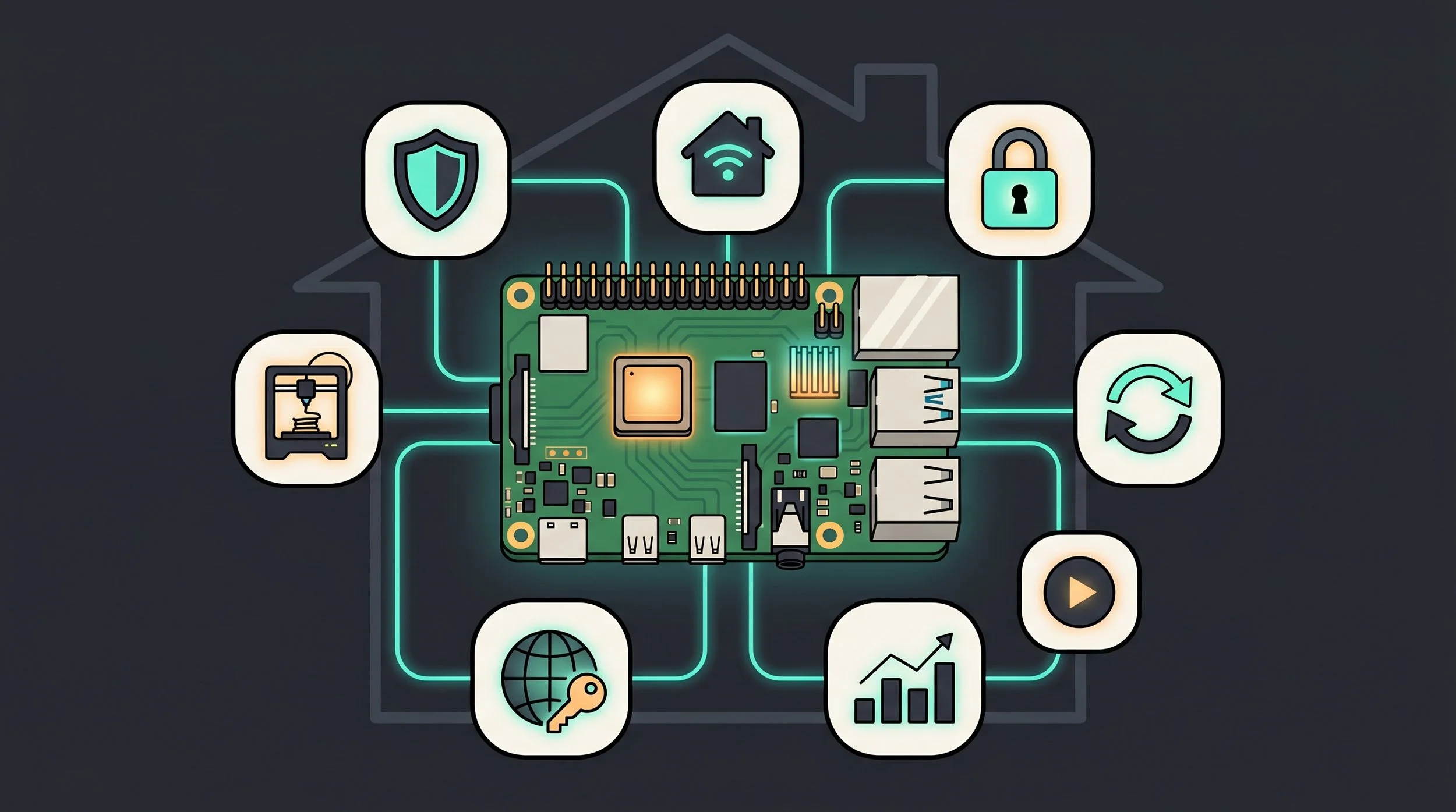
By S’Bussiso Dube/SourceBox Team
There is a specific kind of dopamine hit that comes with the first time you deploy a service on your own hardware. It’s the moment you realize the "Cloud" is just a marketing term for someone else's computer, and you have the power to build your own.
For most of us, the Raspberry Pi is the classic gateway drug. It’s cheap, silent, sips power, and can run 24/7 in a closet without anyone noticing. Most homelab journeys start with a single goal, usually blocking ads with Pi-hole and end with a rack of servers and a dedicated network switch.
It’s important to note the price of hardware has gone up through the roof from RAM related shortages among other reasons. This has also increased the price of obtaining a Raspberry Pi making it more difficult to recommend at the moment. If you are completely new to self-hosting the best path would be to spend a little more buying a Mini PC rather than a Raspberry Pi. This article is meant primarily for people who already own a Raspberry Pi.
If you're ready to fall down the rabbit hole, here is the definitive starter pack for building your first stack.
Note: If you’re on Linux check out our Linux based tutorial The Basics: How to set up a Raspberry Pi
The Hardware: Choosing Your On-Ramp
You don't need a powerhouse to start, but you do need a board that won't choke the moment you add a second container.
The Board: Raspberry Pi 5
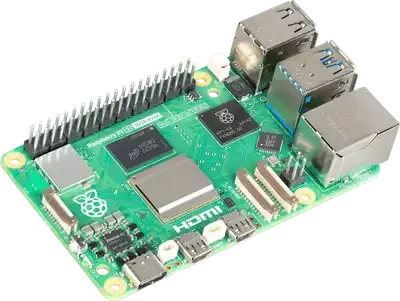
Raspberry Pi 5
The Pi 5 is a massive leap. With the Broadcom BCM2712 quad-core CPU and LPDDR4X memory, it handles modern containers with ease. It comes in five tiers: 1GB, 2GB, 4GB, 8GB, and 16GB.
A Warning on the "Memory Crunch": As of 2026, RAM prices have been volatile due to AI-driven LPDDR4 shortages. You'll see the 16GB model swing wildly in price (sometimes 70% in two months).
The "Magic" of Low Power
The Pi’s secret weapon isn't just the size, it’s the efficiency. While a full-sized server can sound like a jet engine and heat up a room, the Pi is a ghost. A Pi 5 idles at roughly 3W and barely touches 9W under a full load. To put that in perspective: running a Raspberry Pi 5 24/7, 365 days a year, costs roughly $6 in electricity.
That is an absurdly low barrier to entry. You are essentially running a private, self-hosted data center for less than the price of a single month's subscription to almost any SaaS tool you're trying to replace. It's not just a cheap hobby; it's a financial no brainer.
The #1 Reliability Trap: Kill the microSD Card
If you take one thing from this guide, let it be this: Do not run your server on a microSD card long-term.
SD cards are designed for sequential writes (like photos), not the constant, random log-writing and database updates of a Linux server. Eventually, the card will wear out, and you'll wake up to a corrupted boot partition and a dead server.
The Fix: NVMe Booting (Pi 5 Only) The Pi 5 has a PCIe 2.0 x1 port. By pairing it with the Official M.2 HAT+, you can boot directly from an NVMe SSD. You move from ~100 MB/s (SD) to 700–800 MB/s (SSD), and your reliability skyrockets. Pro Tip: Use "DRAM-less" drives like the WD Green SN580 for the most stable boot experience.
The Software Base: The Docker Way
Docker logo art
To keep your server from becoming a cluttered mess, you need a clean foundation.
The OS: Install Raspberry Pi OS (64-bit Bookworm). Do not use 32-bit; most modern container images (including the legendary LinuxServer.io library) have fully dropped 32-bit ARM support.
The Engine: Docker & Docker Compose Don't install apps directly onto the OS. Use Docker. It wraps every app in its own container, meaning you can spin up, update, or nuking a service without breaking the rest of your system. Your workflow should be: Find a docker-compose.yml, drop it in a folder, and then docker compose up -d.
The Interface: Portainer CE If the command line intimidates you, install Portainer. It gives you a professional web GUI to manage your containers, check logs, and monitor resource usage visually.
The Starter Pack: What to Spin Up
Here is the "Greatest Hits" list of FOSS services that fit perfectly on a Pi.
The Reality Check: Knowing the Ceiling
The community respects realism. The Pi is a miracle, but it's not a server-grade beast. Here is where you will hit the wall:
No Local LLMs: Do not try to run a "real" AI assistant here. Even small quantized models eat the RAM budget and run at a snail's pace. For local AI, you need dedicated VRAM (see our $20/Month Brain guide).
No 4K Transcoding: The Pi 5 has no hardware video encoder. If your movie file isn't compatible with your TV, Jellyfin can't "transcode" it on the fly. Use Direct Play or pre-convert your files.
Slow OCR: Tools like Paperless-ngx run fine, but the OCR (turning images into text) is slow. Index your documents before you import them.
The Single Point of Failure: If your one Pi dies, your whole house goes offline. Follow the 3-2-1 Backup Rule (3 copies, 2 media, 1 offsite) for your config files.
Three "Copy-Paste" Starter Stacks
Not sure which app to start with? Choose a goal and deploy this specific sequence.
The "Privacy First" Stack
The "Sovereign Home" Stack
The "Personal Cloud" Stack
Stop renting your digital existence.
Buy a board, spin up a container, take your data back.
