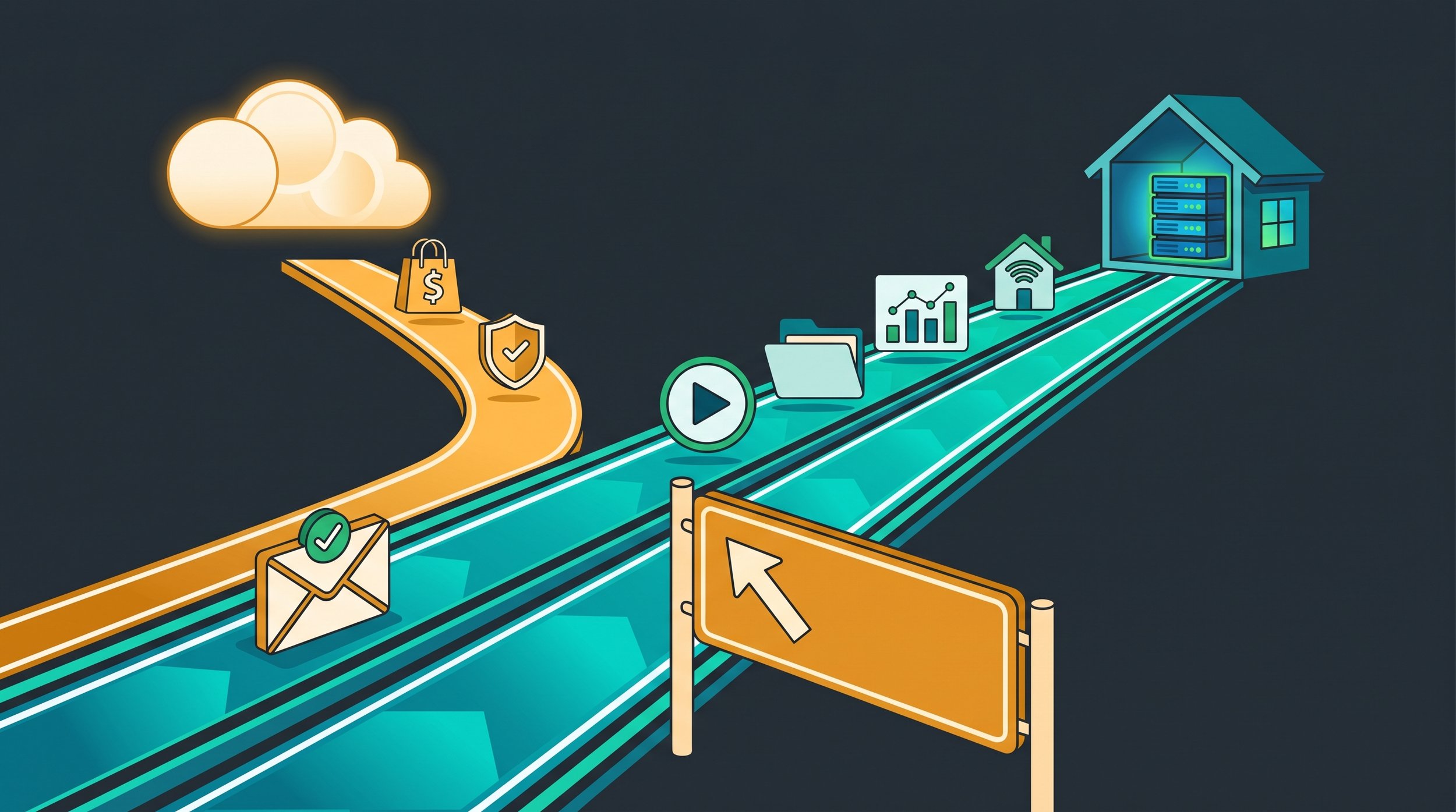
A highway forking — most services continue to a home server, a few exit toward the cloud.
By S’Bussiso Dube/SourceBox Team
Spend enough time in the homelab world and you'll meet the "self-host everything" crowd. New mini-PC, new Docker host, and suddenly the goal isn't to solve a problem, the goal is to get the SaaS count down to zero. It's a fun game. I play it too.
But here's the part that never makes the r/selfhosted highlight reel: self-hosting everything is a flex, not a strategy. The skill that separates a hobbyist from someone whose setup survives a bad week isn't spinning up one more container, it's about knowing which things to leave to a provider with a 24/7 ops team.
This isn't a "cloud good, self-host bad" article. Almost everything on this list can be self-hosted by someone determined enough. The point is honesty: a few services come with tradeoffs sharp enough that you should think twice and if you’re not going to think twice and run them anyway, run them right.
So before the next docker compose up, put the idea through one filter.
Before You Self-Host It: The Risk Budget
Five questions. Answer them honestly, not aspirationally.
The Decision Lens: Your Risk Budget
Five questions. Answer them honestly, not aspirationally.
Blast radius — when this breaks at 3 a.m. while you're on vacation, who's affected? Just you? Your family? Paying customers?
Uptime — can it be down for a day without real consequences?
Backups — do you have tested restores, or just good intentions and a spare drive?
Maintenance — will you actually patch it, or will it rot quietly until it's a liability?
Exposure — does it need to face the open internet to be useful?
The community version is even simpler: self-host when it saves real money, when privacy matters, when setup is reasonable, and when failure isn't catastrophic. Reach for a provider when the thing is complex to operate, when it has to work even when your homelab is down, or when strangers need to reach it.
With that in hand, here's where I pump the brakes.
Outbound Email — The Final Boss
If the community agrees on one thing, it's this: don't self-host your primary email. You can install a mail server in an afternoon. Getting it delivered is the part that eats weekends. Three walls, in order:
Your ISP probably won't let you send. Most residential providers such as Comcast/Xfinity, Spectrum, and AT&T for example block outbound port 25. Some unblock on request; many won't.
Your IP is on a blocklist by design. Spamhaus's Policy Block List catalogs the residential/dynamic ranges your ISP hands out as ranges that shouldn't send mail directly which now spans over a billion addresses. Your home IP is presumed guilty.
The big receivers raised the bar. Since February 2024, Gmail requires SPF or DKIM plus matching forward-and-reverse DNS — a PTR record you typically can't set on a home connection, because your ISP controls it. Microsoft enforces the same, and through 2025 both moved to flatly rejecting mail that fails.
Even people who insist self-hosted email is "easy, actually" admit, a sentence later, they spent a week clawing out of spam. Deliverability is the hard part not the installation.
Do it right: relay outbound through a smarthost (Spamhaus's own recommendation) or a provider like Postmark/Resend; self-host the inbox and relay the sending; or let a privacy respecting provider run it.
Note: you can learn more about Proton Mail vs. Self-Hosted Email here
Your Password Vault — Without a Way Back In
Vaultwarden is fantastic and one of the most satisfying things you'll self-host. I'm not saying don't run it, what I'm saying is don't run it carelessly. The trap is a circular one, the day your server hiccups is the day you reach for a password locked inside the server that's down.
The reason this is "think twice" and not "never": the clients keep an encrypted copy of your vault cached locally. Set them to Lock, not Log out, and you keep read access even when the server is unreachable. The lockout is a planning failure, not fate.
Do it right: offline cached clients + automated, tested backups + an offline emergency export (break-glass). Or let Bitwarden host the vault and self-host the rest.
Tip: although not self-hosted, Proton Pass is also a great option for storing your passwords
The One Box That Logs You Into Everything
Self-hosted SSO (Authentik, Authelia, Keycloak) is great, or at least its great until it's the only door to every app you own. Same with a single self-hosted DNS for your domain. When that box goes down, you're locked out of everything, or you've dropped off the internet.
Do it right: keep a fallback secondary DNS provider, and don't gate your most critical accounts behind an IdP with no backup path in.
The "Off-Site" Backup That Lives in Your Closet
A second drive in the same house isn't a backup it's more of a second copy waiting to burn in the same fire. 3-2-1 only works if the "one off-site" is genuinely off the premises.
Do it right: one copy truly off-site — encrypted cloud (B2, Wasabi, rsync.net) or a node at a friend's house. A drive on the same shelf doesn't count.
Note: you can learn more about the The 3-2-1 Backup Rule here
Life-Safety as the Only Layer
Self-hosting your cameras is great — we build Sentinel for it. Making a single hobby box the only thing between your family and an emergency is not. Anything where failure means someone gets hurt for example security, medical alerts, smoke/CO all should never ride on a single point of failure.
Do it right: treat self-hosted safety gear as one layer in a redundant setup; keep an independent layer alongside it.
Anything Public-Facing (or Paying the Bills) on a Home Line
It's against the rules. Residential ISP policies (Comcast/Xfinity spells it out) ban servers that serve anyone outside your home network and restrict the line to personal, non-commercial use. They do however allow remote access to your own Plex/Nextcloud, a storefront is a different story. It's also fragile: CGNAT, dynamic IPs, no SLA.
Do it right: put anything public-facing or money-making on a cheap VPS; keep the homelab for the personal, low-stakes majority.
Exposed Services You Won't Babysit
Opening a port is a promise to keep it patched. The internet is scanned around the clock (Shodan and friends), and unpatched apps with default creds get popped.
Do it right: stop opening ports. A mesh VPN (Tailscale/WireGuard) reaches your services with no inbound port-forwarding, Tailscale punches through NAT automatically (it needs outbound access, and may relay on tough networks, but never exposes a port). For the rare public service: reverse proxy + MFA + auto-updates. Don't expose what you won't maintain.
A Real AI Brain, on a Potato
A Pi or a recycled office PC is not a local-AI machine, if you even try it you'll watch a small model crawl and swap itself to death. Match the model to the hardware.
"Think Twice" Is Not "Never"
Not one of these is forbidden. Email works but with a relay. Vaultwarden's rock-solid but with backups. Public apps are fine but on a VPS. The line was never the service; it's the safeguards. That's the philosophy: local-first, cloud-optional. Self-host the low-stakes majority; consciously hand off the few things with a blast radius too big for a hobby box.
Do It Right: The Short Version
The Bottom Line
The "self-host everything" badge is easy to earn and easy to regret. The harder skill is knowing where your own off-ramp is. Knowing what not to self-host is exactly what makes everything you do self-host trustworthy. Build the lab. Run the stack. Just keep one hand on the wheel and make sure you know where the exit is just in case you need it.
Stop renting your digital existence.
Buy a board, spin up a container, take your data back.
