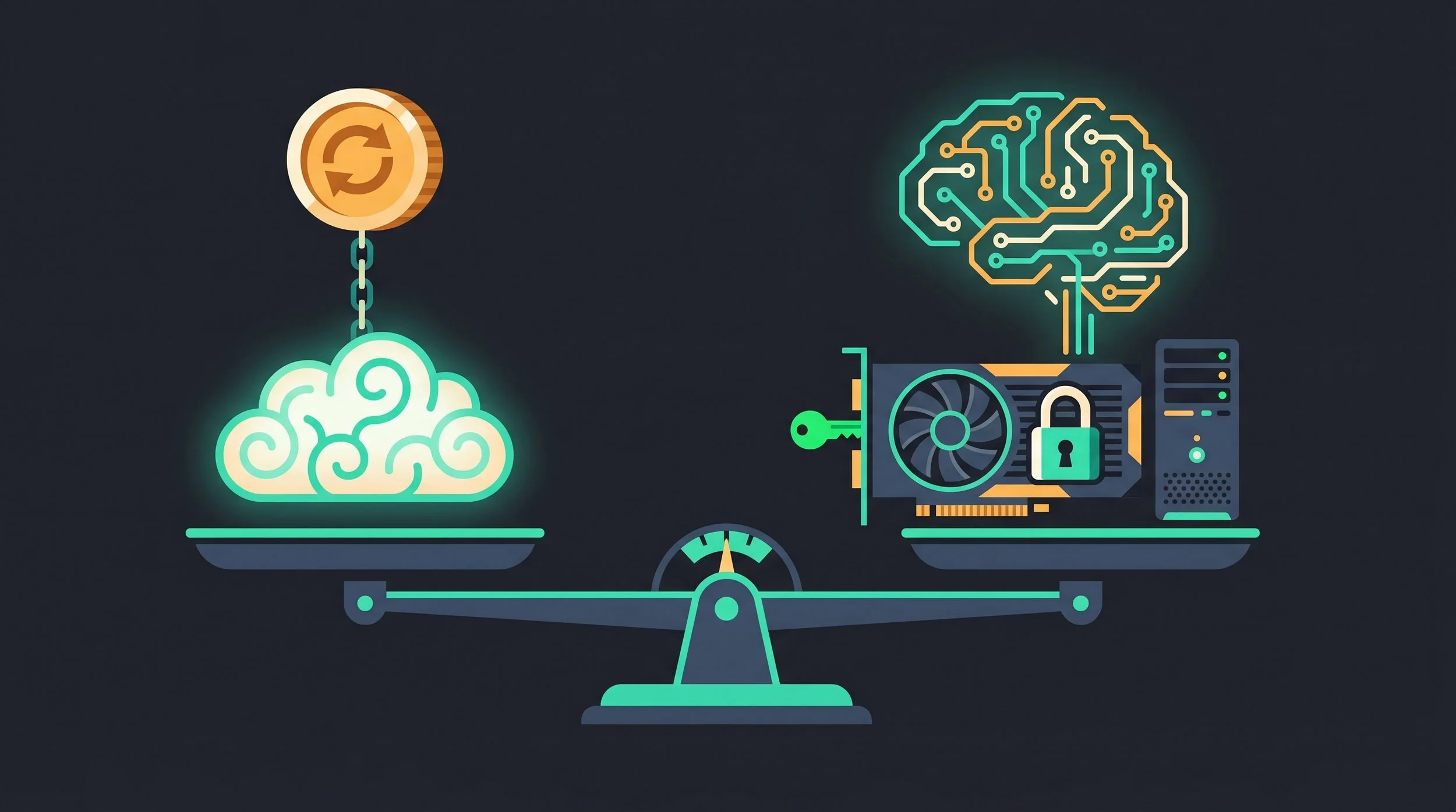
For most of us, the entry point into the world of Artificial Intelligence is a monthly subscription. For around $20 a month, you get access to a frontier-class model; Claude, GPT, or Gemini. It is a seamless, polished experience. There is no hardware to buy, no drivers to install, and fast responses. You just type, and the "cloud" answers.
But as we move deeper into the AI era, a critical question emerges: Is the $20 subscription a bargain, or is it a digital lease on your own intelligence?
At SourceBox, we believe in software independence. That means moving the intelligence from someone else's data center to your own desk. But the transition from cloud to local isn't just a software switch; it's a hardware challenge. To make the jump, you need to understand the physics of AI hardware.
You can learn more about the case for local model hosting here.
The "Cloud Brain": Convenience, Cost, and the Privacy Tax
The cloud model is designed for one thing: frictionless access. By clustering all the compute power in massive data centers, providers like OpenAI and Anthropic can offer "frontier-class" intelligence to anyone with a credit card.
The Capability Bar On the Artificial Analysis Intelligence Index, the frontier models (Claude Opus 4.8, GPT-5.5, Gemini 3.1 Pro) typically score between 57 and 61 points. This is the gold standard. This is the level of reasoning and creativity that we are all chasing.
The Hidden Price of "Free" and "Pro" While $20 a month seems affordable, it is a payment for a service, not an investment in a tool. The true cost is found in the "Privacy Tax”, the true price of convenience.
On consumer plans, model training on your content is opt-out, not opt-in. For example, Anthropic’s "Help improve Claude" toggle defaults to ON. If you don't manually disable it, your private prompts, your business strategies, and your personal anxieties are ingested into the model's training set. In some cases, retention for these non-opt-out users is extended to five years.
Furthermore, you are subject to "The Landlord's Throttling." We've seen "Pro" users hit opaque usage limits, five-hour rolling windows, and multi-day lockouts. When you rent your brain, you are subject to the provider's capacity and their whims.
The Golden Rule of Local AI: Memory is Everything
If you want to run a model locally, you have to stop thinking about "CPU speed" and start thinking about Memory. In the world of LLMs, the bottleneck is almost never the processor; it is the Memory Bandwidth.
Capacity: The "What Fits" Problem
A model's size is determined by its parameters (e.g., an 8B model has 8 billion parameters). To run a model, those parameters must be loaded into the GPU's VRAM.
The amount of VRAM you need depends on Quantization. Quantization is the process of compressing the model's weights to save space.
Q4 (4-bit): The "Sweet Spot." High efficiency with minimal quality loss. Requires ~0.5 GB per 1B parameters. (e.g., a 70B model needs ~40 GB).
Q8 (8-bit): Near-lossless quality. Requires ~1 GB per 1B parameters. (e.g., a 70B model needs ~70 GB).
FP16 (Full Precision): Professional grade. Requires ~2 GB per 1B parameters. (e.g., a 70B model needs ~140 GB).
The Bottom Line: If your VRAM is too small, the model simply won't load. If you try to "offload" to system RAM, your speed will drop from "instant" to "painfully slow."
Bandwidth: The "How Fast" Problem
Once a model fits in memory, the next question is: How fast can it talk?
Token generation (the "decode" phase) is memory-bandwidth bound. This means the AI doesn't care how "fast" your GPU core is; it only cares how fast it can move those weights from the memory to the processor.
The Formula:
This explains why a high-end NVIDIA GPU with a massive bus (like the 3090/4090) feels "instant," while a Mini-PC with 128GB of slow RAM can hold a massive model but generates text at a crawl.
The Hardware Tiers: Mapping Your Budget to Your Brain
Depending on your budget and your needs, there are four primary paths to a local AI brain. They span a wide spectrum, from quietly repurposing the gaming GPU already sitting in your closet, all the way up to a dedicated machine that hosts a frontier-class model entirely on your own premises.
The mistake most newcomers make is chasing the biggest number on the spec sheet, when each step up the ladder really only buys you more of the two things that actually matter: the memory capacity to fit a larger model, and the memory bandwidth to run it at a speed you'll actually tolerate. So be honest about the work you're really doing, the best tier isn't the most powerful one, it's the one that matches your workload.
The Hardware Tiers
An existing gaming GPU or a Mac Mini. Runs 8B–14B models — great for drafting, summarizing, and light coding.
A used RTX 3090 (24GB) for ~$1,000. The sweet spot: 32B models comfortably, smaller ones at lightning speed.
RTX 5090 (32GB) or a Mac Studio (64–128GB). You enter 70B territory and far deeper context.
Mac Studio M3 Ultra (up to 512GB) or a big-memory box — the only way to host the 120B-class "Titans" at home.
Tier 1: The Dabbler (The "Budget" Entry)
Hardware: Existing gaming GPU (8–12 GB VRAM) or a Mac Mini M4. The Experience: You can comfortably run 8B to 14B models (like Llama 3 or Phi) at Q4 quantization. Best Use Case: Drafting emails, summarizing local files via SearchBox, and light coding assistance. This tier is for the user who wants to "dip their toes" into local AI without spending a dime on new hardware.
Tier 2: The Entry-Level Pro (The Value King)
Hardware: A used RTX 3090 (24 GB) + a modest host system (~$1,000 total). The Experience: This is the "Sovereign Sweet Spot." With 24GB of VRAM, you can run 32B models comfortably and 8B-14B models at lightning speed. The Verdict: The used 3090 is the most cost-effective way to get professional-grade local AI. It provides the bandwidth and capacity needed for most daily assistant and private RAG workloads.
Tier 3: The Mid-Range Powerhouse (The Context King)
Hardware:RTX 5090 (32 GB) or Mac Studio M4 Max (64–128 GB). The Experience: You enter the realm of the 70B models. On a Mac Studio, you can hold a 70B model (Q4) easily. While the "prefill" (time to first token) is slower than NVIDIA, the sheer capacity allows for much deeper reasoning and longer context windows. The Verdict: This is for the professional who needs near-frontier reasoning for a large volume of work.
Tier 4: The "Frontier" Host (The Big-Model Build)
Hardware:Mac Studio M3 Ultra (up to 512 GB) or an NVIDIA DGX Spark / Strix Halo setup. The Experience: This is the only way to run the "Titans" as in models like gpt-oss-120B. With 128GB to 512GB of unified memory, you can run massive MoE (Mixture of Experts) models. The Verdict: This is the "owner" tier. You are no longer just using a model; you are hosting what amounts to a frontier-class intelligence on your own premises.
The Honest Reality Check: Capability and TCO
Is local AI a 1:1 replacement for the $20/month brain? The honest answer is: No, but it's close enough for most.
The Capability Gap The best open-weight models (Kimi K2.6, DeepSeek V4, etc.) generally trail the absolute frontier (Claude Opus 4.8 / GPT-5.5) by about 3–7 points on intelligence indexes. For 95% of tasks such as summarizing, drafting, and coding you will not notice the difference. The gap only appears in the hardest 5% of complex reasoning.
The TCO (Total Cost of Ownership) Let's talk about the "Hidden Cost": Electricity.
The Cloud: Your only cost is the subscription.
The Local Rig: A high-end GPU (like a 4090/5090) can pull 450W-600W under load. Depending on your electricity rate, running a big rig 24/7 can actually rival the cost of a $20 subscription.
The Sovereign Hack: Use low-idle hardware. A Mac Mini or a Mini-PC (like the Strix Halo) can keep your models active with a fraction of the power draw, making the "payback period" much shorter.
Summary: The Break-Even Point
If you are a light user who only needs an AI for a few prompts a day, the cloud is mathematically cheaper. But if you are a power user, a developer, or a privacy advocate, the cloud is a liability.
When Local-First wins:
Privacy: You need a "zero-knowledge" environment for sensitive data.
Availability: You need your tools to work offline or without rate limits.
Dual-Use: You already own a GPU for gaming, rendering, or dev work.
Sovereignty: You want to ensure that your digital intelligence cannot be "cancelled" by a corporate provider.
Stop renting your intelligence. Start owning the machine.
Stop renting your digital existence.
Buy a board, spin up a container, take your data back.
