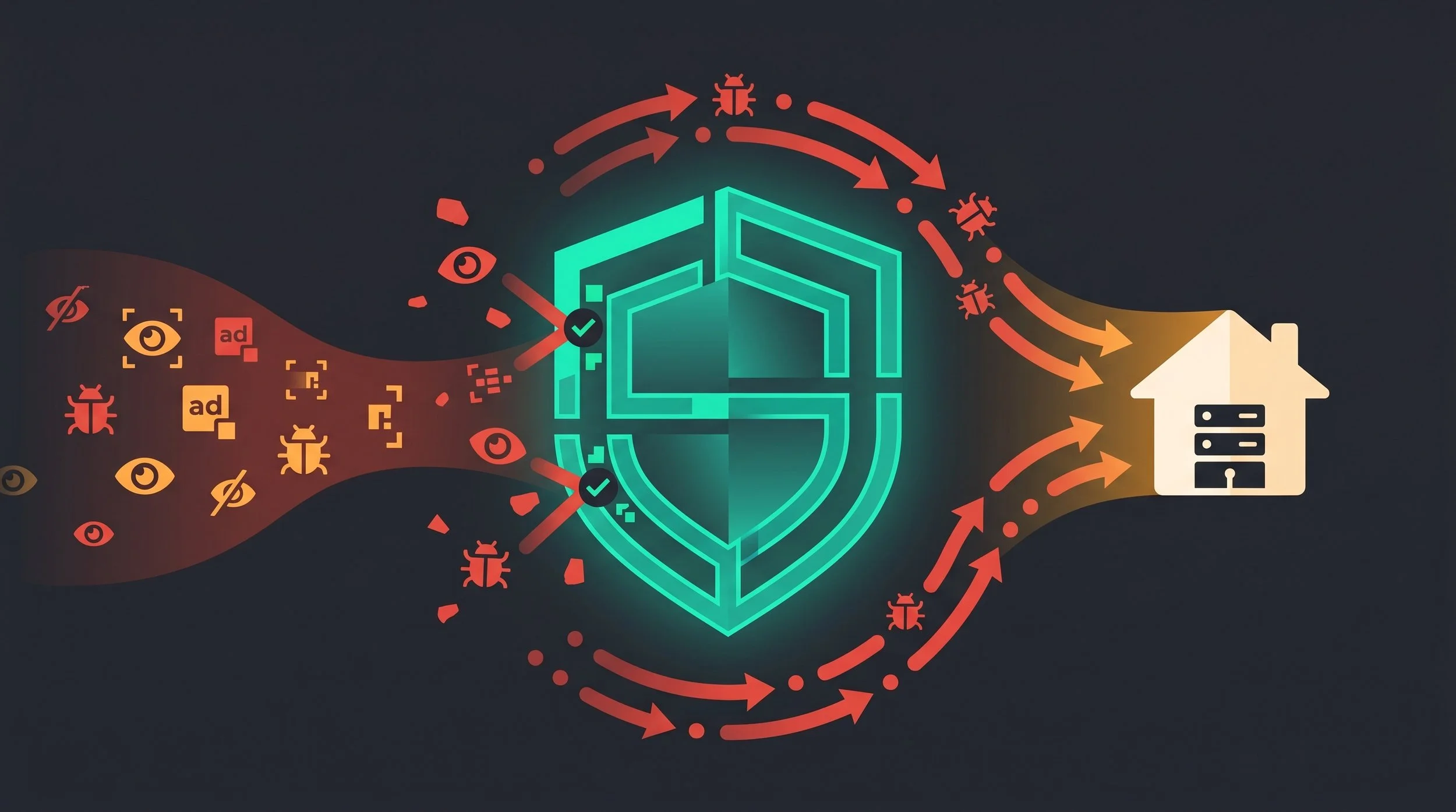
teal DNS shield shatters the frontal wave of trackers
By S’Bussiso Dube/SourceBox Team
You did the thing. You spun up Pi-hole on a Raspberry Pi, pointed your router at it, watched the dashboard tick up — 14% of queries blocked, and felt the little dopamine hit. Maybe you went further and switched on encrypted DNS, DoH or DoT, so your ISP (Internet Service Provider e.g. Comcast/Xfinity) couldn't snoop on your lookups. It feels like you finally closed the door on the trackers.
I love that setup. I run it. But somebody has to tell you: the door you closed has a few windows you can't see, and some of them are wide open.
This is not a "Pi-hole is pointless" article, in fact it’s the opposite. DNS-level blocking is one of the highest-value things a self-hoster can run, and you should. But it's a first layer, not a finished solution, and the gap between what people think it does and what it actually does is big enough to drive a tracking pixel through. Here's exactly where DNS stops saving you and what to put behind it.
First, credit where it's due
Let's be fair about what your setup genuinely does, because the rest of this only makes sense once you know the boundary.
DNS blocking (Pi-hole, AdGuard Home) works by refusing to resolve known ad and tracker domains. Every device on your network benefits, no per-device app required. For the bulk of third-party ad and analytics domains, that's real, measurable blocking and it's why your phone's browser feels cleaner the moment you set it up.
Encrypted DNS (DoH/DoT) does a real job too, just a narrow one. Normally, everyone on the path between your device and your resolver such as the coffee-shop Wi-Fi, your ISP, transit providers all can watch and even tamper with your DNS lookups. DoH and DoT encrypt that one hop, so your ISP can no longer build a tidy log of every domain you resolve and sell it.
Genuine wins. Now here's the part nobody tells you.
The big one: encrypted DNS doesn't hide where you go
Encrypted DNS closes one door. Two stay wide open.
What an on-path observer (your ISP) can still see every time you load a site.
This is the misconception that does the most damage, so let's kill it first. People turn on encrypted DNS and believe they're now browsing privately. They're not. Encrypting your DNS query only hides one of the channels that reveal which site you're visiting and there are at least three.
When you connect to a website over HTTPS, two things leak in the clear before any encryption kicks in:
The destination IP address. Your ISP sees exactly which server you're talking to.
The SNI — Server Name Indication. At the very start of every TLS handshake, your browser announces the hostname it wants (www.yourbank.com) in plaintext, so the server knows which certificate to send. Anyone on the path reads it.
The page contents are encrypted. Which site you're on is not. The IETF's (Internet Engineering Task Force) own standard puts it bluntly: the plaintext SNI is "perhaps the most sensitive information left unencrypted in TLS 1.3." Encrypting your DNS query while leaving the SNI exposed is like sealing the envelope but writing the recipient on the outside in marker which was the interesting part anyway.
"But there's a fix, right?" There is: ECH — Encrypted Client Hello. It encrypts that opening handshake so an observer sees only the hosting provider a site sits behind, not the specific site. Two honest catches. First, it only hides you inside the crowd of other sites on the same provider, a site sitting alone behind its host isn't hidden at all. Second, as of the most recent measurements, it's barely deployed: a 2025 study found ECH effectively Cloudflare-only, advertised by under 18% of the top million domains, and the number was actually declining. Other big providers are starting to adopt it, so this will improve but today, for most of the web, the SNI gap is wide open, encrypted DNS or not.
So: encrypted DNS stops your ISP from logging your queries. It does not stop them from seeing your destinations. Different problems and DNS only solves the first.
Bypass #1: the browser that ignores your Pi-hole
Here's a fun one to test. Set up Pi-hole, then open Chrome and visit a site you know you blocked. Sometimes it loads anyway. Why?
Because modern browsers can do their own DNS, over their own encrypted channel, completely around your network. Firefox turns on DoH automatically in some regions, sending lookups to a partner resolver instead of your Pi-hole. Chrome, Chromium, and Brave have been caught tunneling DoH straight to dns.google to resolve things, including domains you blocked.
There's partial good news. Firefox honors a "canary" domain (use-application-dns.net) that lets your network say "don't use your own DNS here," and Pi-hole publishes it, so default Firefox backs off. But that only works for users on the default setting; flip Firefox to "Max Protection" and it ignores your network entirely. For Chromium, the common fix is to block dns.google at the Pi-hole and note that Chrome won't even let you point its secure DNS at your own resolver.
The lesson: an app that brings its own DNS doesn't care what your router says. Asking politely isn't enough which is why real enforcement happens at the firewall (we'll get there).
Bypass #2: the gadget that never asks
Worse than a browser bringing its own DNS is a device that never asks yours in the first place. A whole category of hardware such as Chromecast, Google Home, Android TVs, a pile of IoT junk often has DNS servers like 8.8.8.8 hardcoded and flatly ignores the DNS server your router hands out over DHCP. Your Pi-hole never sees the query, so it can't block a thing.
The fix is a firewall trick: a NAT redirect rule that intercepts all port-53 traffic on your network and quietly sends it to your Pi-hole, no matter where the device thinks it's going. The gadget believes Google answered; really, your resolver did.
One honest gotcha worth its own sentence: redirect, don't block. If you just blackhole 8.8.8.8, then some devices like Chromecast simply stop working because they famously use it as an "is the internet up?" signal. Redirecting keeps them happy and under your control.
Bypass #3: trackers that share a roof with the content
Even when every query does reach your Pi-hole, DNS blocking has a built-in blind spot: it only sees whole domains. It can't block one path on a site, and it can't tell a tracker from real content when they live on the same domain. The moment a site serves analytics from its own hostname, or a connection uses a raw IP the DNS has nothing to grab onto.
Trackers have weaponized this with a trick called CNAME cloaking. The tracking company gets the website to create a first-party subdomain (say metrics.coolsite.com) that secretly points (via a CNAME DNS record) to the tracker's own servers. Now the tracker looks like part of the site you're visiting. And because every site uses its own custom subdomain, a blocklist can't keep up: there's no single domain to block, just an endless supply of disguises.
This is where a browser content blocker does what DNS can't. uBlock Origin follows the CNAME chain and blocks the real target underneath although, annoyingly, only on Firefox (Chrome's extensions still can't resolve DNS). In the studies that measured it, uBO caught roughly 70% of cloaked trackers; the cheaper blockers caught almost none.
To be fair to DNS (because this isn't a hit piece) the good resolvers fought back. Pi-hole, AdGuard, and NextDNS added "deep CNAME inspection" that follows those records and blocks the cloaked target. So DNS blocking isn't helpless here; it just needed an upgrade, and it's not the strongest tool for the job.
Three ways traffic slips past your Pi-hole
dns.google; serve the Firefox canary domain.8.8.8.8 and ignore your DHCP DNS.The unglamorous reality: it breaks stuff
One more, because anyone who's run this knows: aggressive blocklists break things. A login widget vanishes, a "pay now" button does nothing, an app won't load its content, and someone in the house yells that the Wi-Fi is broken. DNS blocking has a maintenance tax and a false-positive problem, and the harder you crank it, the more you'll be hand-editing allowlists at 11 p.m. Worth it but not exactly "set and forget."
So what actually saves you? Layers.
The stack that actually holds up
Each layer covers a hole the others leave open.
None of this means tear down the Pi-hole. It means stop treating it as the whole defense and start treating it as the foundation. Here's the stack that actually holds up:
Force all DNS through your resolver. On a real firewall: NAT-redirect outbound port 53 to your Pi-hole, block port 853, and blocklist known DoH endpoints like dns.google. Honest caveat: DoH endpoints share IPs with ordinary websites, so this is strong but not airtight, it closes the easy bypasses but not every single one.
Segment your network with VLANs. Put the smart TVs and IoT on their own VLAN so their chatter can't see or reach the rest of your stuff.
Run uBlock Origin in the browser. This is the layer that does the path/element/CNAME blocking DNS structurally can't. On Firefox, ideally, for the CNAME uncloaking.
Add IP-level privacy where it matters. Because encrypted DNS doesn't hide destinations, a VPN (or Tor for the serious stuff) is what actually conceals which sites and IPs you reach from your ISP.
Keep encrypted DNS — for what it's for. It stops ISP query logging and tampering; turn on ECH where it's available. Just don't mistake it for a cloak of invisibility.
Each layer covers a hole the others leave open. That's the entire idea.
The bottom line
DNS blocking is one of the best first moves in self-hosting. It's cheap, it's network-wide, and it genuinely cleans up your traffic. But "I set up Pi-hole" is not the same sentence as "I'm private." The browser brought its own DNS, the smart TV never asked yours, the tracker moved in next door to the content, and your ISP could see every destination the whole time.
DNS isn't enough to save you. It was never meant to be the wall just the first brick. Go lay the rest.
Stop renting your digital existence.
Buy a board, spin up a container, take your data back.
