Open Source Alternatives in 2026: A Brief Guide
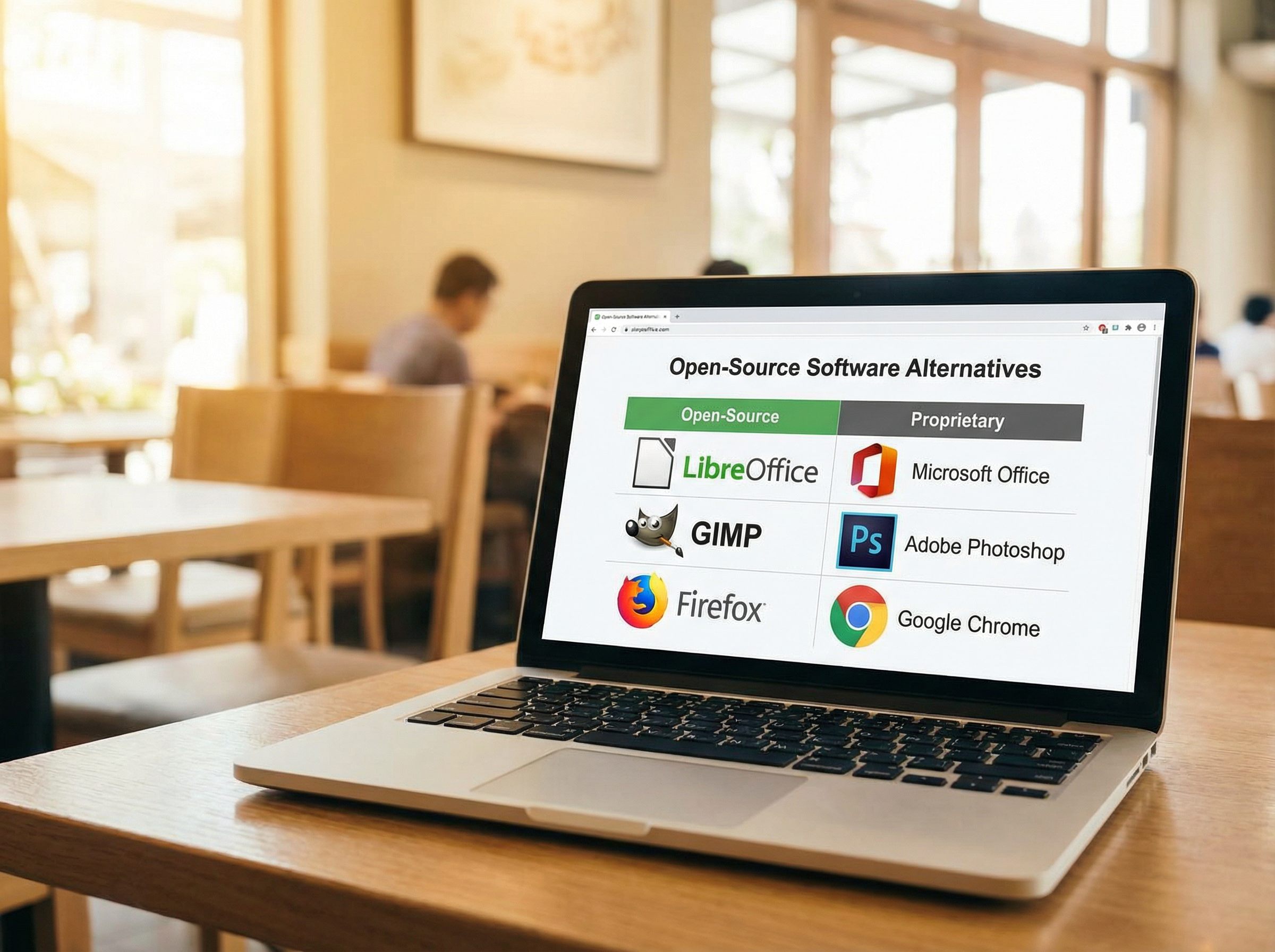
Laptop with software alternatives
By S’Bussiso Dube/SourceBox Team
Updated June 6, 2026
Big Tech wants three things: your data, your recurring revenue, and your dependency.
Microsoft charges you for the privilege of using tools that spy on your documents. Google reads your emails to build an advertising profile. AWS locks you into an ecosystem where leaving is technically impossible. And AI giants like OpenAI log your deepest conversations to train their next model. The pitch is always the same: "Trust us. It's convenient."
But in 2026, convenience is no longer a valid excuse for surrender.
The open-source landscape has matured. We are no longer in an era where self-hosting is a "hobbyist compromise." Today, open-source alternatives are not just "good enough", they are superior to their commercial counterparts in privacy, flexibility, and long-term cost. You can run your own email server, host your own cloud, and use AI models locally without sending a single byte to a Big Tech data center.
This guide is a comprehensive catalog of the best open-source alternatives available in 2026. We have expanded this list to cover every major category of software, with detailed explanations of each option so you can choose the solution that fits your technical level and needs.
Some Brief Open-Source Swap Examples
Replaces network-wide ads & trackers
Replaces 1Password / LastPass
Replaces Netflix / Plex
Replaces Google Drive / Dropbox
Replaces SmartThings / cloud hubs
Replaces Dropbox sync
Office Suites & Productivity
The Trap: Microsoft 365, Google Workspace
The Sovereign Alternatives:
LibreOffice
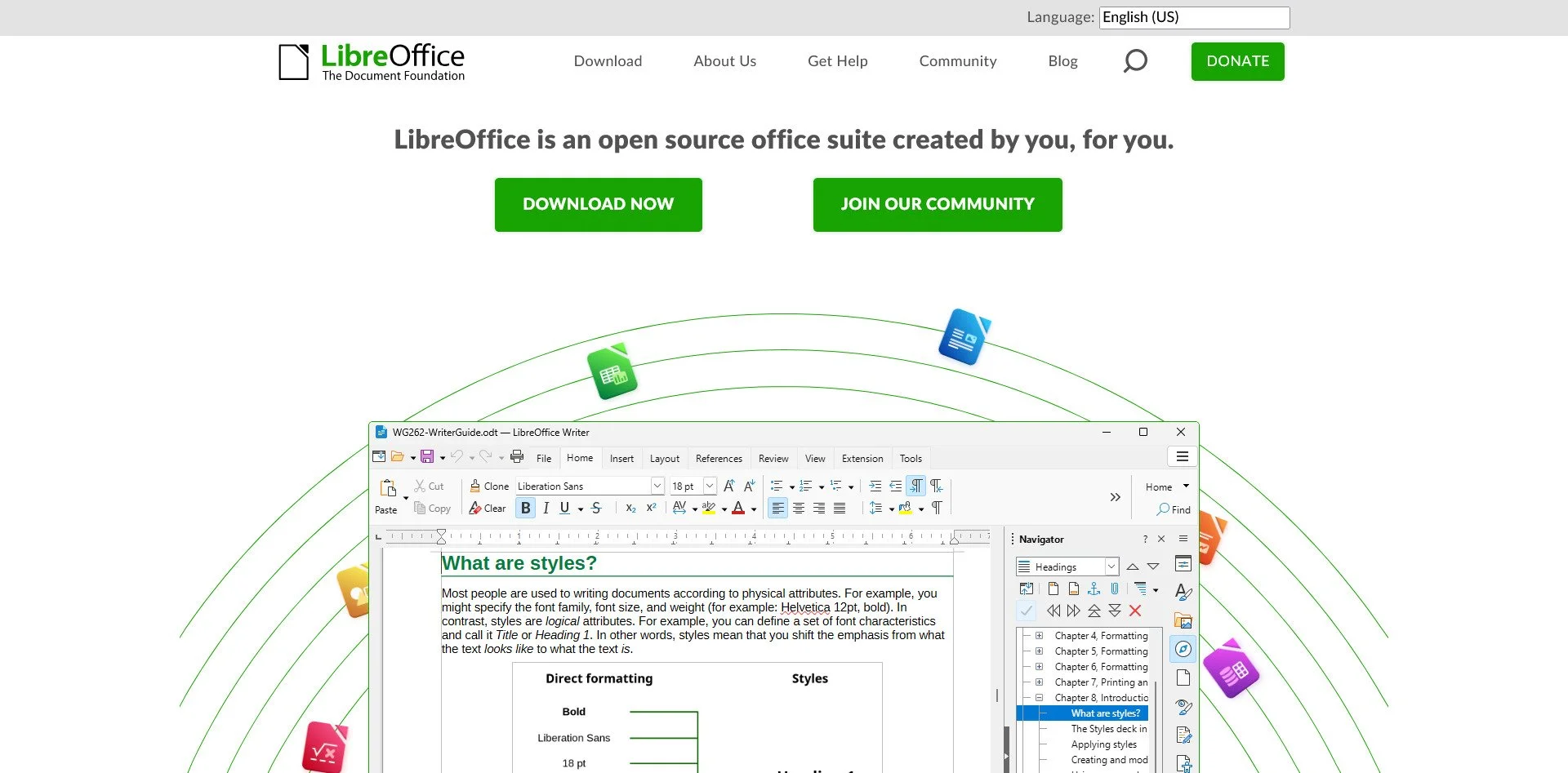
LibreOffice Website
LibreOffice is the bedrock of open-source productivity. Developed by The Document Foundation, it is a complete office suite that includes Writer (word processing), Calc (spreadsheets), Impress (presentations), Draw (vector graphics), Base (database), and Math (formula editing). It supports all major file formats including Microsoft Office's .docx, .xlsx, and .pptx. There is no telemetry, no account requirement, and no subscription. It is simply yours.
OnlyOffice
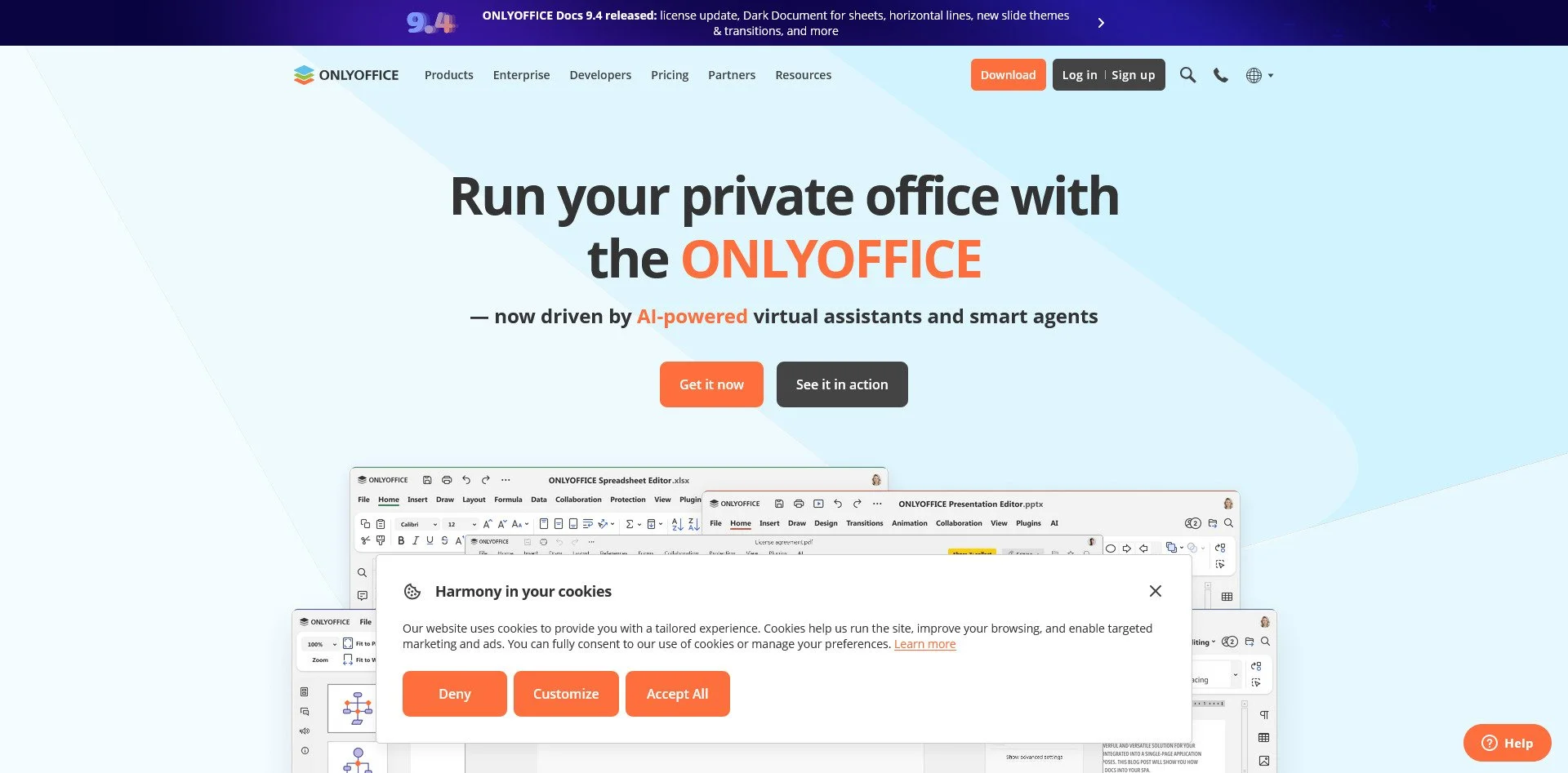
OnlyOffice Website
OnlyOffice offers a more modern interface that closely resembles Microsoft Office, making it an easier transition for corporate refugees. Its standout feature is real-time collaboration—multiple users can edit documents simultaneously, similar to Google Docs. It is ideal for teams that need to work together without surrendering their data to Google's servers.
Calligra Suite
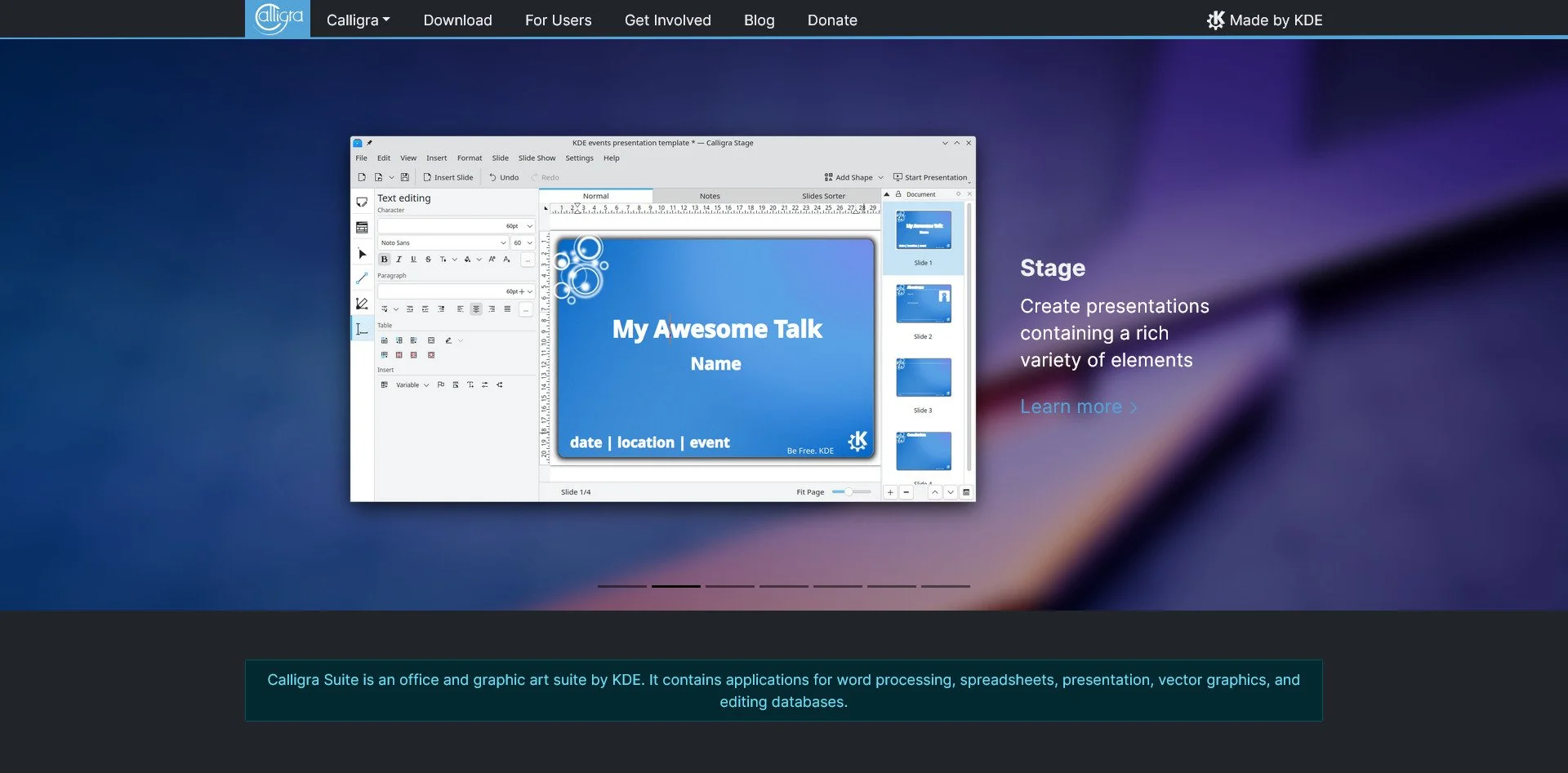
Calligra Suite Website
Calligra is designed for creative professionals. Beyond standard office tools, it includes Karbon (vector graphics) and Braindump (mind-mapping). It is less compatible with Microsoft formats than LibreOffice, but it offers unique creative tools that Microsoft simply does not provide.
WPS Office (Linux Version)
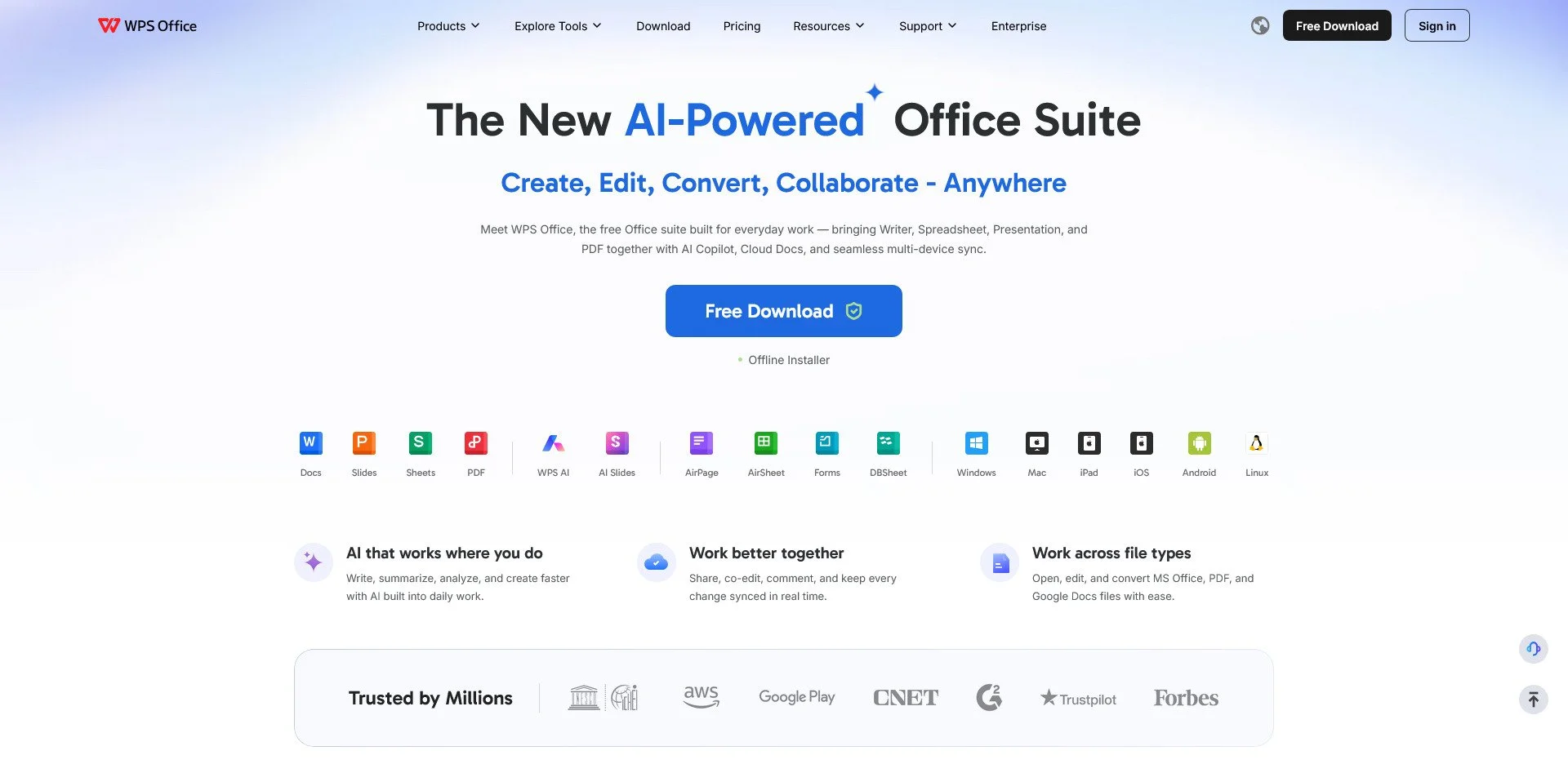
WPS Office Website
WPS Office provides the closest interface to Microsoft Office available. If you are a veteran of the Ribbon UI and do not want to relearn workflows, WPS is the smoothest transition. Note that while it is free, some advanced features require a premium subscription, and it is not fully open-source.
CryptPad
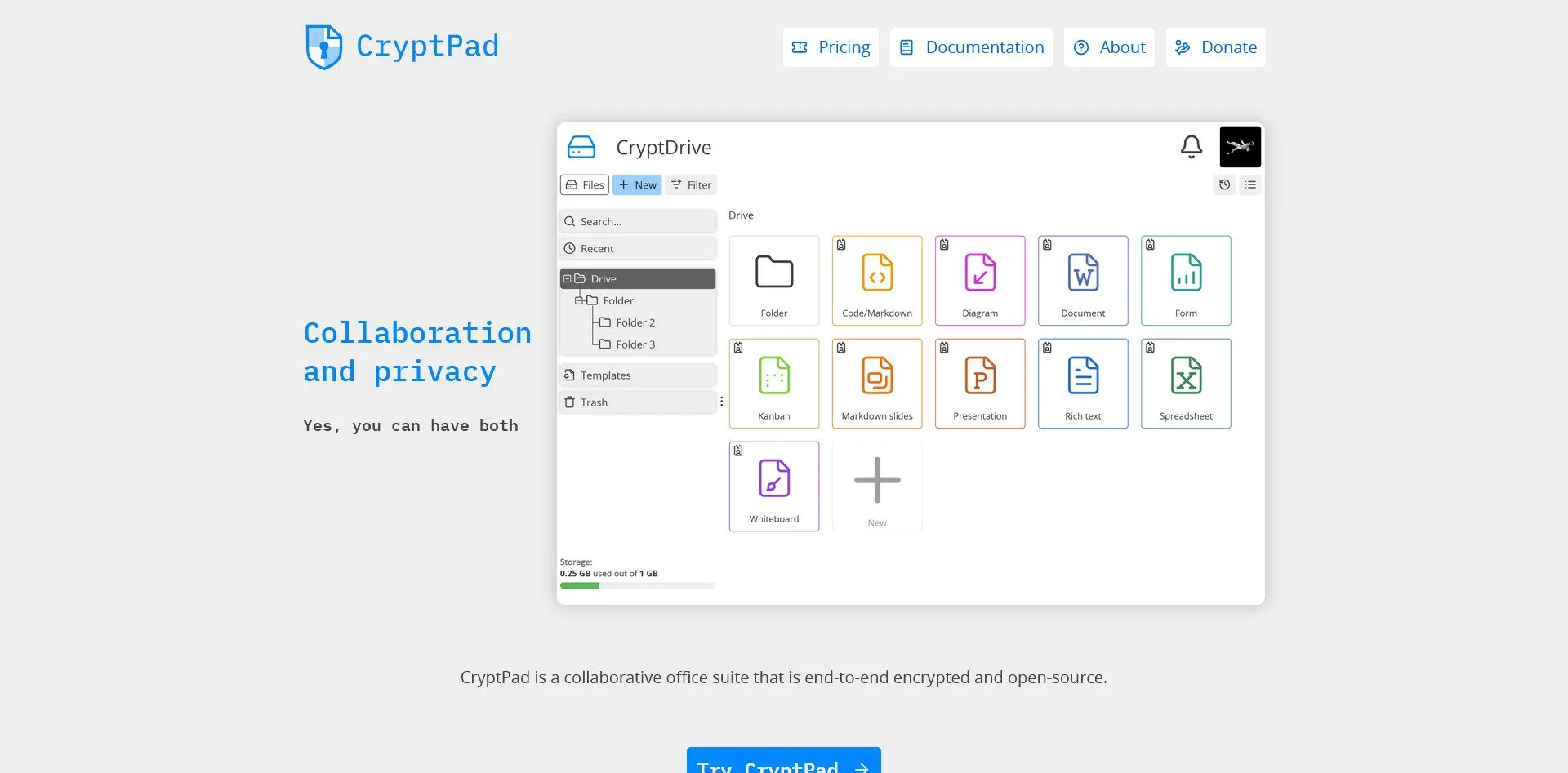
CryptPad Website
CryptPad is for those who need collaboration with maximum security. Every document is end-to-end encrypted, meaning even the server administrator cannot read what you are writing. It is ideal for sensitive projects, legal documents, or any work that requires confidentiality.
The SourceBox Edge: Once you have your documents local, the next step is finding them. Instead of paying for a cloud search index, deploy SourceBox SearchBox. It indexes your local LibreOffice files using AI, letting you ask questions like "What did I write about the Q3 budget?" without your data ever leaving your disk.
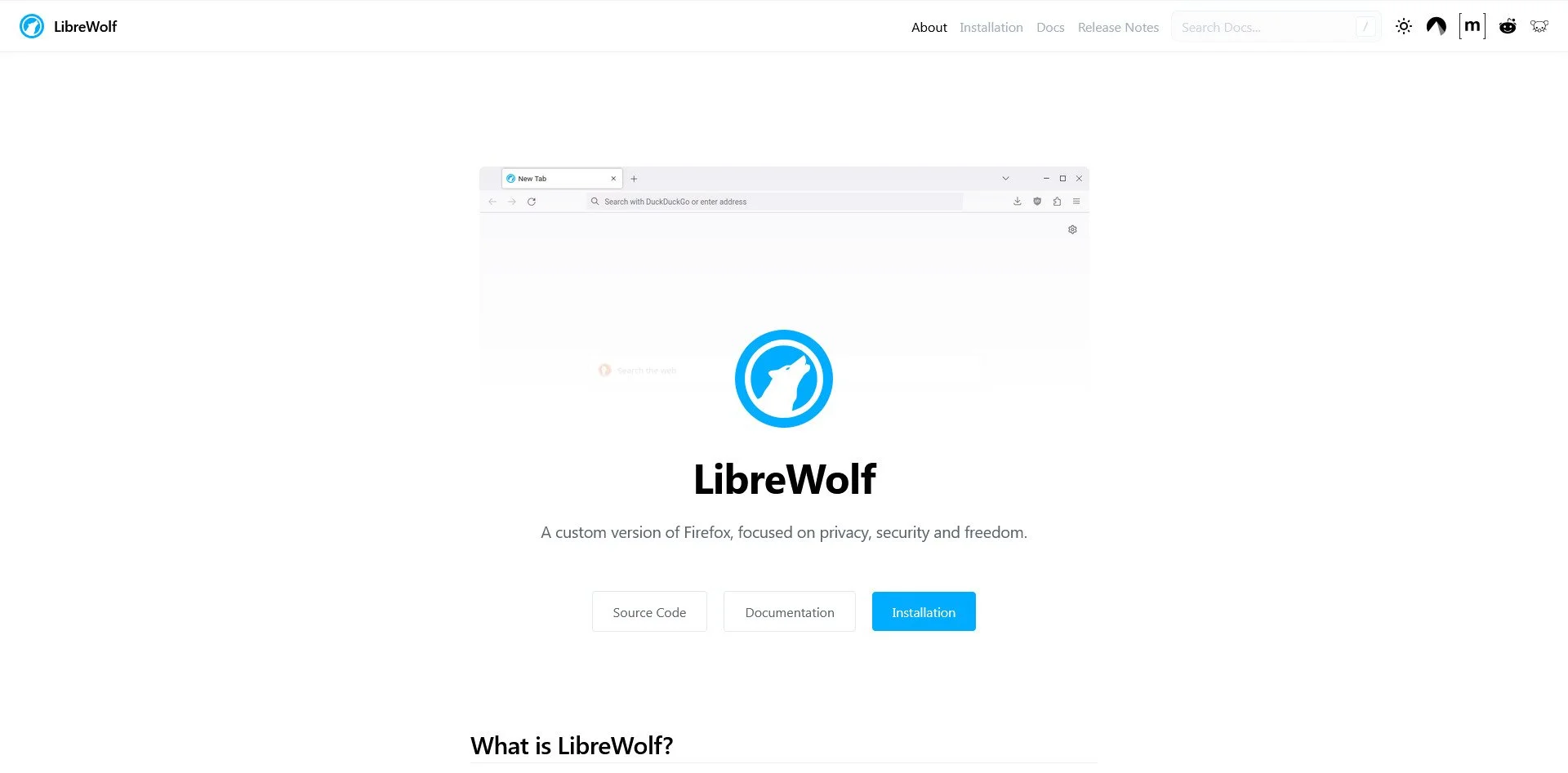
LibreWolf Website
LibreWolf is a fork of Firefox with one goal: Privacy by Default. It strips out all telemetry, removes "Pocket" integration, and comes with uBlock Origin pre-installed. It does not just "allow" you to block trackers; it assumes you want to block them. Out of the box, it is more private than 99% of browser configurations.
Firefox (Hardened)
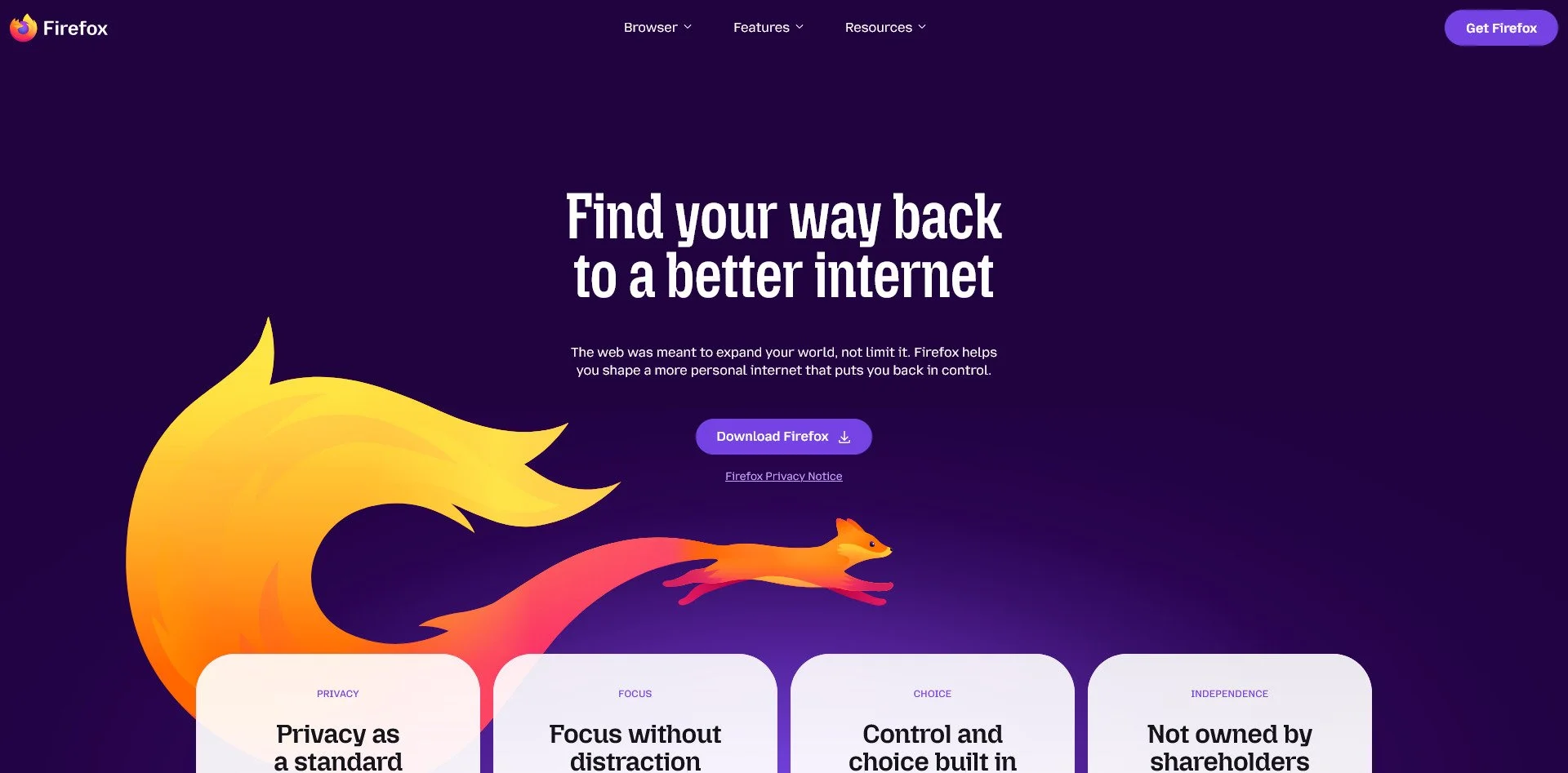
Firefox Website
Standard Firefox is good, but a "hardened" Firefox is exceptional. By applying the arkenfox-user.js configuration, you gain granular control over every privacy setting. This requires maintenance as updates can overwrite settings, but it offers the highest level of customization for users who want to tune their browser to their exact specifications.
Brave
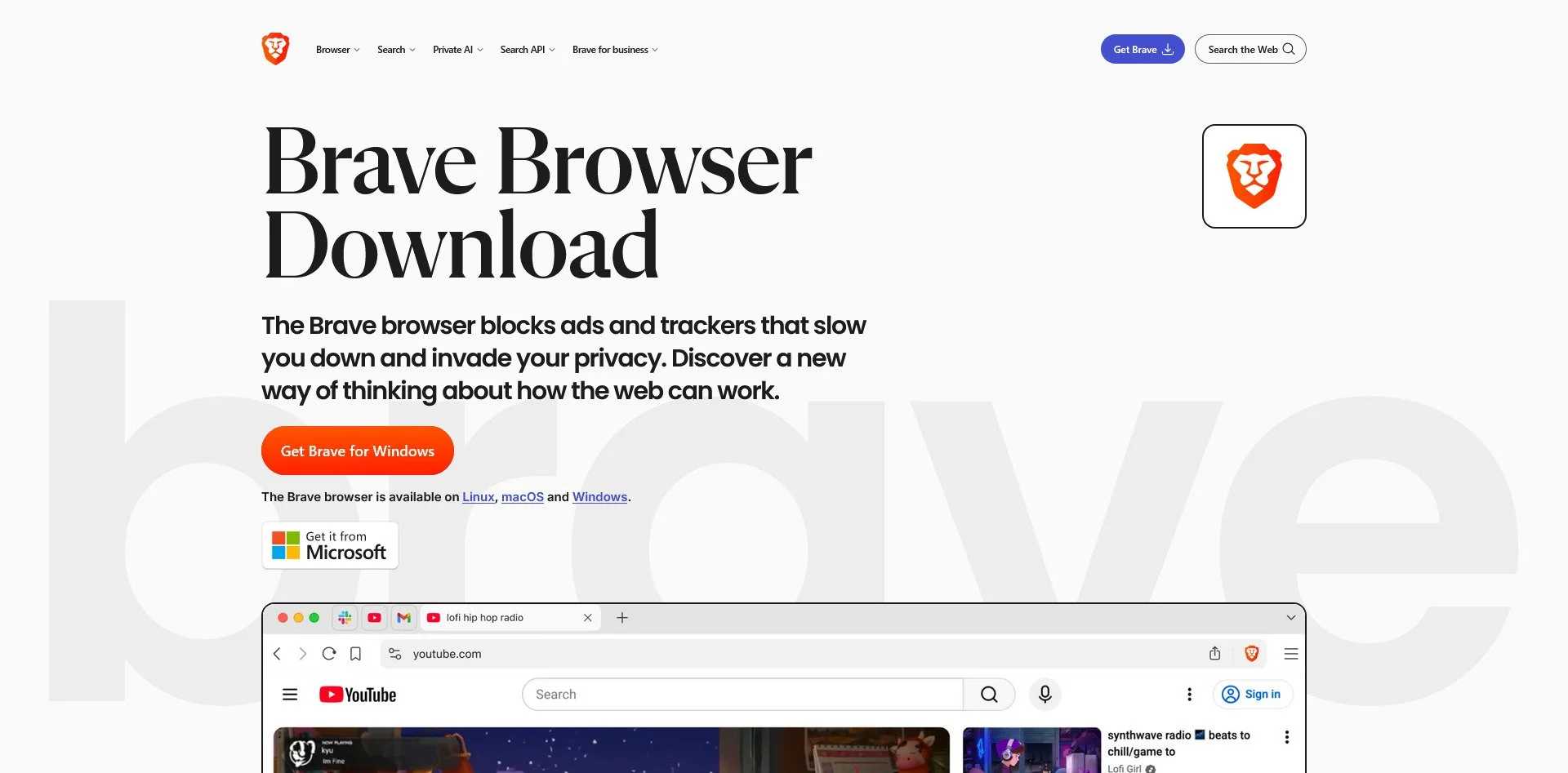
Brave Browser Website
Brave is built on Chromium, meaning it supports all Chrome extensions, but it removes Google's tracking code. It has a built-in ad blocker, Tor tabs for private browsing, and a rewards system (which you can ignore if you do not want cryptocurrency). It is the easiest transition for Chrome users who want privacy without configuration.
Ungoogled Chromium
ungoogled-chromium Website
This is Chromium without any Google services whatsoever. It is the purest form of the Chrome engine, stripped of all proprietary code and telemetry. It does not auto-update (you must manage updates yourself), but it is the closest you can get to Chrome without trusting Google.
Tor Browser
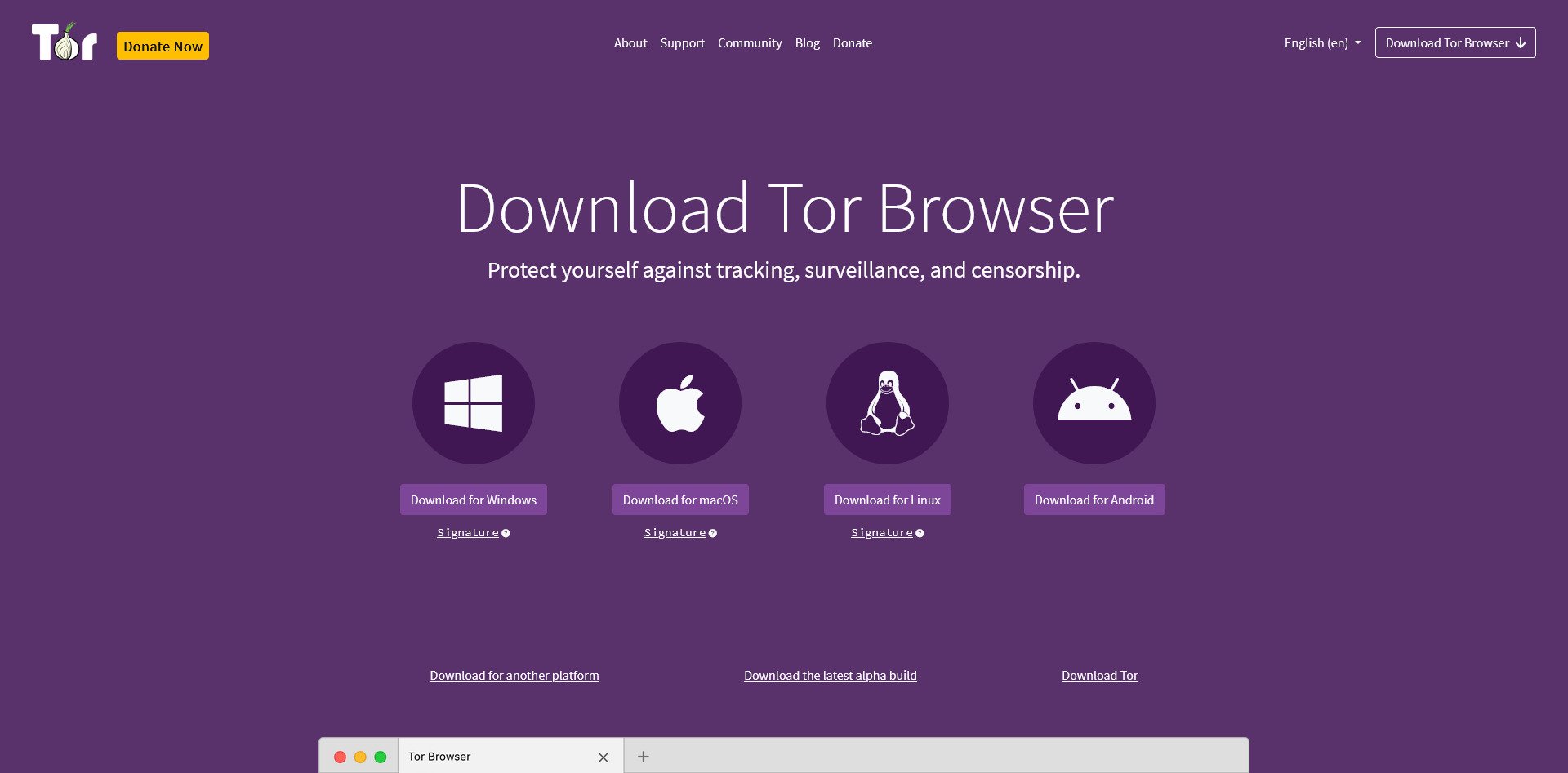
Tor Browser Website
Tor Browser routes your traffic through the Tor network, making it nearly impossible to trace your activity back to you. It is slower than standard browsers, but it is the gold standard for anonymity. Use it when you need to browse without leaving any trace of your identity or location.
Mullvad Browser
Mullvad Browser Website
Developed in partnership between Mullvad VPN and the Tor Project, this browser focuses on anti-fingerprinting. It makes your browser look identical to thousands of other users, making it impossible for websites to identify you based on your unique browser signature.

ProtonMail Website
Proton Mail is the most popular privacy-focused email service. Based in Switzerland, it offers end-to-end encryption, meaning even Proton cannot read your emails. It has a free tier, supports custom domains on paid plans, and includes a calendar and contact sync. It is the best option for those who want privacy without the complexity of self-hosting.
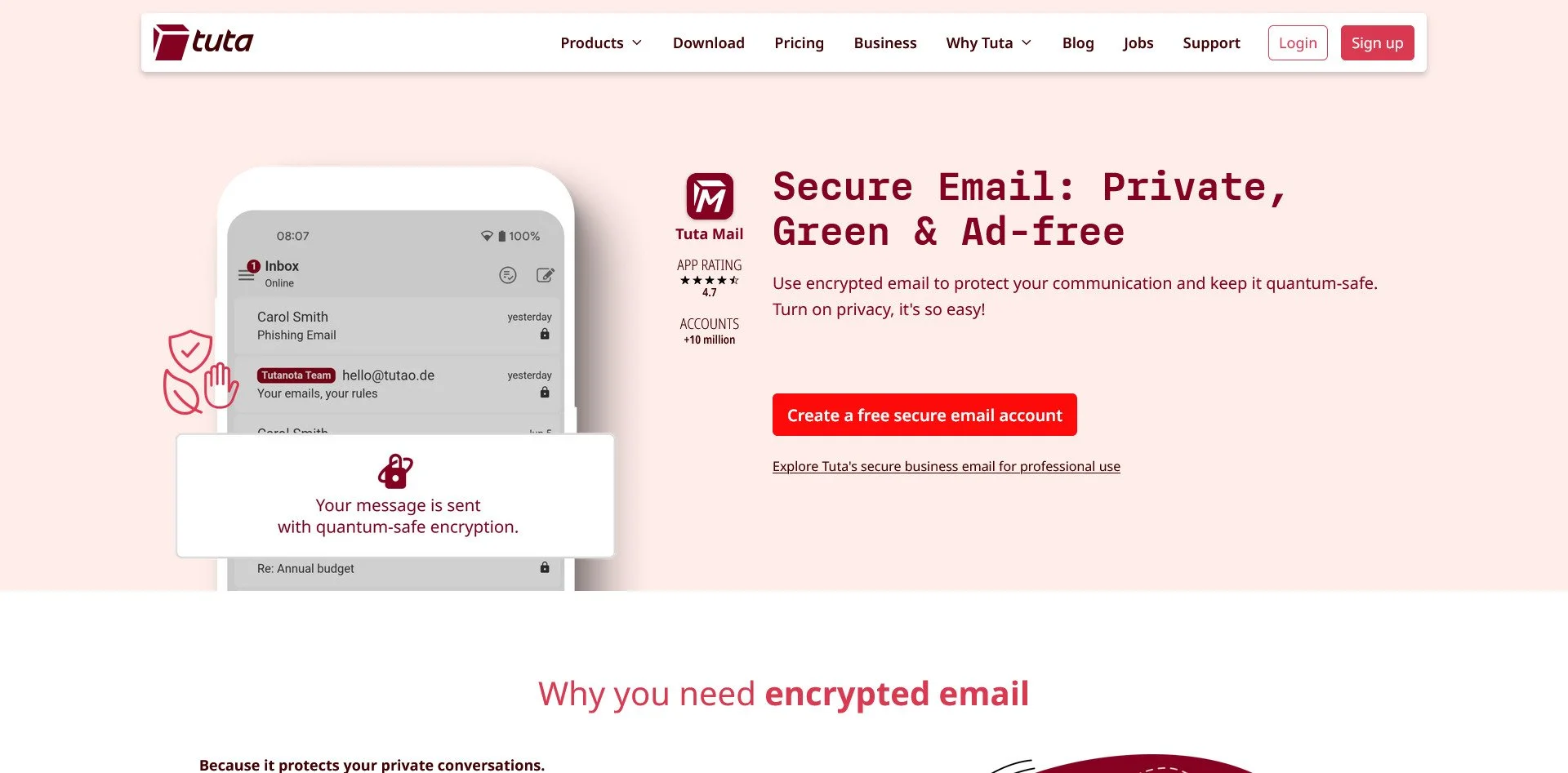
Tutanota
Tutanota Website
Tutanota is a German-based encrypted email service similar to Proton. It encrypts not just emails but also contacts and calendar entries. It is generally more affordable than Proton and offers a generous free tier. The interface is less polished, but the security is exceptional.
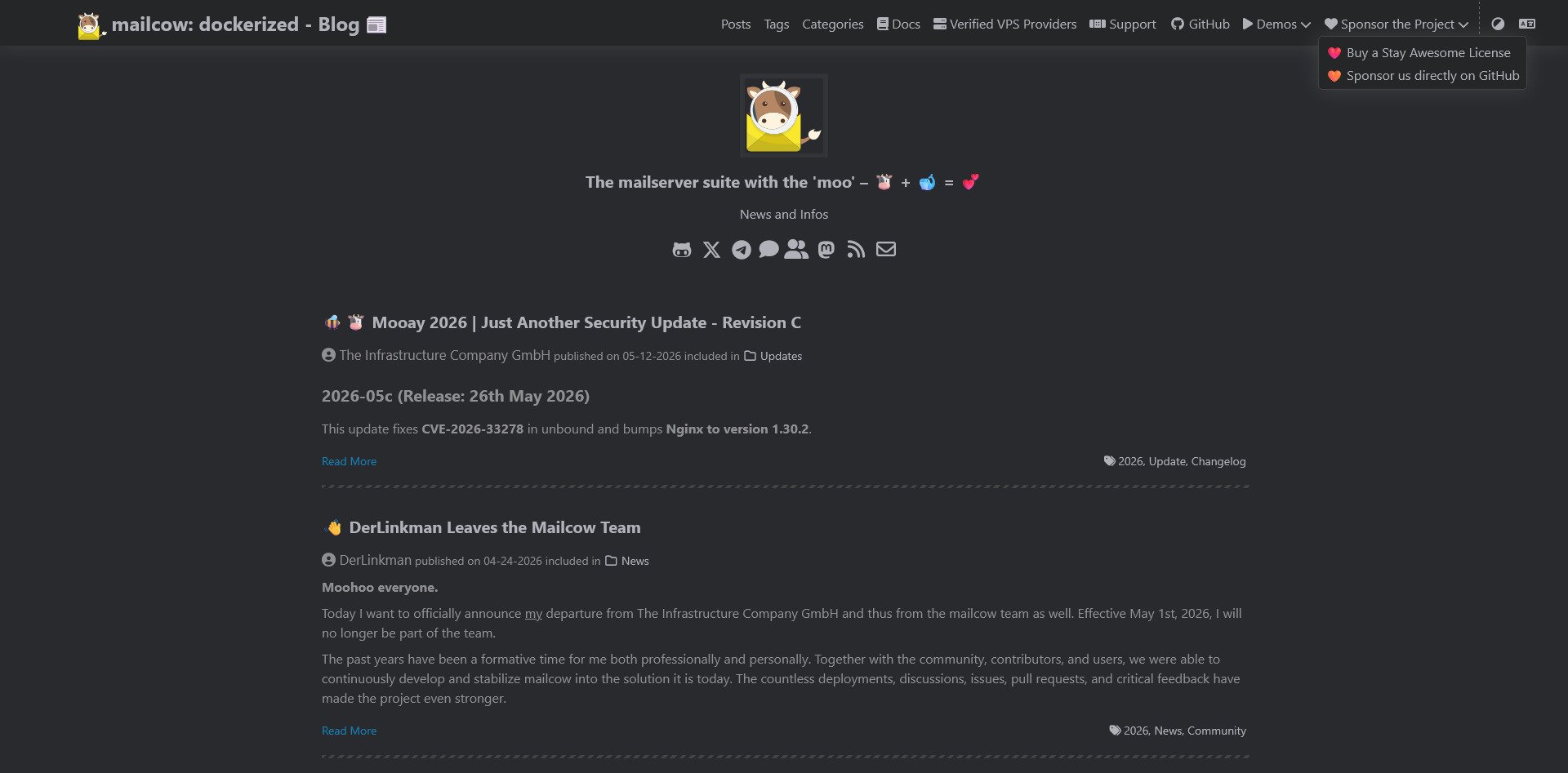
Mailcow
Mailcow Website
Mailcow is a full-featured, Docker-based mail server for those who want to self-host. It includes ActiveSync (for mobile devices), a modern webmail interface, spam filtering, and support for unlimited domains. It is professional-grade software suitable for businesses or power users who want complete control.
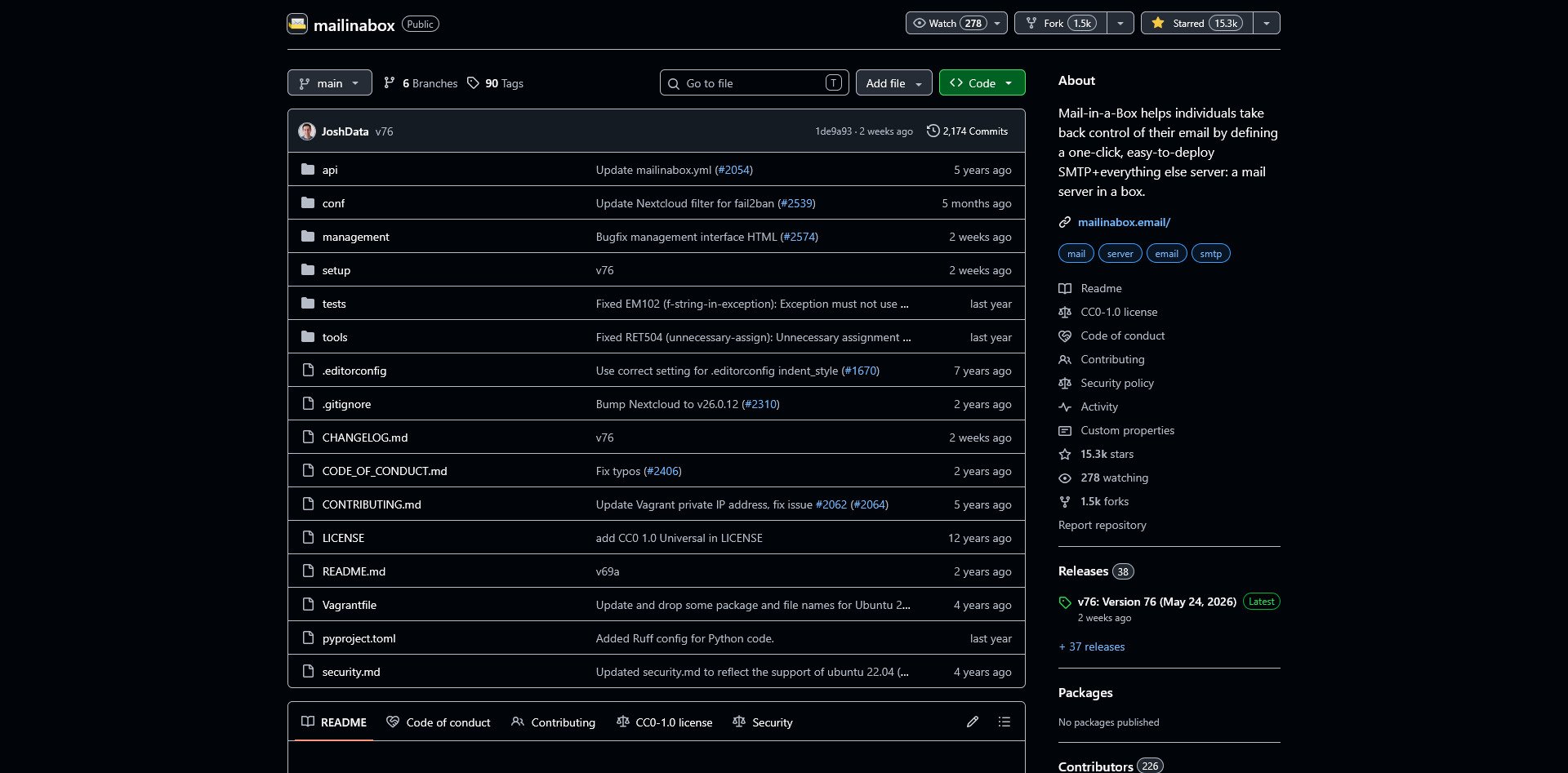
Mail-in-a-Box
Mail-in-a-Box GitHub Repo
Mail-in-a-Box is designed for beginners. It is a one-command setup that transforms a fresh Ubuntu server into a fully functional mail server. It includes webmail, calendar, contacts, and automatic SSL certificates. It is less flexible than Mailcow but far easier to deploy.
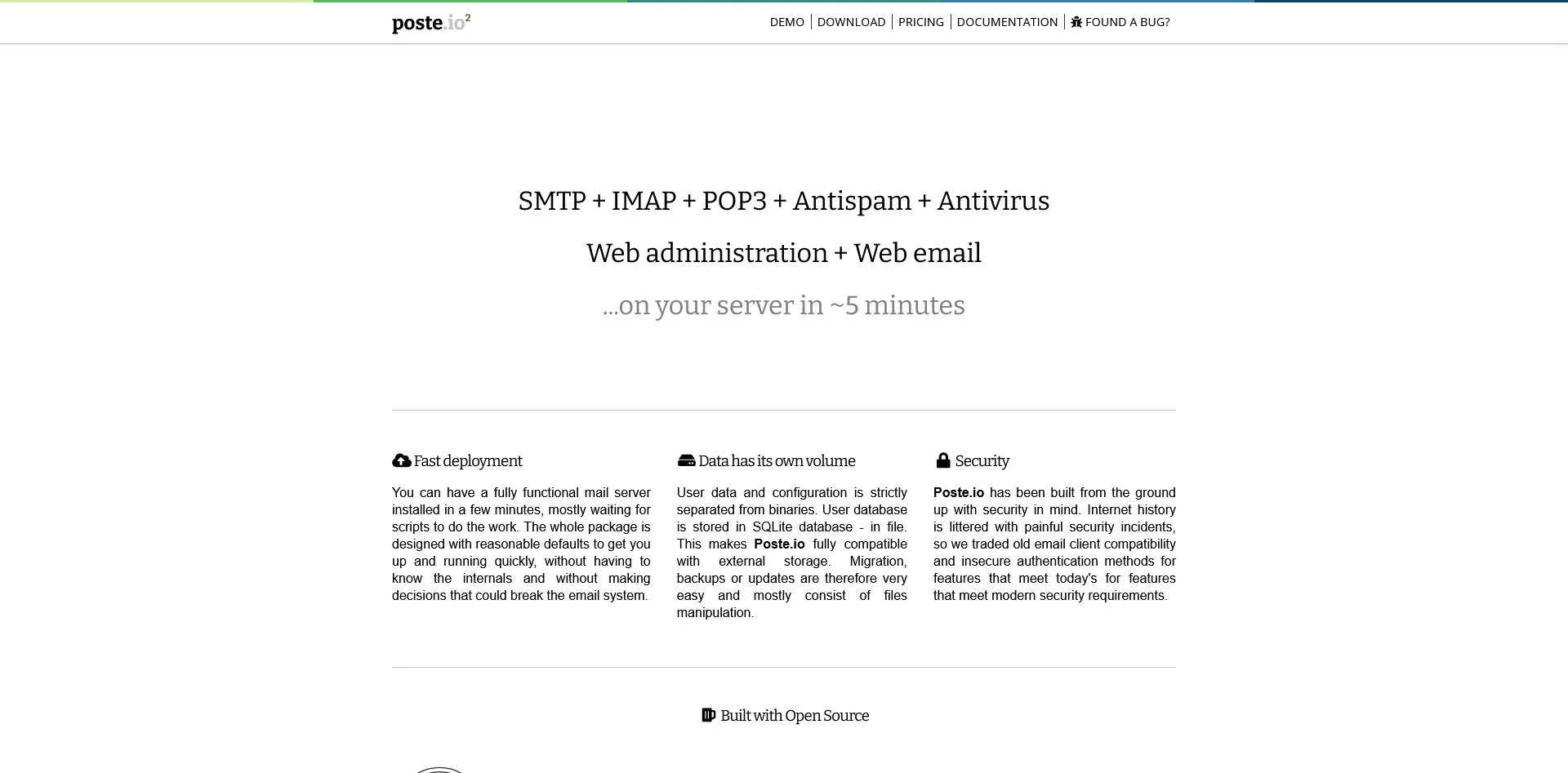
Poste.io
Poste.io Website
Poste.io runs in a single Docker container, making it incredibly lightweight. It includes built-in spam filtering, antivirus, and a clean web interface. It is ideal for users with limited hardware resources who still want a professional self-hosted email server.
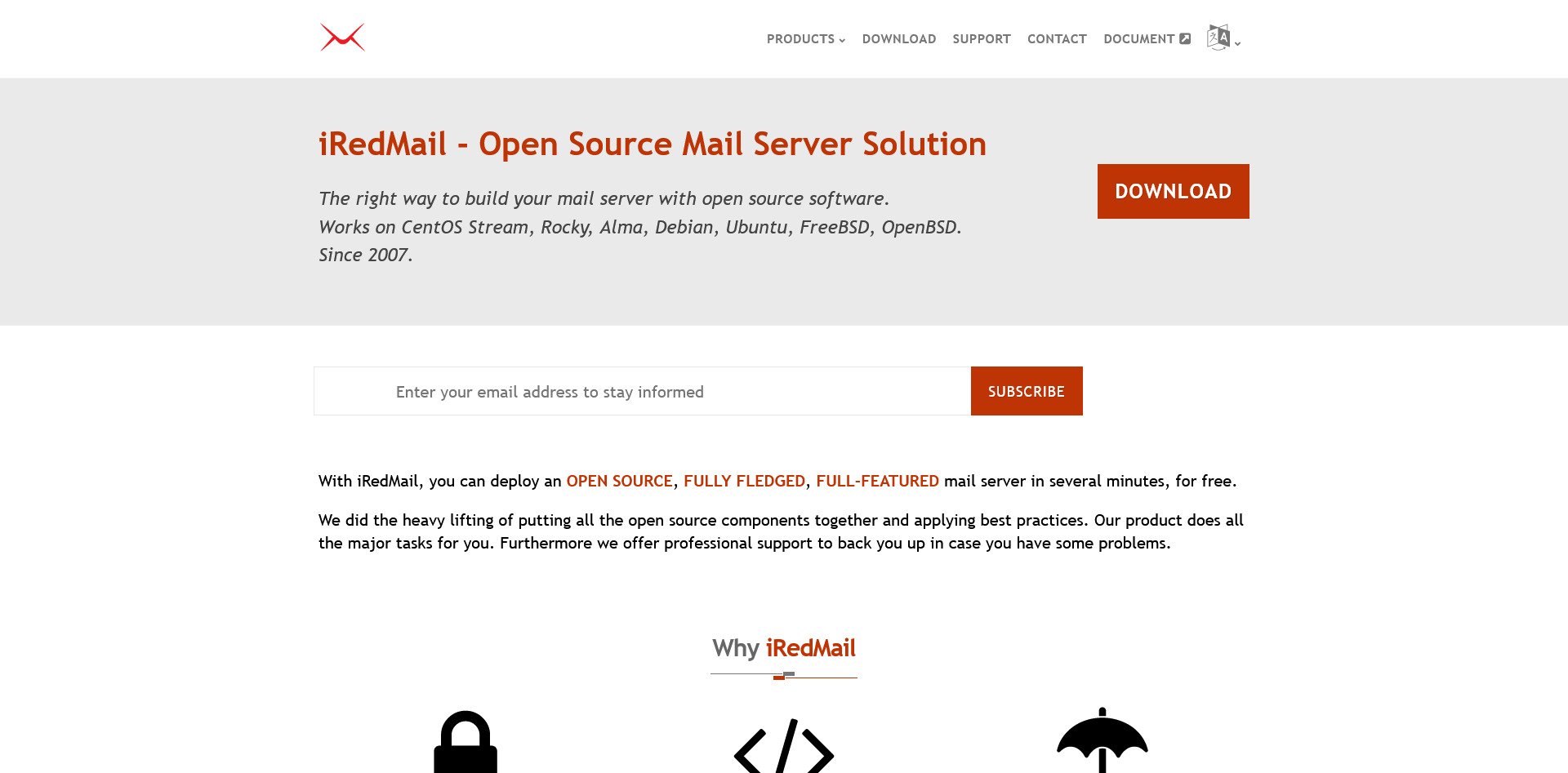
iRedMail
iRedMail Website
iRedMail is an enterprise-grade mail server that supports unlimited domains and users. It is more complex to set up than Mail-in-a-Box but offers scalability for organizations that need to manage hundreds of mailboxes. It supports multiple backends (OpenLDAP, MySQL, PostgreSQL) for flexibility.
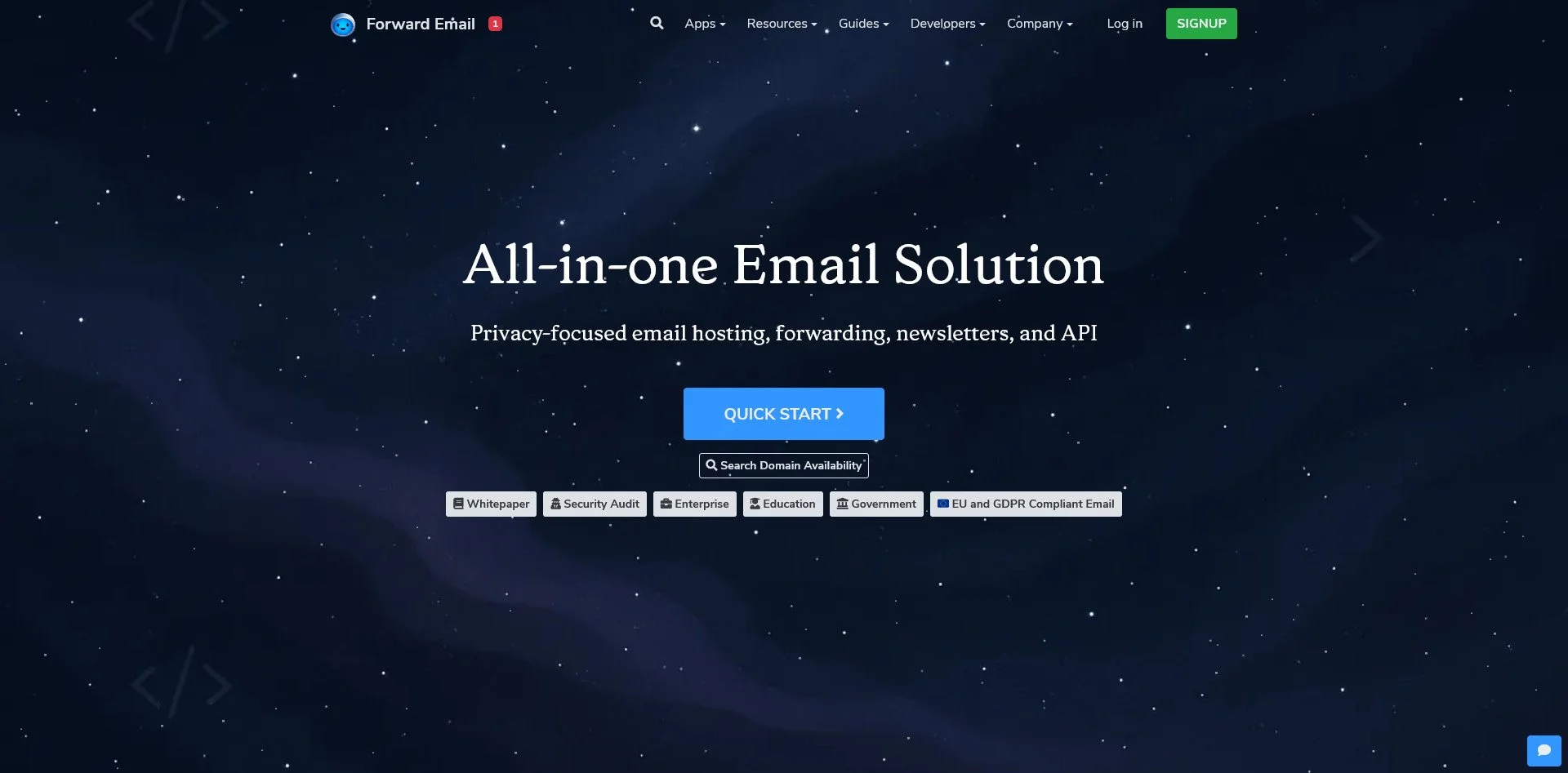
Forward Email
Forward Email Website
Forward Email is a privacy-focused service that allows you to use your own domain. It is open-source and can be self-hosted or used as a managed service. It supports aliases, encryption, and does not track or sell your data.
The Reality Check: Self-hosting email requires maintenance. You must manage DNS records (SPF, DKIM, DMARC), monitor IP reputation, and handle spam filtering. If you choose this path, you are trading "convenience" for "absolute sovereignty." For most, starting with Proton and moving to Mailcow later is the wisest route.
AI, LLMs & Machine Learning
The Trap: ChatGPT, Claude, Google Gemini, Midjourney
The Sovereign Alternatives:
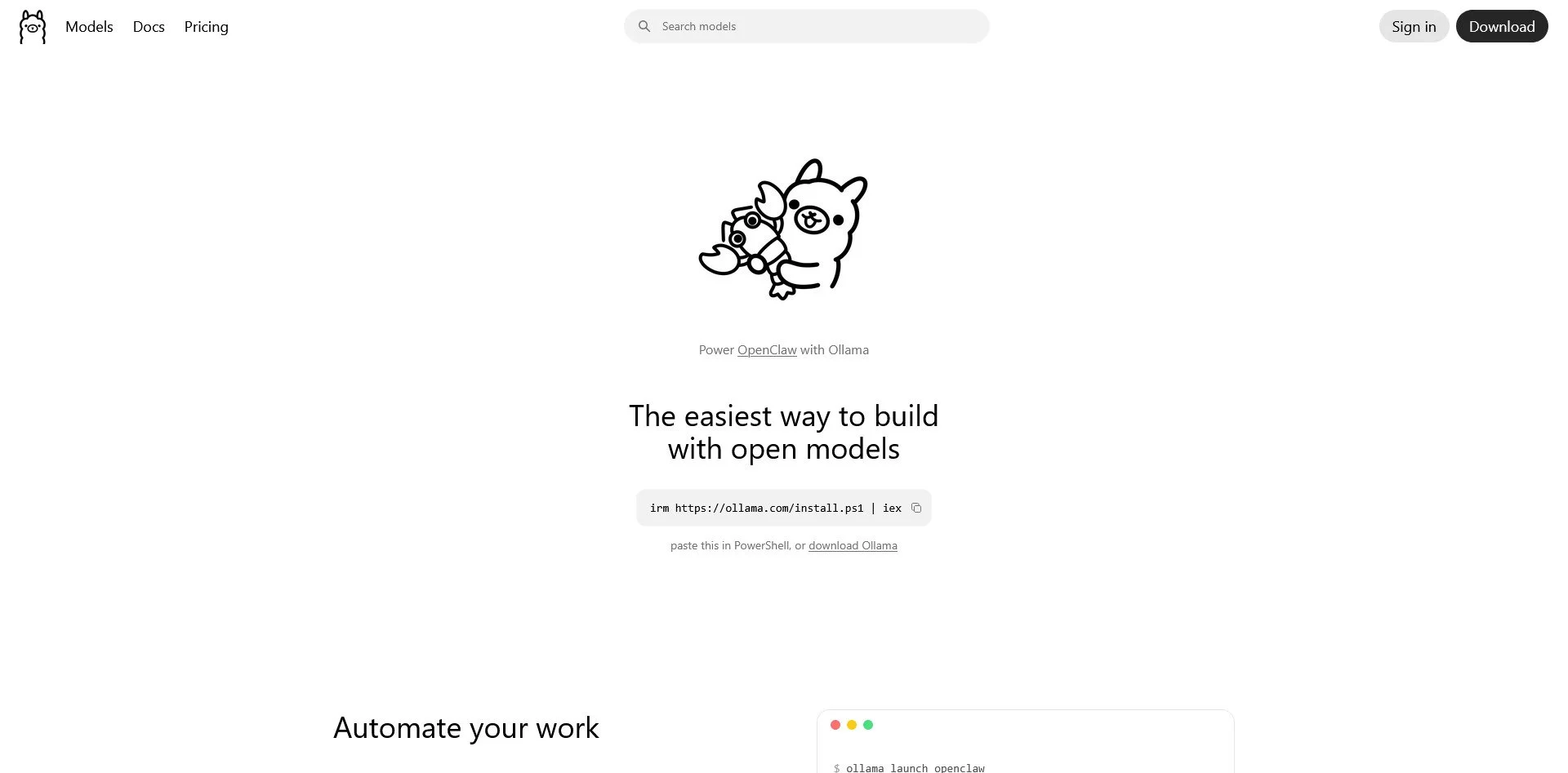
Ollama
Ollama Website
Ollama is the simplest way to run large language models locally. It uses a command-line interface to download and run models like Llama 3, Mistral, and Gemma. It is lightweight, fast, and provides an API that is compatible with OpenAI's format, making it easy to integrate with other tools.
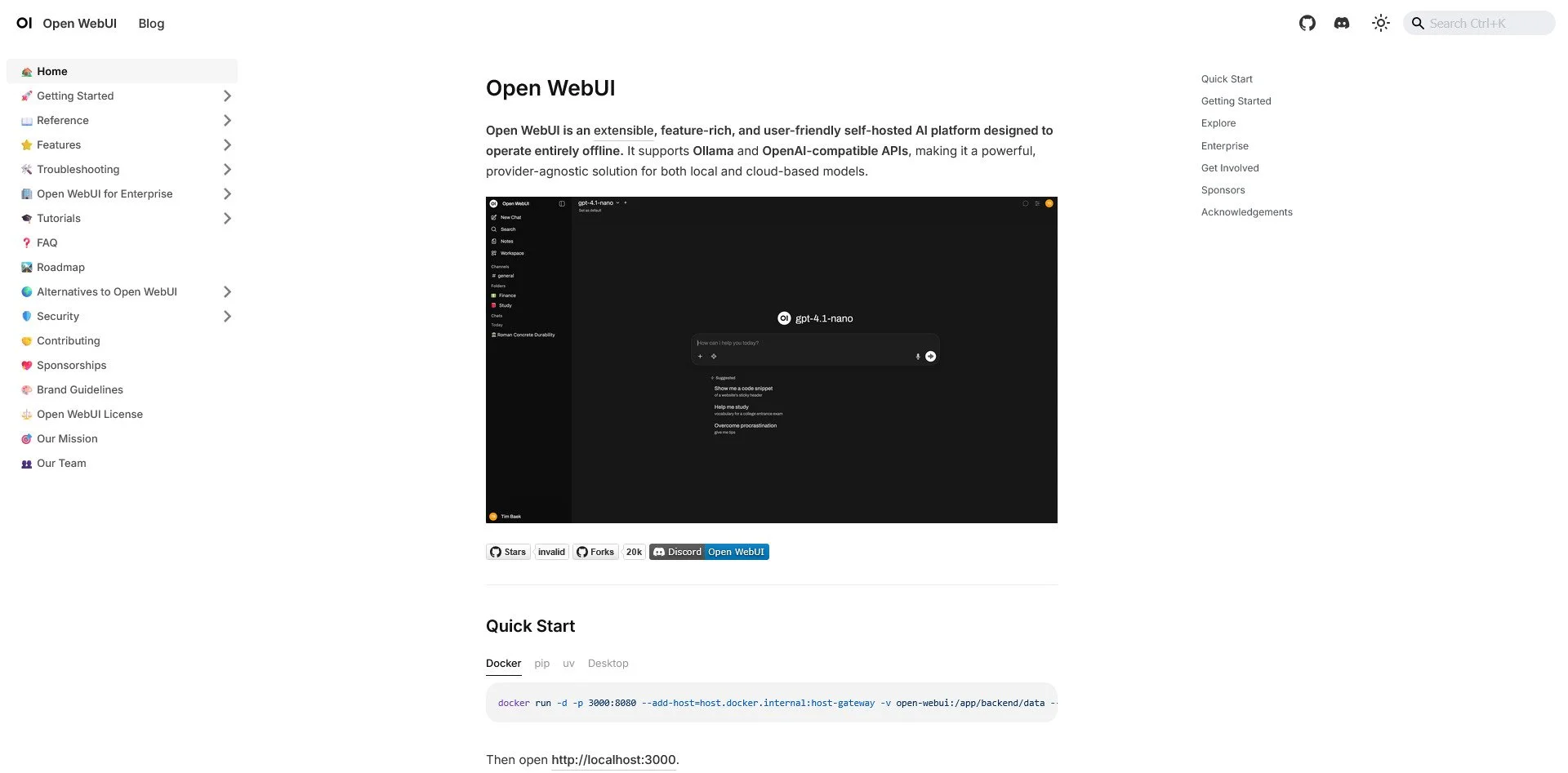
Open WebUI
Open WebUI Website
Open WebUI provides a ChatGPT-like interface for your local Ollama models. It supports conversations, document uploads, and even web search integration. It is the best way to get the "cloud AI experience" without sending your data to the cloud.
LM Studio
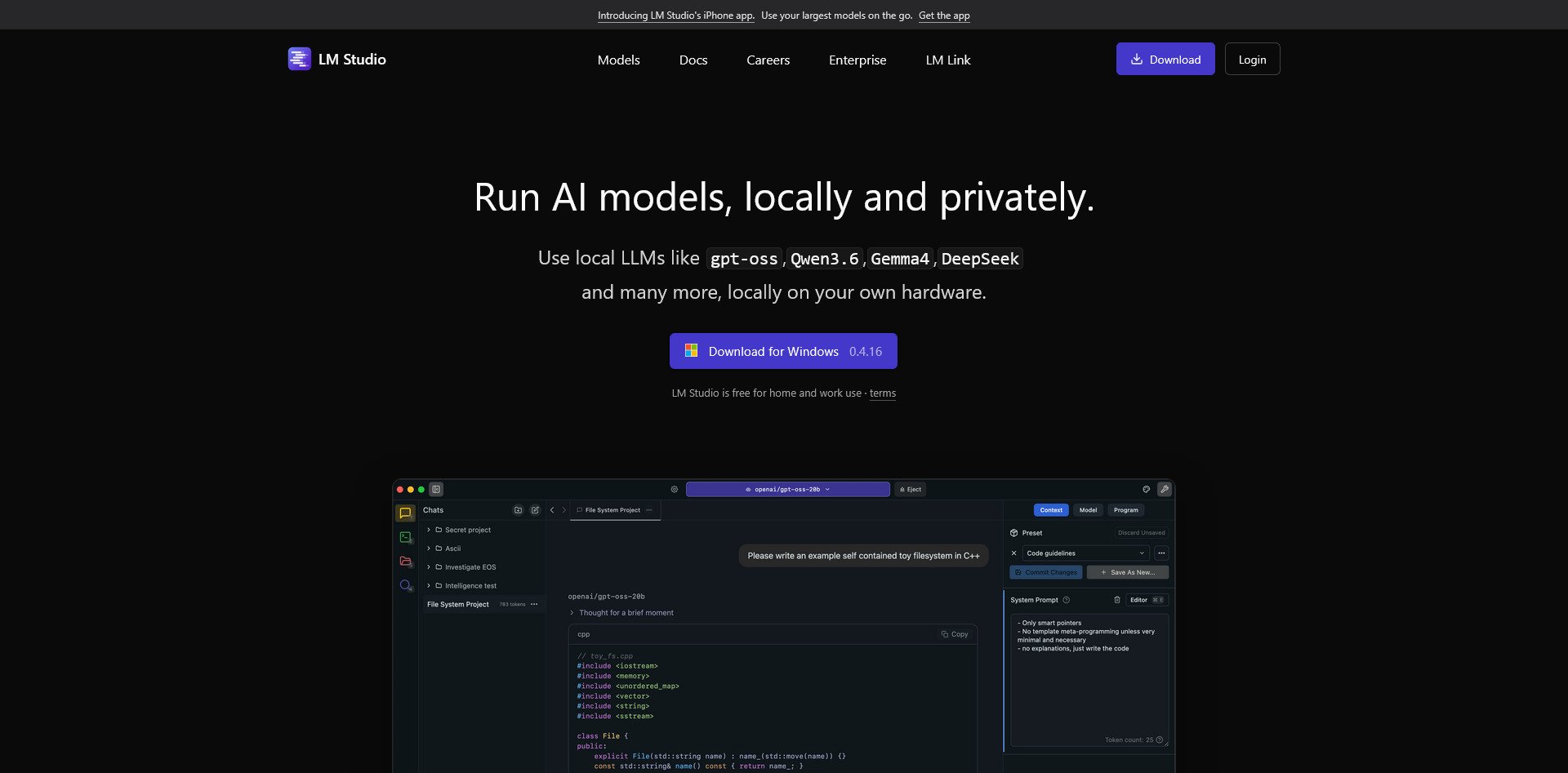
LM Studio Website
LM Studio is designed for non-technical users. It has a graphical interface for discovering, downloading, and running models. There is no command line required. It is ideal for users who want local AI but are not comfortable with terminal commands.
Text Generation WebUI
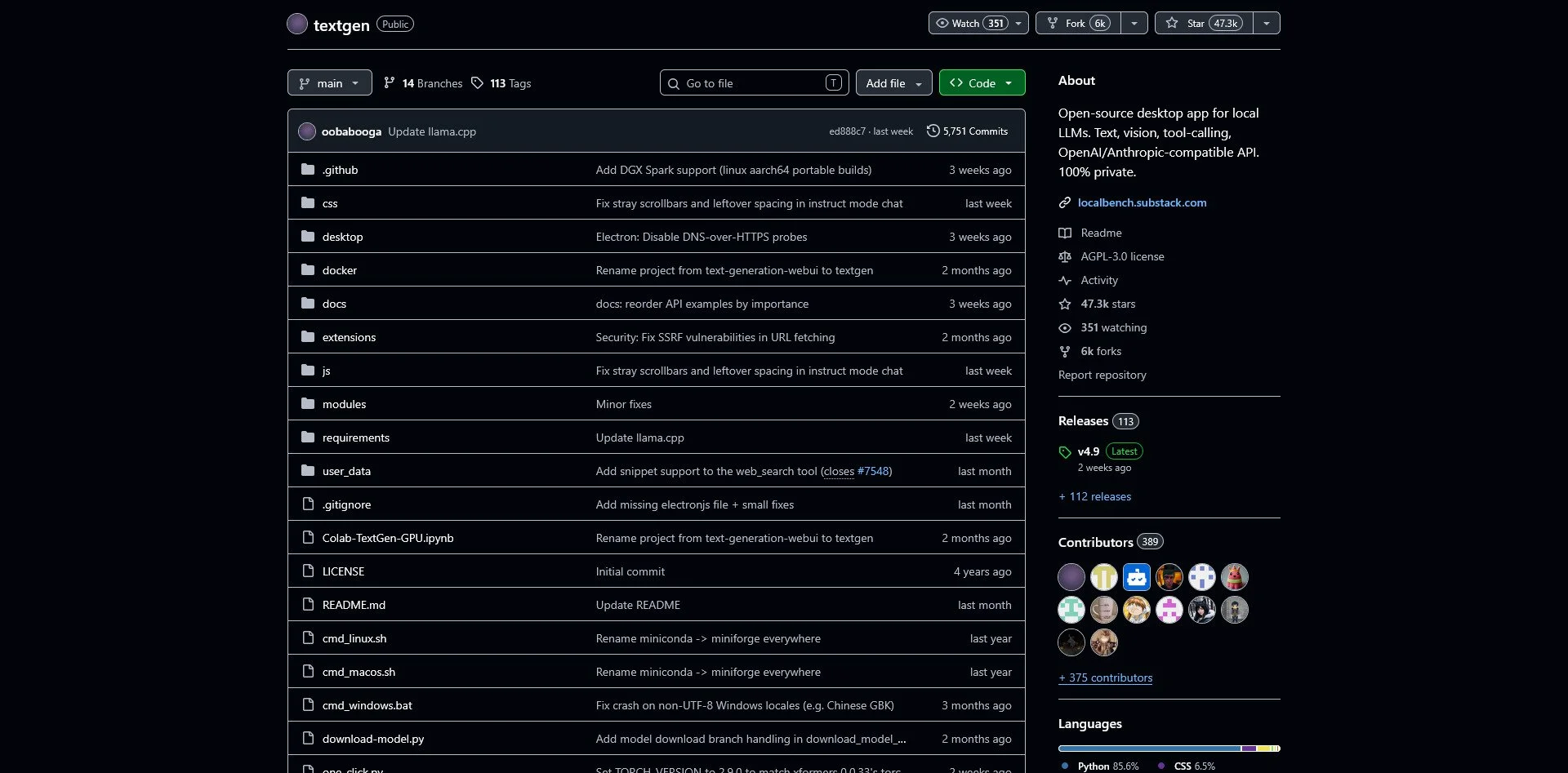
textgen Github Repo
Also known as "Oobabooga," this is the power user's choice. It supports multiple backends (llama.cpp, ExLlama, etc.) and offers extensive customization for model parameters. If you want to fine-tune how your AI responds, this is the tool.
ComfyUI

ComfyUI Website
ComfyUI is a node-based interface for Stable Diffusion and other image generation models. It is highly customizable and allows you to build complex workflows for AI art generation. It is more complex than other options but offers unparalleled control.
Automatic1111
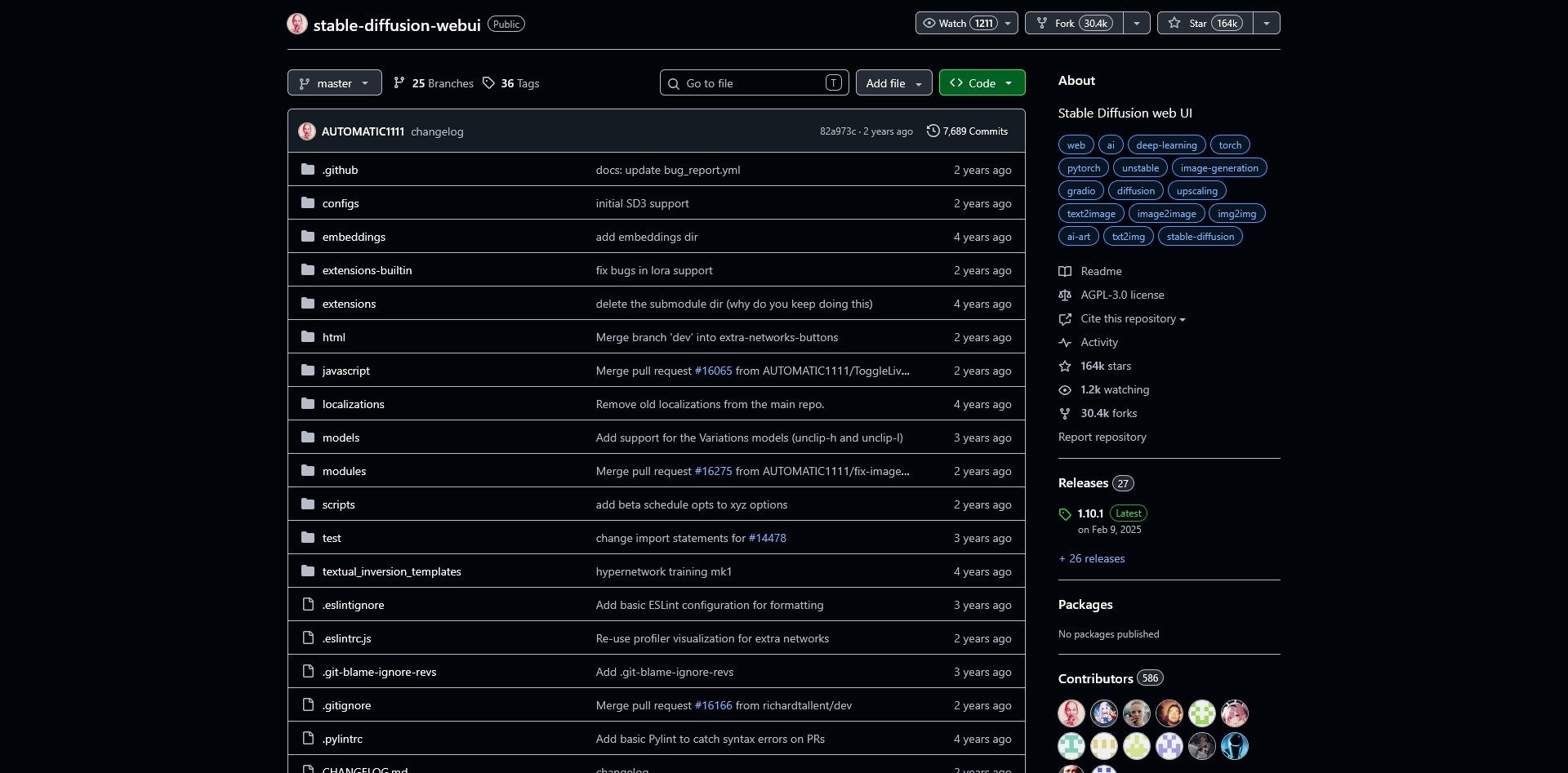
Automatic1111 GitHub Repo
Automatic1111 is the most popular web interface for Stable Diffusion. It has a massive plugin ecosystem, making it easy to add features like upscaling, in-painting, and control nets. It is the standard for AI art creation.
Hugging Face

Hugging Face Website
Hugging Face is the "GitHub of AI." It hosts hundreds of thousands of open-source models, from text to image to audio. It is not a runtime itself but a repository where you can find models to use with Ollama, LM Studio, or other tools.
LocalAI
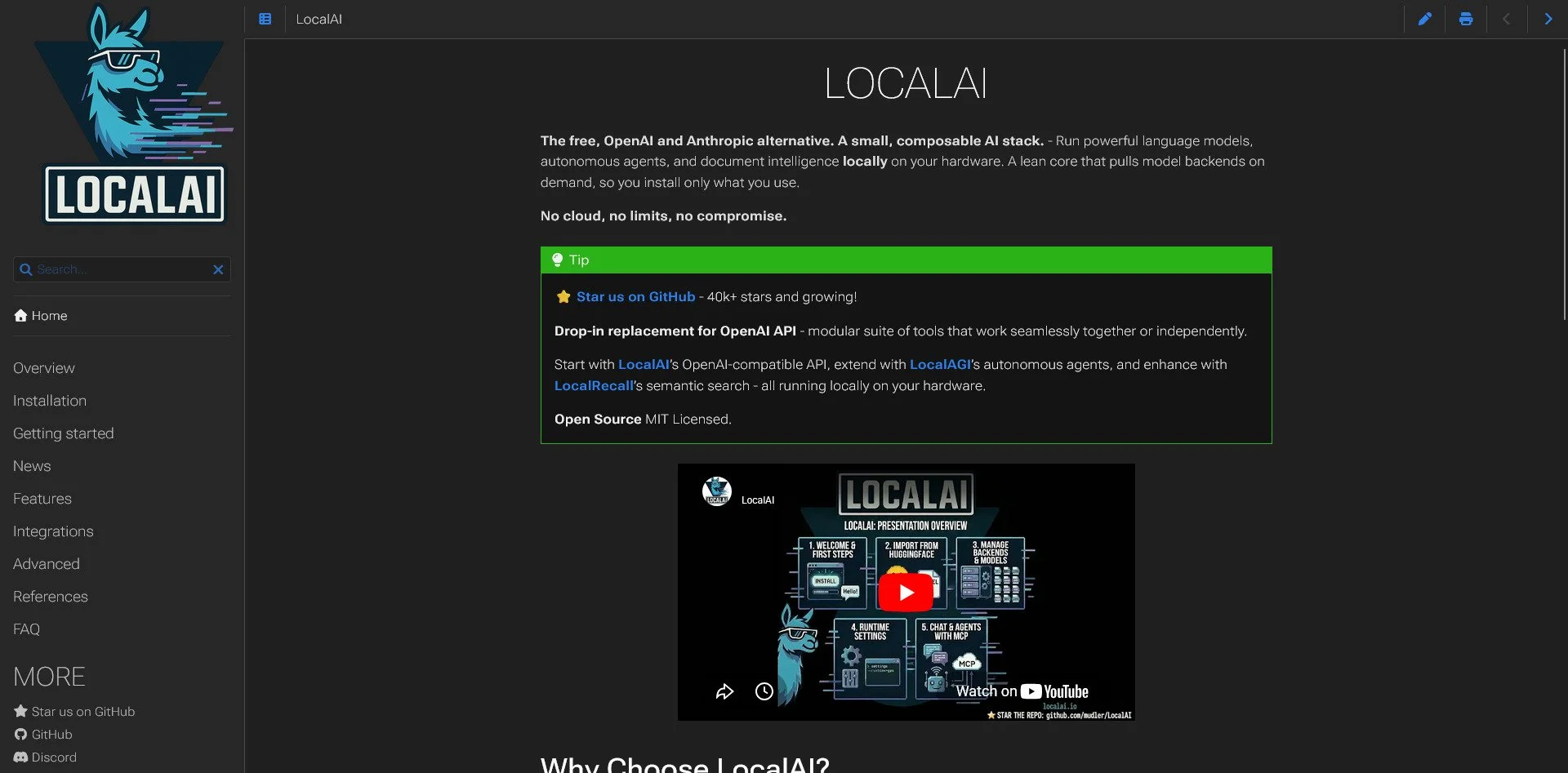
LocalAI Website
LocalAI is a drop-in replacement for the OpenAI API. It allows you to run local models while using applications designed for OpenAI. This is ideal for developers who want to switch from cloud to local without rewriting their code.
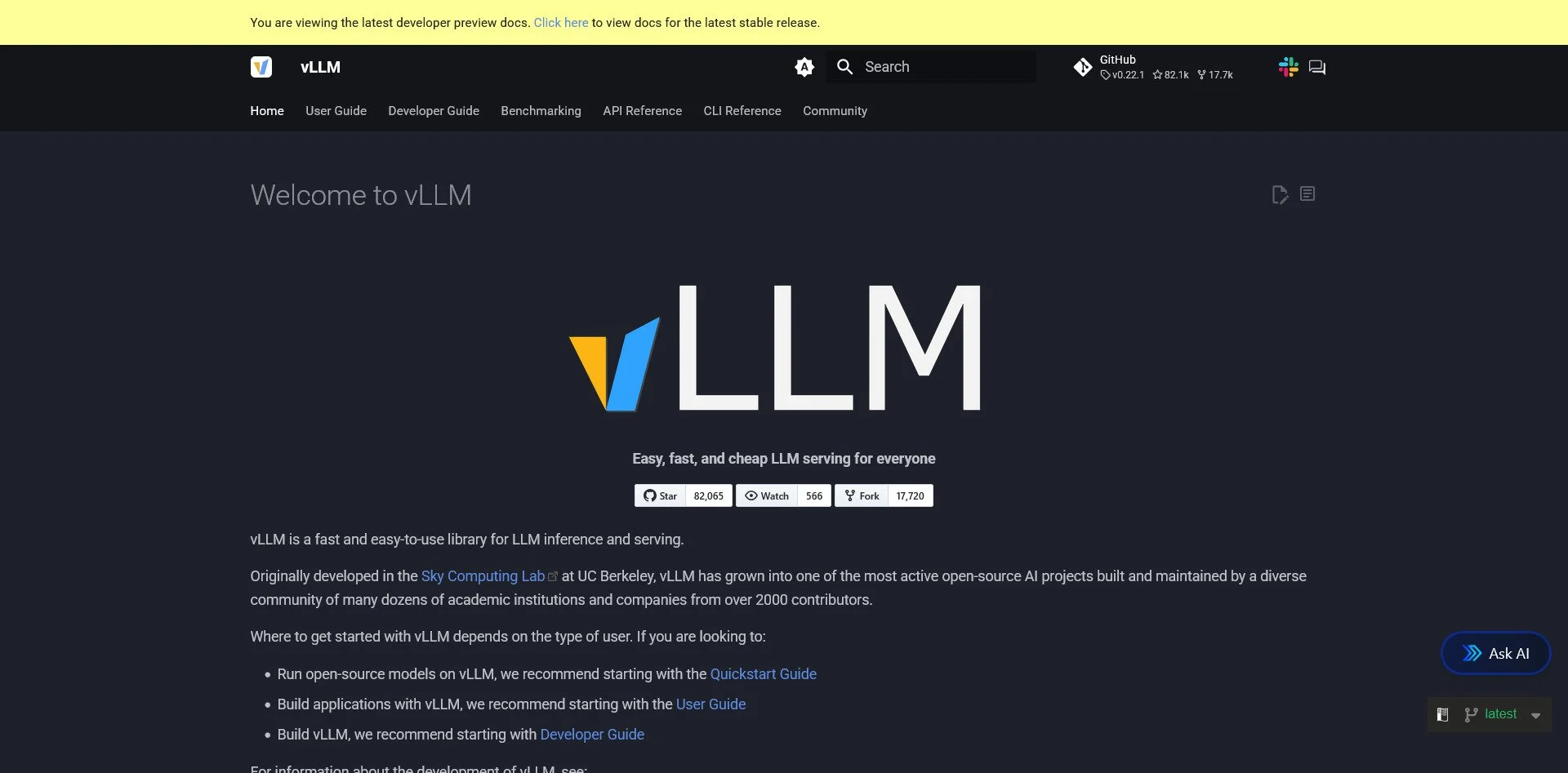
vLLM
vLLM Website
vLLM is optimized for high-performance serving. If you are running AI for multiple users or need low-latency responses, vLLM is the production-ready choice. It is more complex to set up but offers superior throughput.
The SourceBox Edge: Running the model is step one. Integrating it is step two. This is where SourceBox PrintMCP and SearchBox shine. Instead of just "chatting," you can use MCP to let your local AI act on your files, search your documents, or even automate physical tasks. This moves you from a "Chatbot User" to an "AI Orchestrator."
Coding & Development Tools
The Trap: GitHub Copilot, Claude Code, Visual Studio (Proprietary)
The Sovereign Alternatives:
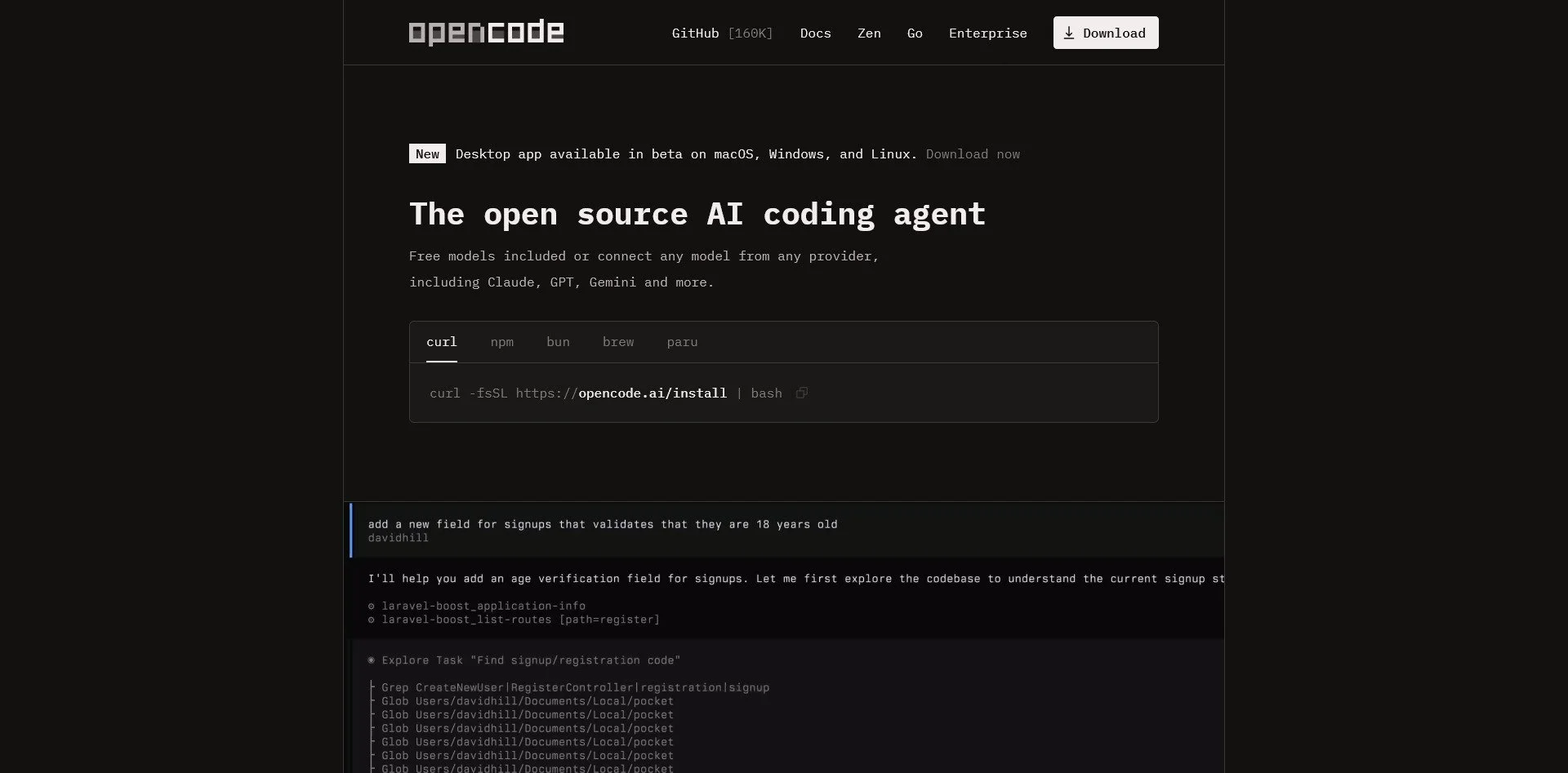
OpenCode
OpenCode Website
OpenCode is an open-source AI coding tool that rivals Claude Code. It allows you to integrate various AI models, including local ones via Ollama. It provides file editing, terminal access, and git integration without sending your code to a proprietary cloud.
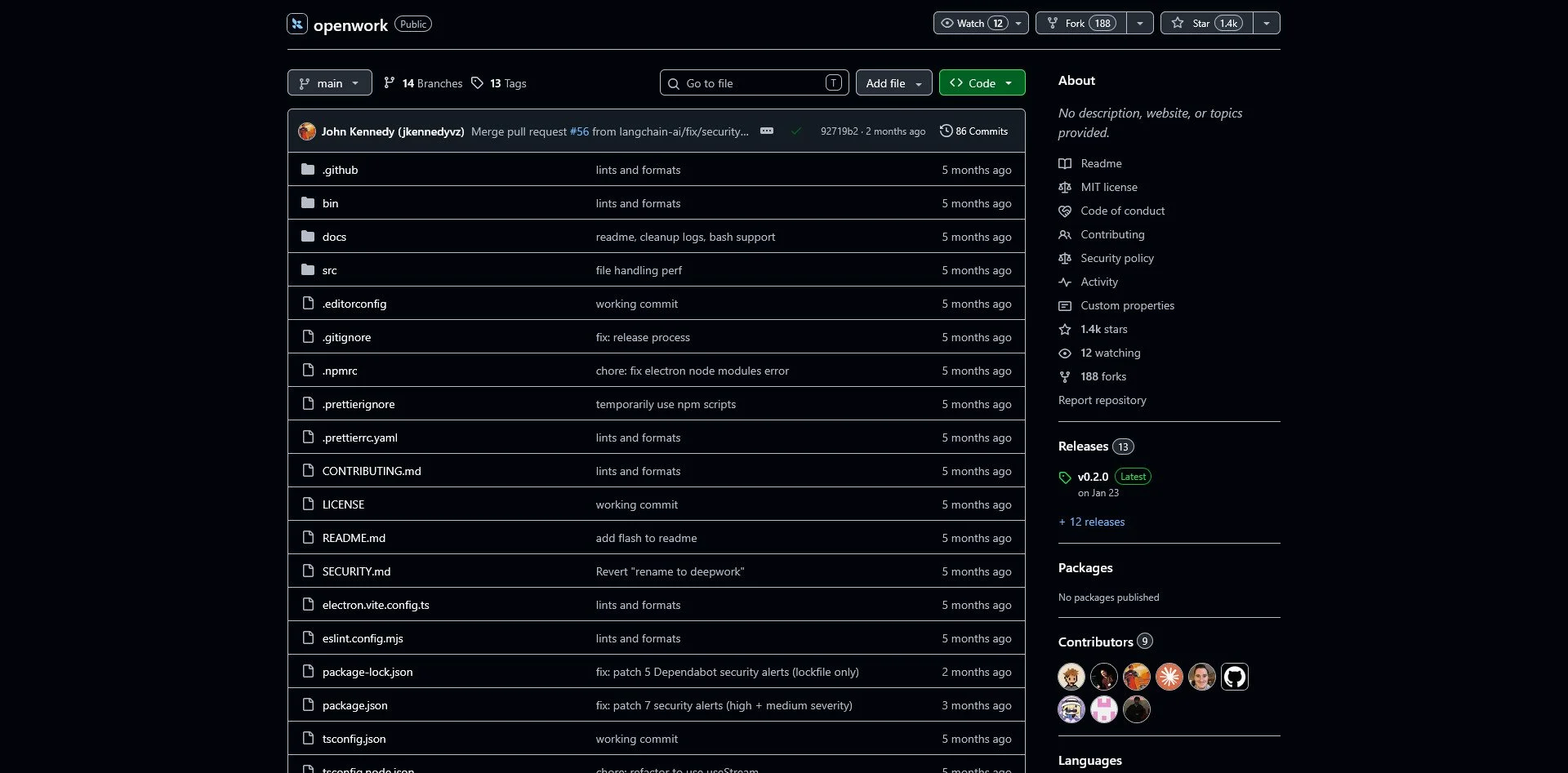
LangChain OpenWork
LangChain OpenWork Repo
LangChain OpenWork is a desktop interface for building AI agents with filesystem capabilities. It allows agents to execute shell commands and manage files, providing a framework for developers to create applications that utilize large language models effectively.
Continue.dev

Continue.dev Website
Continue.dev is a VS Code extension that brings AI coding assistance to your editor. It supports both local and cloud models, allowing you to choose your provider. It offers code completion, chat, and refactoring tools without locking you into a specific ecosystem.
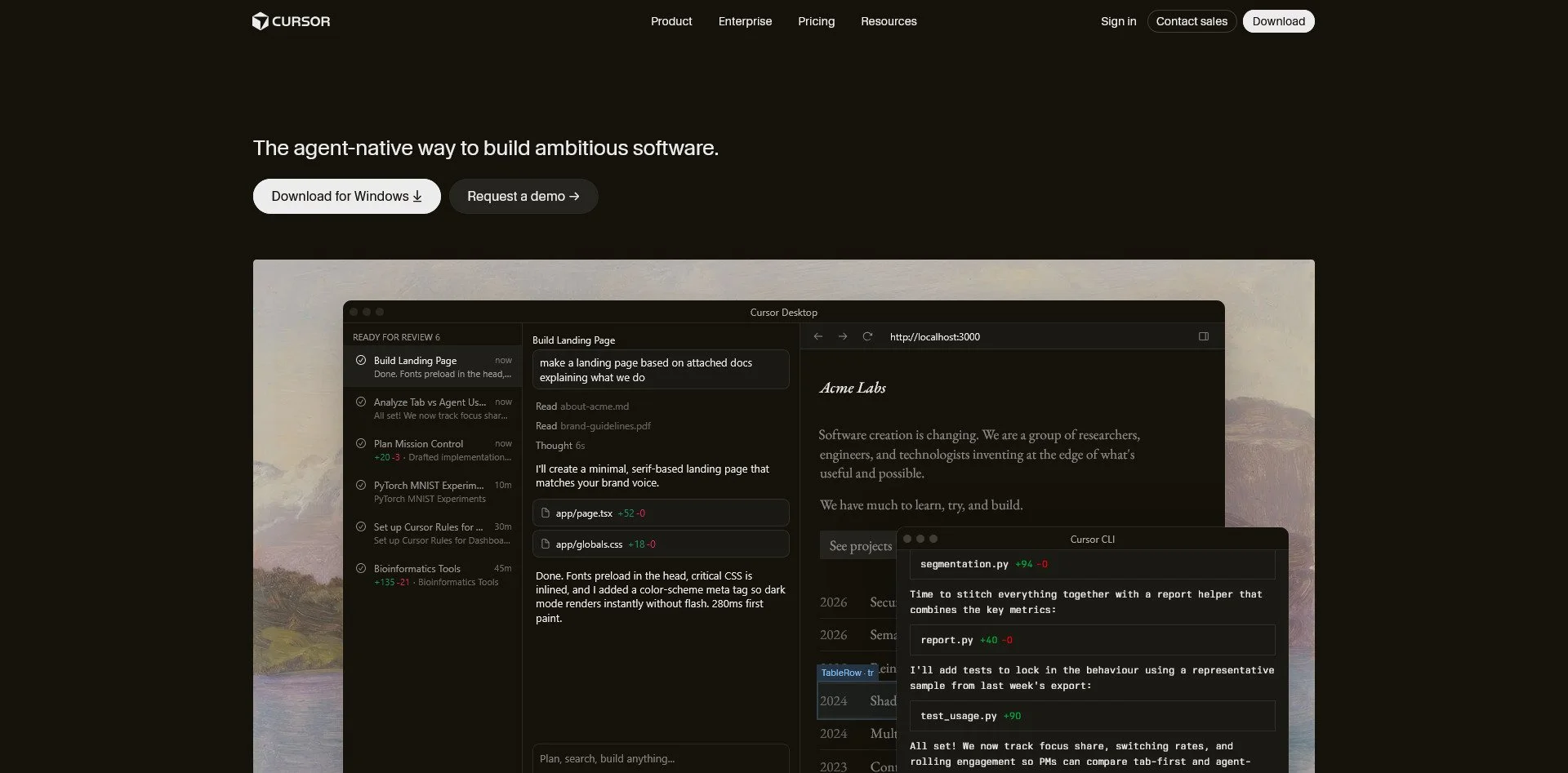
Cursor (Self-Hosted Mode)
Cursor Website
Cursor is a fork of VS Code with built-in AI capabilities. While it defaults to cloud models, it can be configured to use local backends. It offers a polished experience with intelligent code suggestions and refactoring.
VSCodium
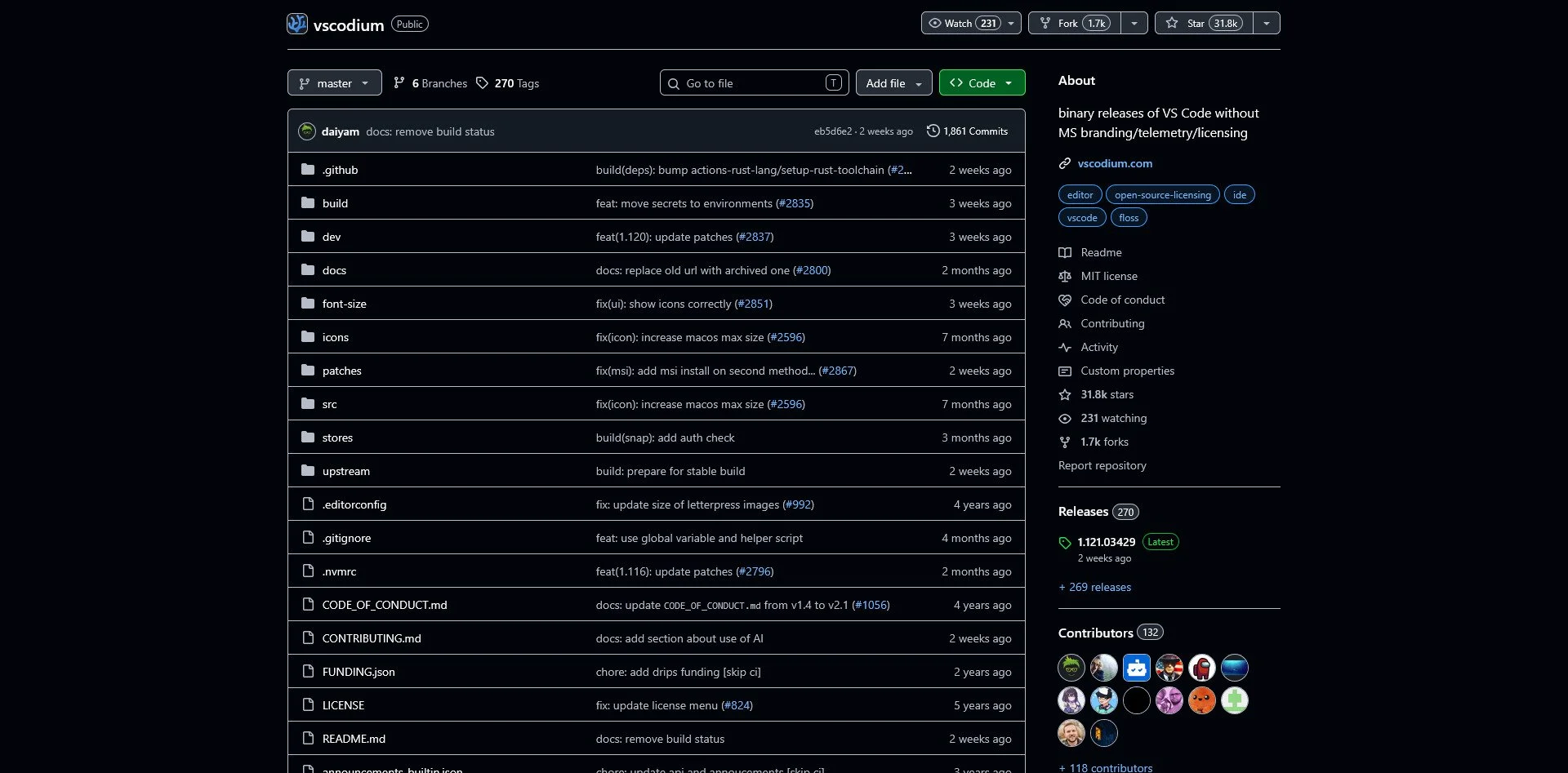
vscodium GitHub Repo
VSCodium is a binary distribution of VS Code without Microsoft's telemetry and tracking. It is identical to VS Code in functionality but removes all the "phone home" features. It is the safest way to use the VS Code ecosystem.
Neovim + AI Plugins
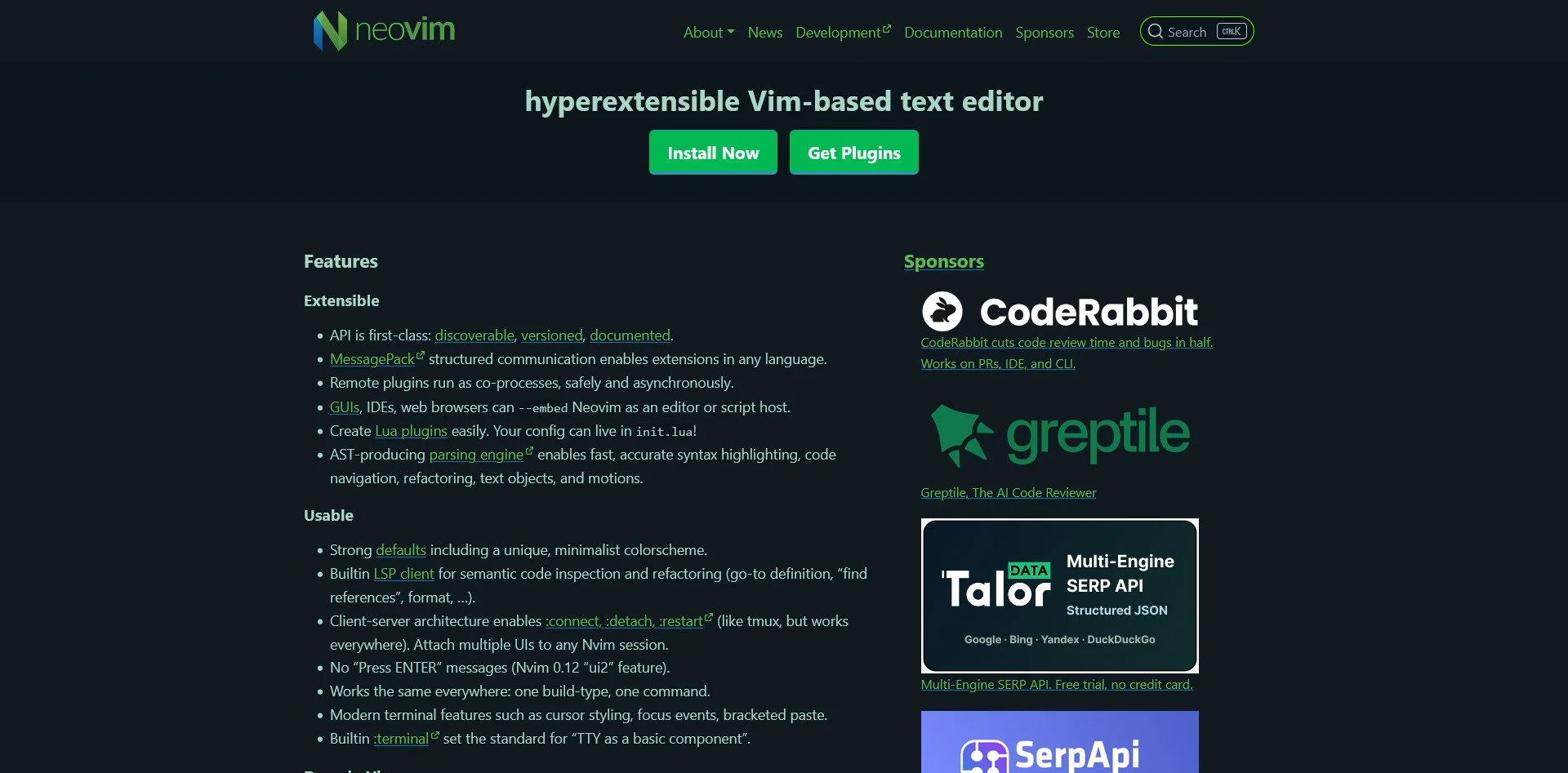
Neovim Website
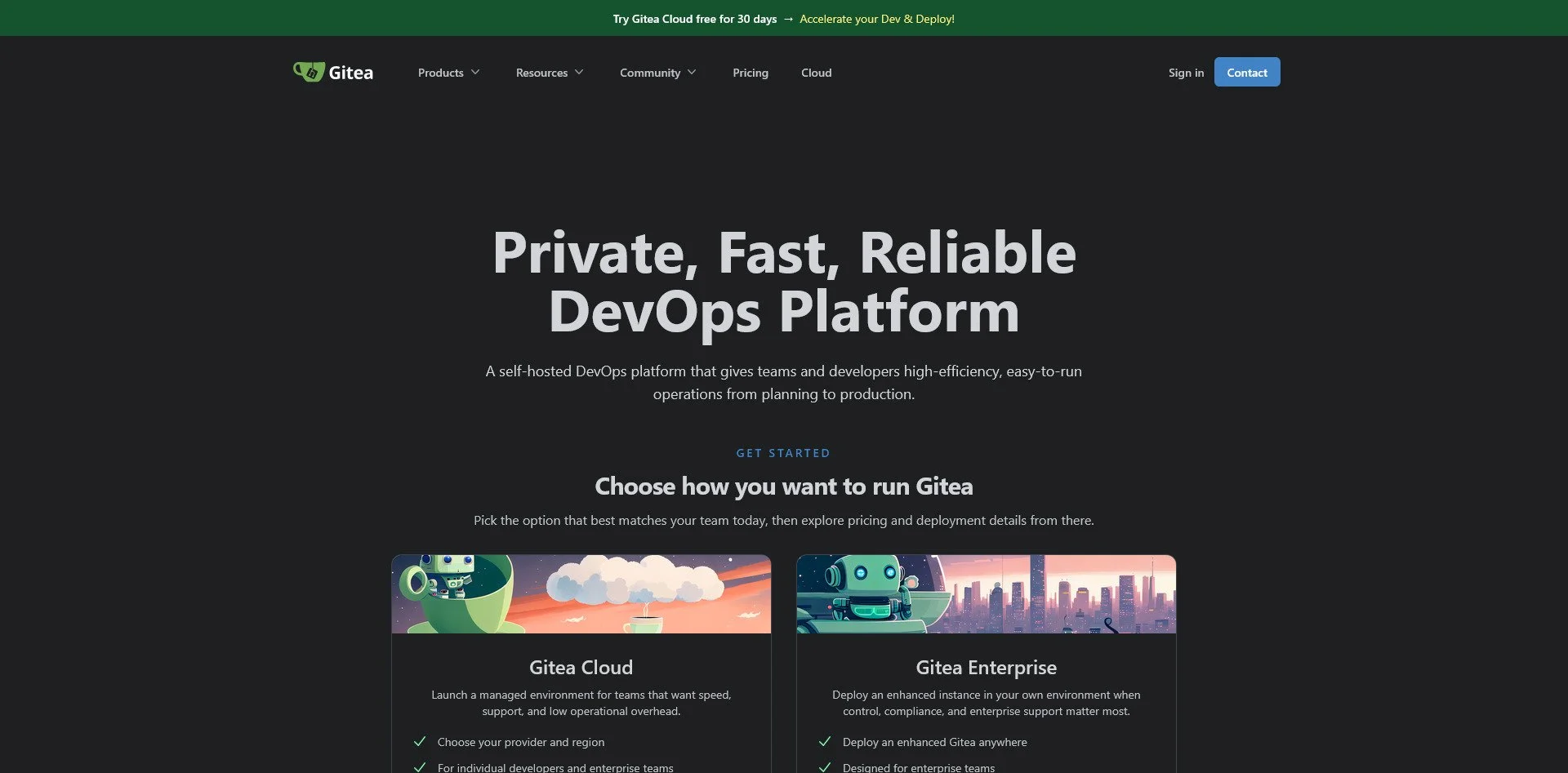
Gitea Website
Gitea and Forgejo are self-hosted Git repositories, similar to GitHub but under your control. Forgejo is a fork of Gitea with a stronger focus on community governance. Both are lightweight, easy to deploy, and support CI/CD, issue tracking, and pull requests.
GitLab (Self-Hosted)
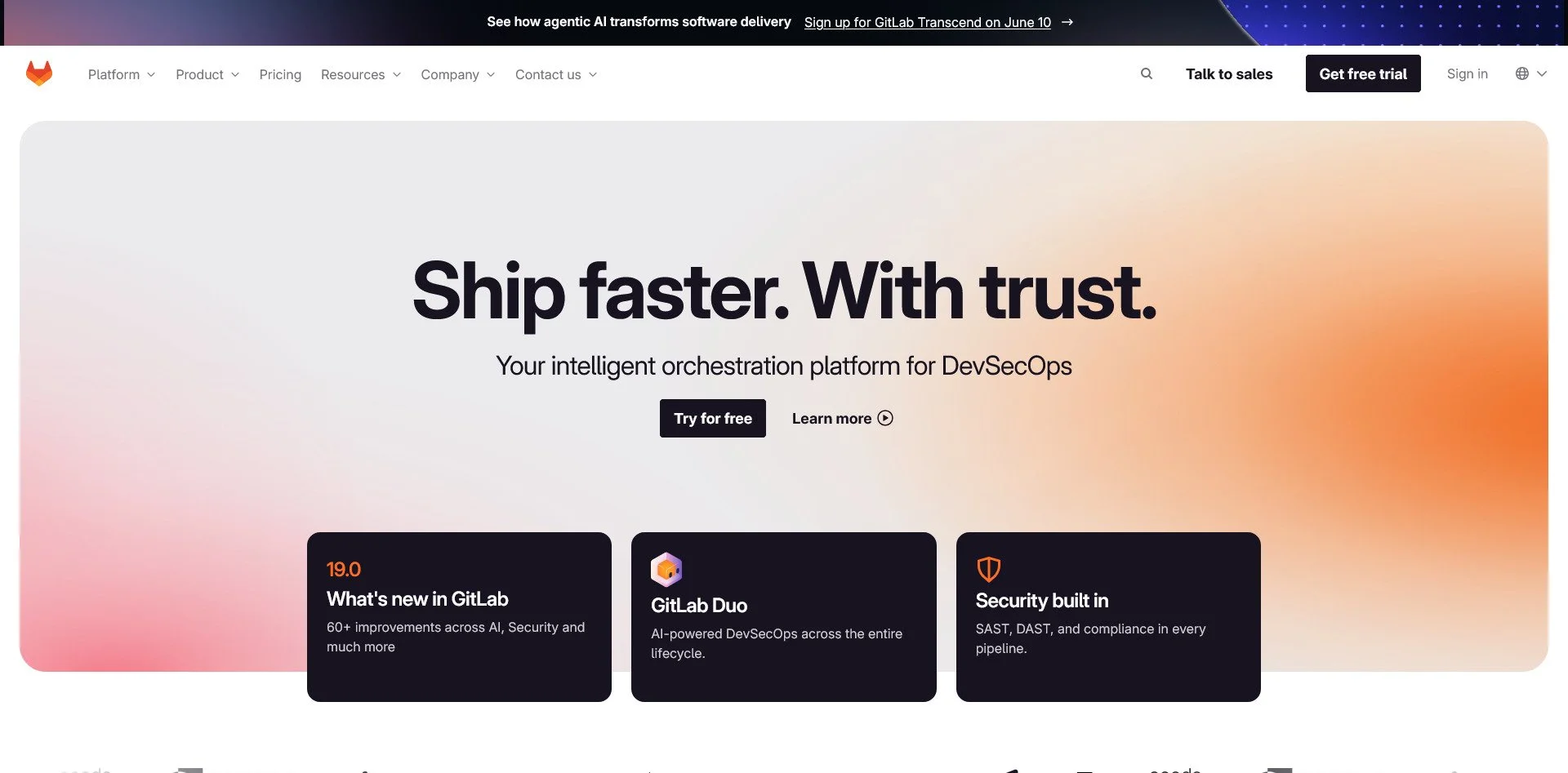
GitLab Website
GitLab is a full-featured DevOps platform that you can host yourself. It includes CI/CD pipelines, container registries, issue tracking, and more. It is more resource-intensive than Gitea but offers enterprise-grade features for larger teams.
Smart Home & Home Automation
The Trap: Amazon Alexa, Google Home, Apple HomeKit
The Sovereign Alternatives:
Home Assistant
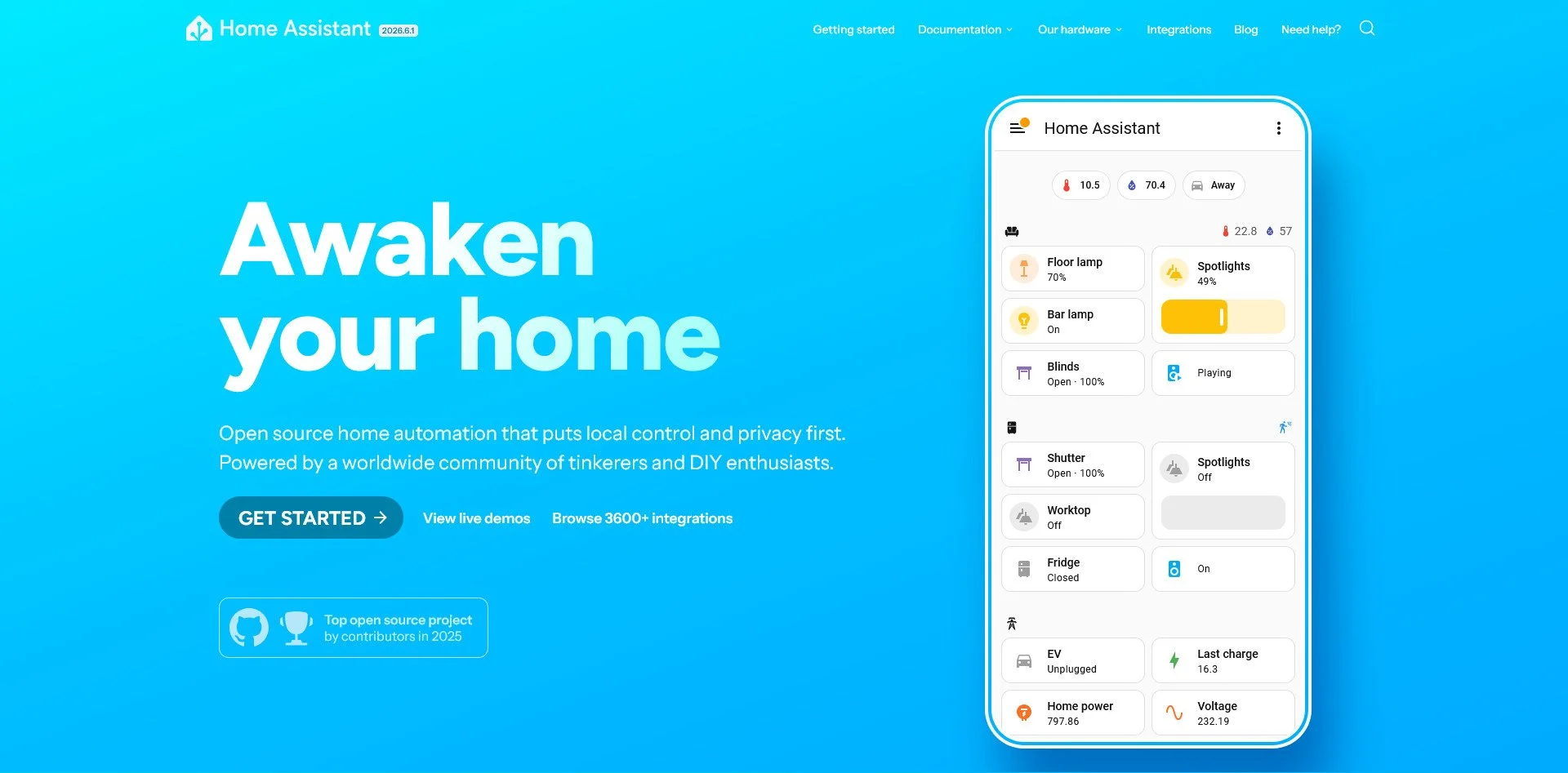
Home Assistant Website
Home Assistant is the gold standard for home automation. It supports over 1,000 integrations, runs entirely locally, and works even when the internet is down. It has a steep learning curve but offers unmatched flexibility and control.
OpenHAB
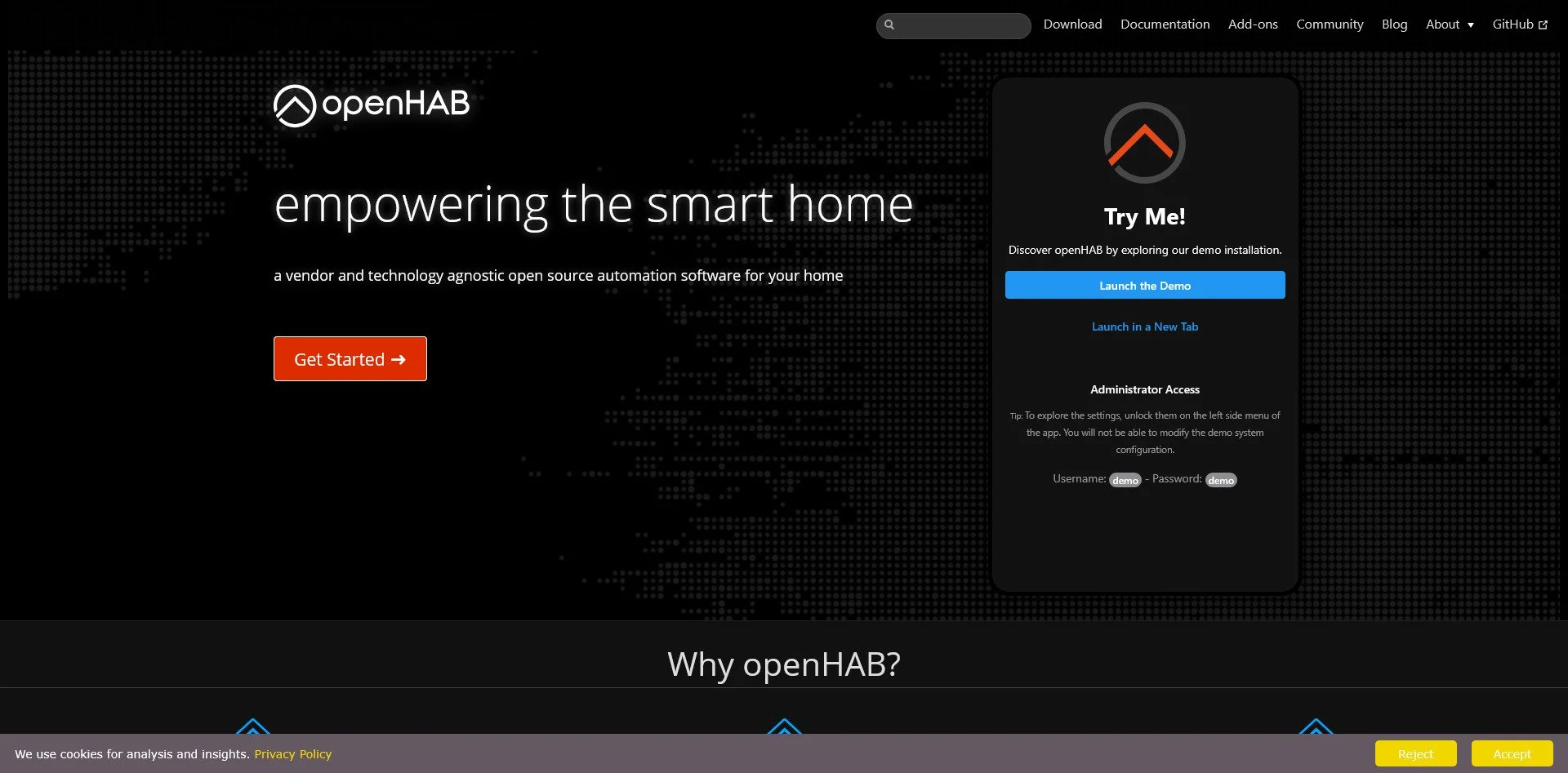
OpenHAB Website
OpenHAB is hardware and software agnostic, meaning it works with virtually any smart device regardless of manufacturer. It is Java-based and stable, making it a good choice for users who want a platform that "just works" without frequent updates breaking things.
Domoticz
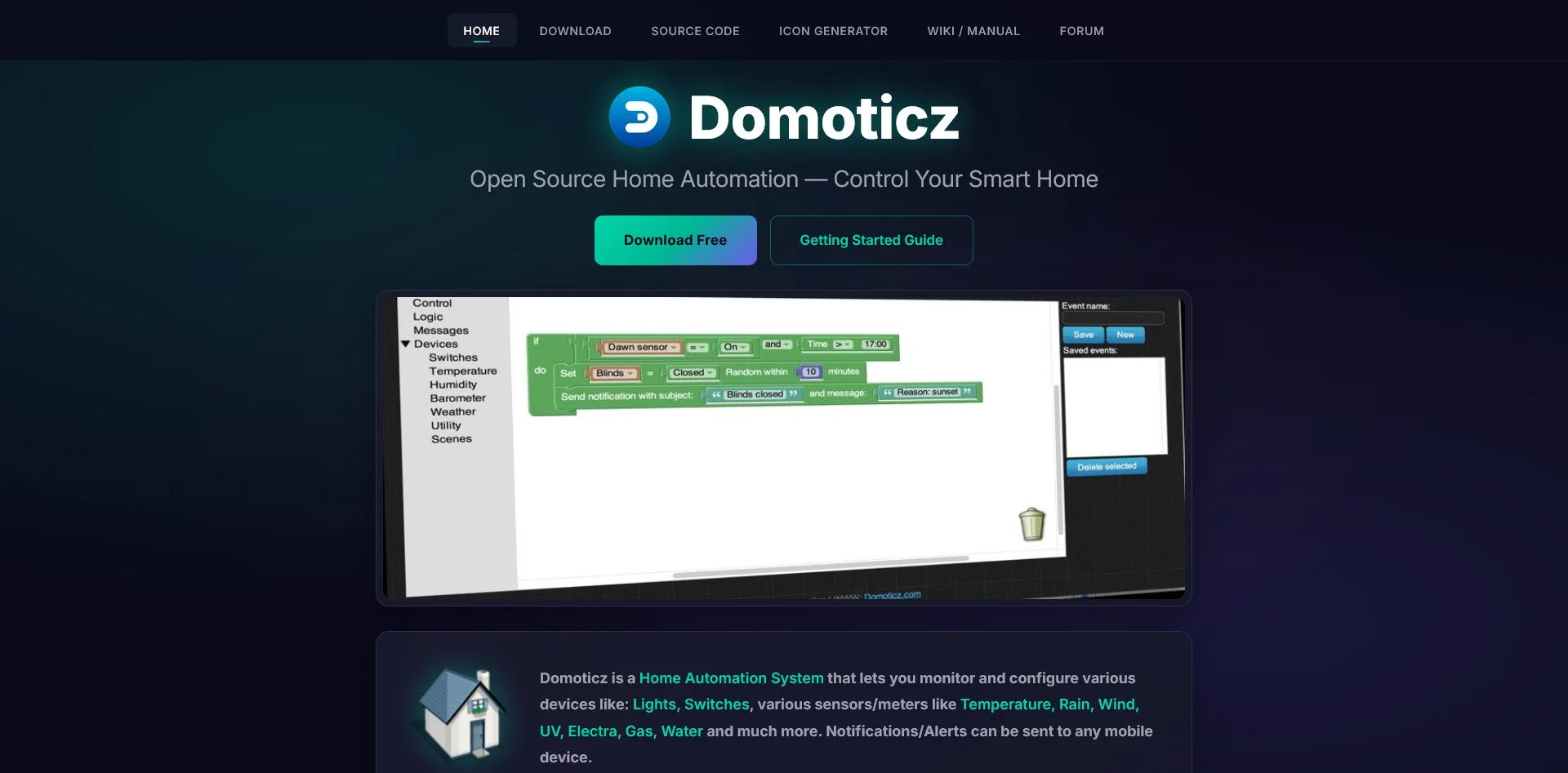
Domoticz Website
Domoticz is designed for low-resource hardware. It is lightweight, simple to set up, and supports many protocols (Zigbee, Z-Wave, MQTT). It is ideal for users with older hardware or those who want a no-frills automation system.
Node-RED
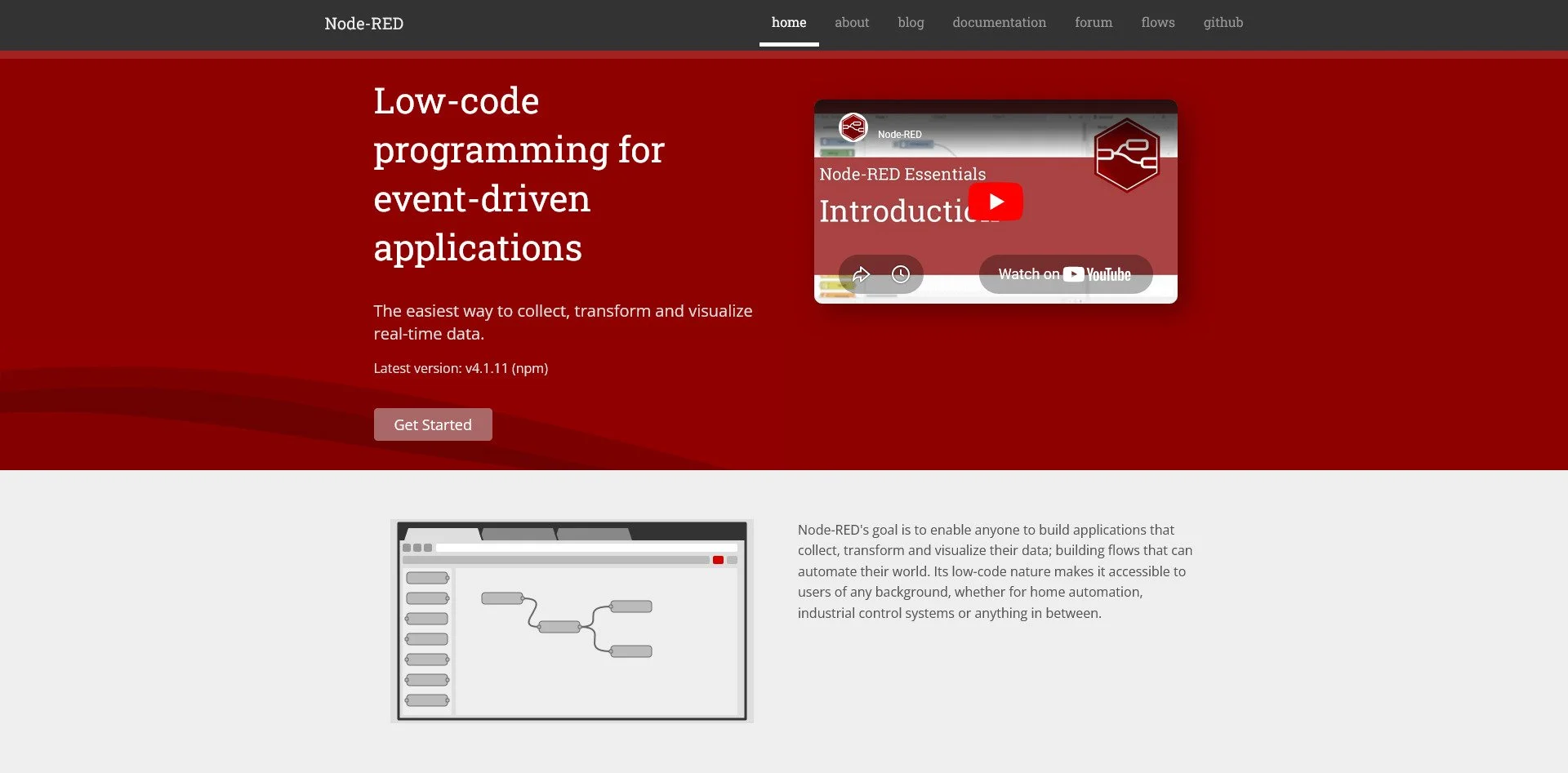
Node-RED Website
Node-RED is a flow-based development tool originally created by IBM. It uses a visual editor to create automation "flows," making it easy to connect IoT devices, APIs, and services. It is excellent for users who think visually rather than through code.
Homebridge

Homebridge Website
Homebridge is designed to make non-HomeKit devices work with Apple's ecosystem. If you are invested in Apple Home but want to use devices that do not officially support HomeKit, Homebridge bridges the gap.
ESPHome
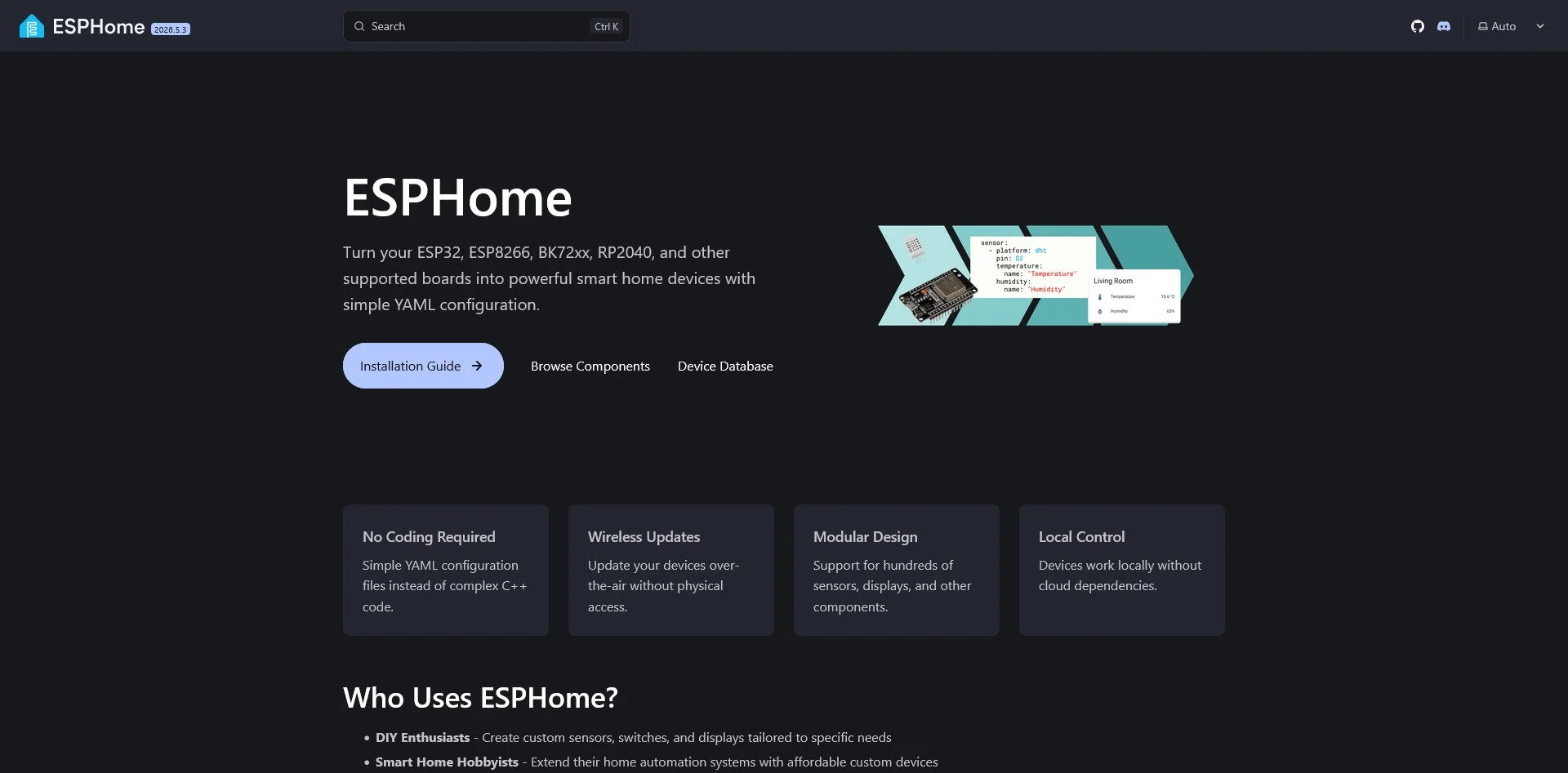
ESPHome Website
ESPHome allows you to build your own smart sensors using ESP32 or ESP8266 microcontrollers. You define the behavior in YAML, and ESPHome flashes the device. It is ideal for DIY enthusiasts who want to create custom sensors without proprietary hubs.
Zigbee2MQTT
Zigbee2MQTT Website
Zigbee2MQTT allows you to use Zigbee devices without a vendor hub. It connects any Zigbee device to your home automation system via MQTT, eliminating the need for Philips Hue, IKEA, or other proprietary bridges.
SourceBox Sentinel
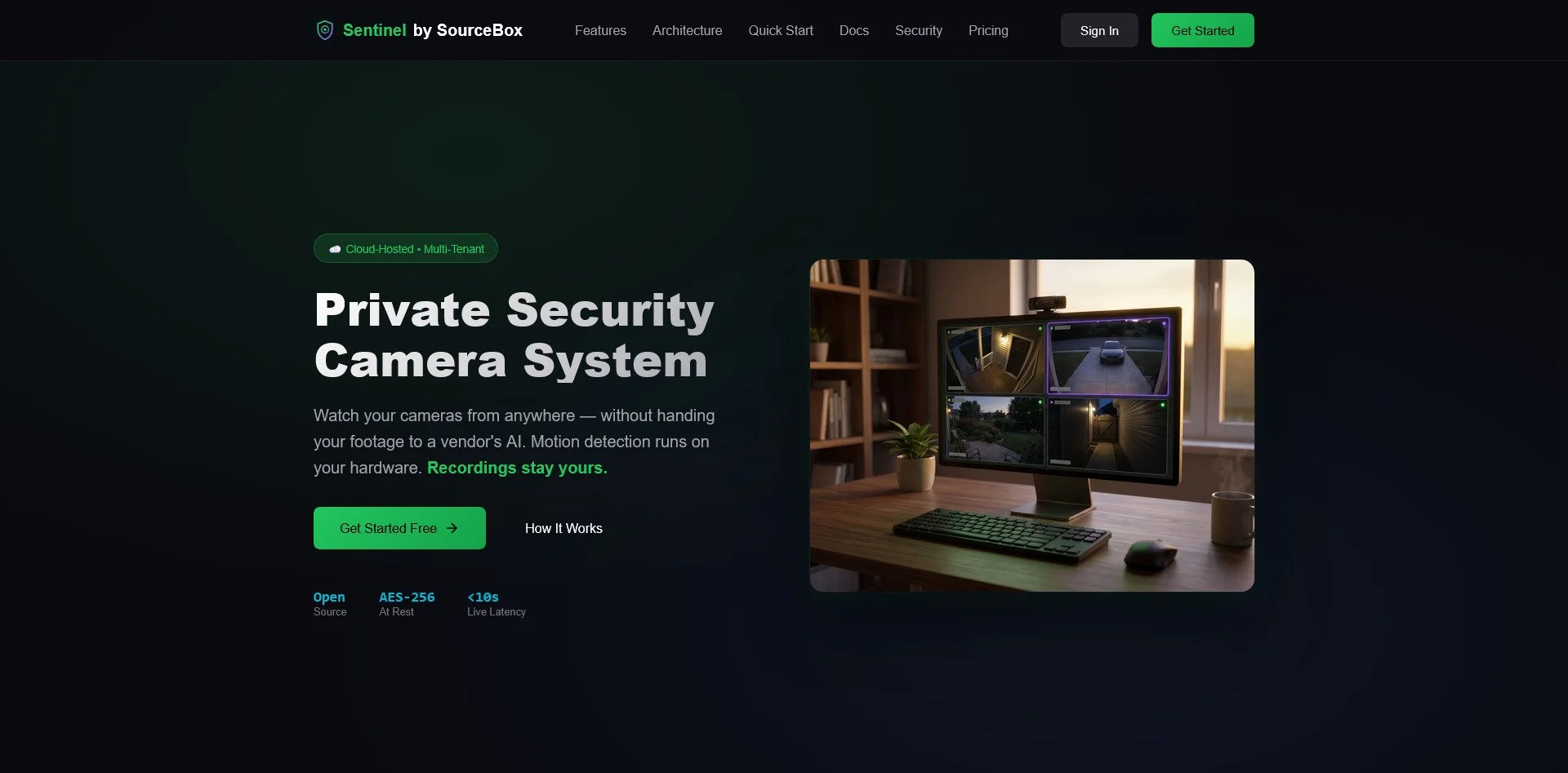
SourceBox Sentinel
SourceBox Sentinel is a privacy-first security camera system. It uses local-first motion detection and encrypted storage to ensure your camera footage never leaves your network. It integrates with Home Assistant and supports MCP for AI-powered investigation.
Cloud Storage & File Sync
The Trap: Dropbox, Google Drive, OneDrive, iCloud
The Sovereign Alternatives:
Nextcloud
Nextcloud Website
Nextcloud is the most comprehensive self-hosted cloud platform. It includes file storage, calendar, contacts, video calls, and even an app store for extensions. It can replace Google Workspace entirely for individuals and small businesses.
Syncthing
Syncthing Website
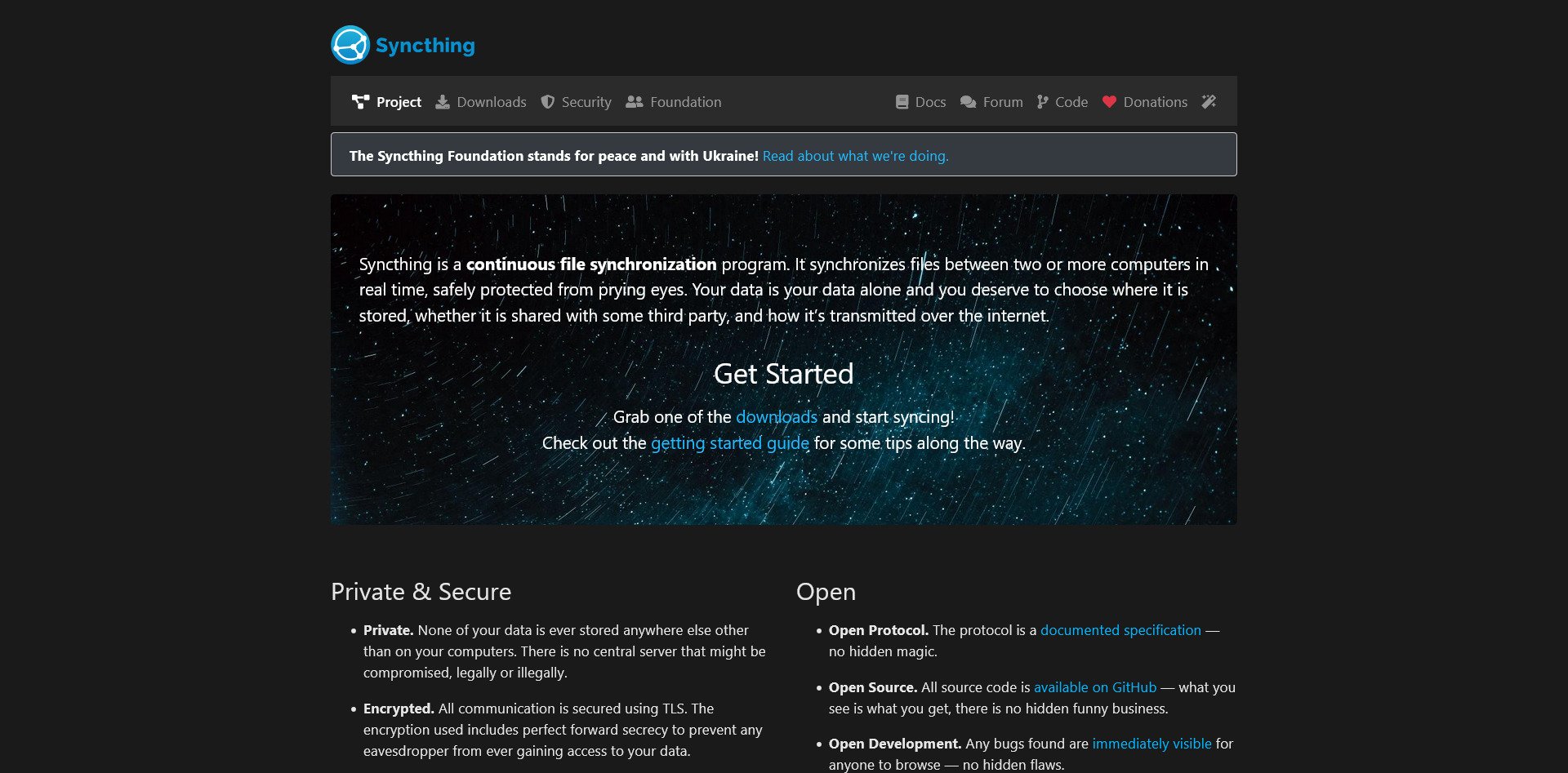
Syncthing is a peer-to-peer file sync tool. It does not use a central server; instead, your devices sync directly with each other. It is encrypted, fast, and requires no server maintenance. It is ideal for users who want to sync files between their own devices without a cloud.
Seafile
Seafile
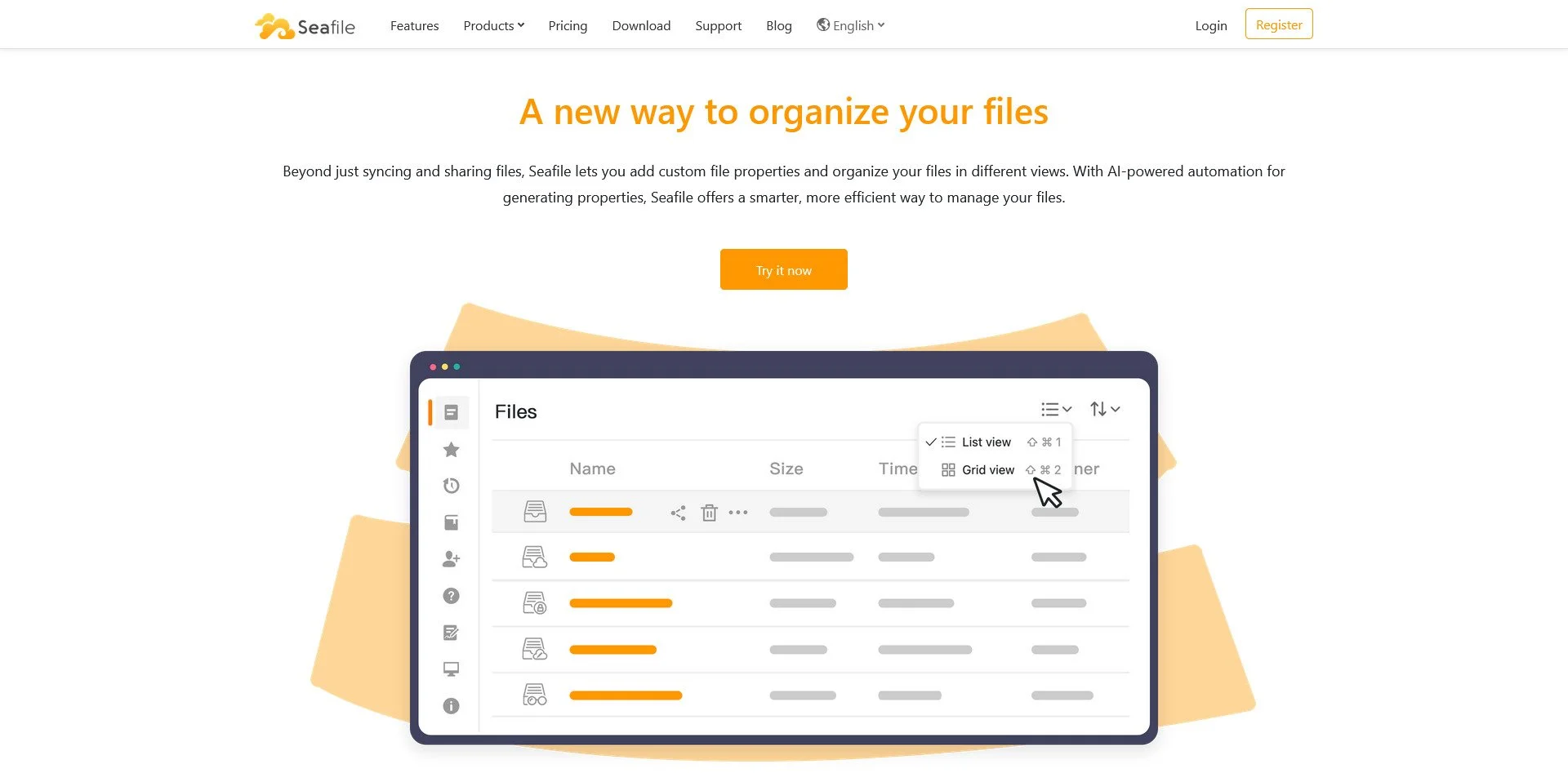
Seafile is optimized for performance and reliability. It uses a block-level sync algorithm, making it faster than Nextcloud for large files. It includes file locking and versioning, making it suitable for teams that need to collaborate on documents.
OwnCloud
OwnCloud Website
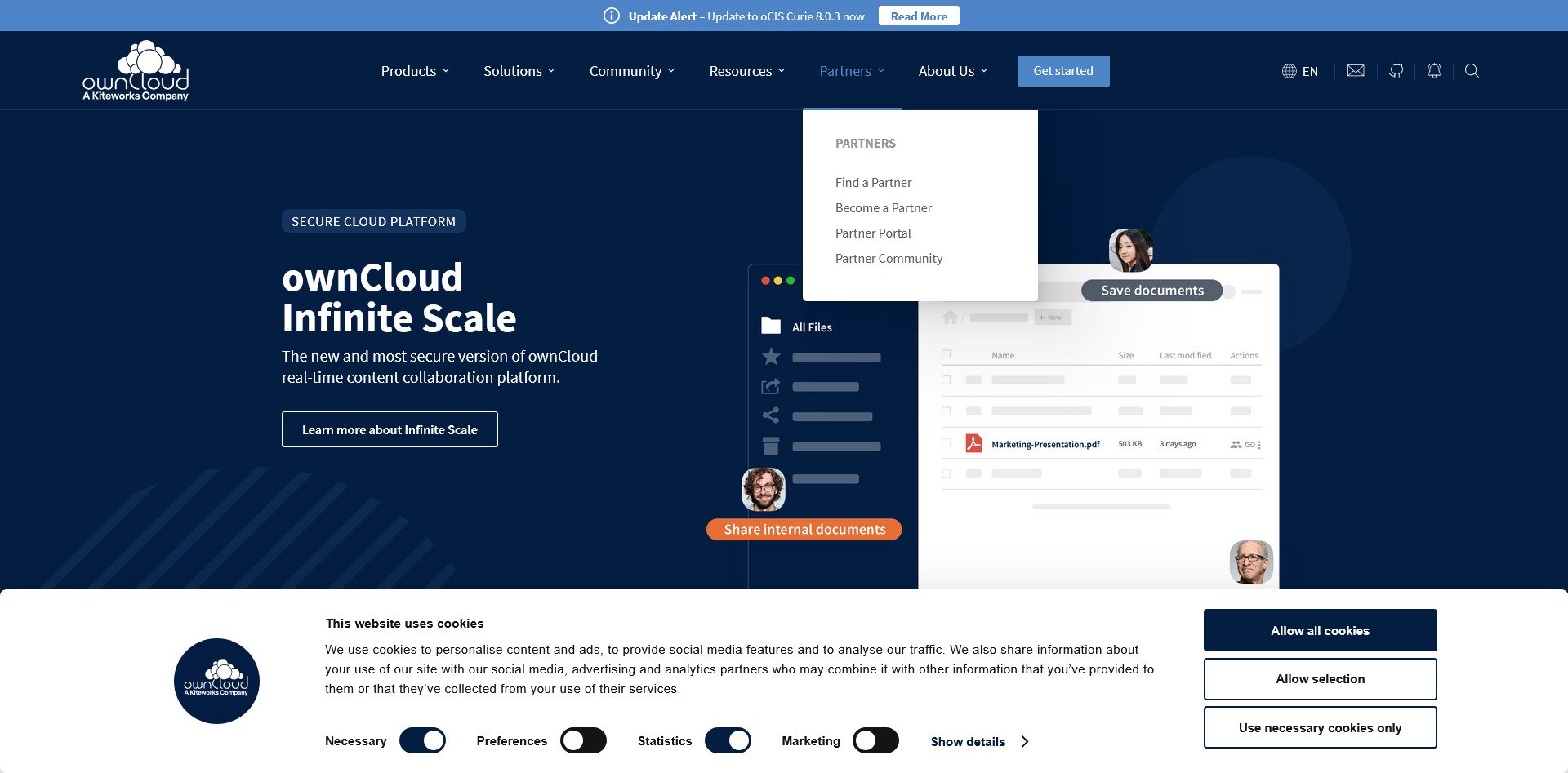
OwnCloud is the original open-source cloud platform. It is now more focused on enterprise customers, with features for compliance, governance, and large-scale deployments. It is a solid choice for businesses that need a self-hosted alternative to Dropbox.
Resilio Sync
Resilio Sync Website
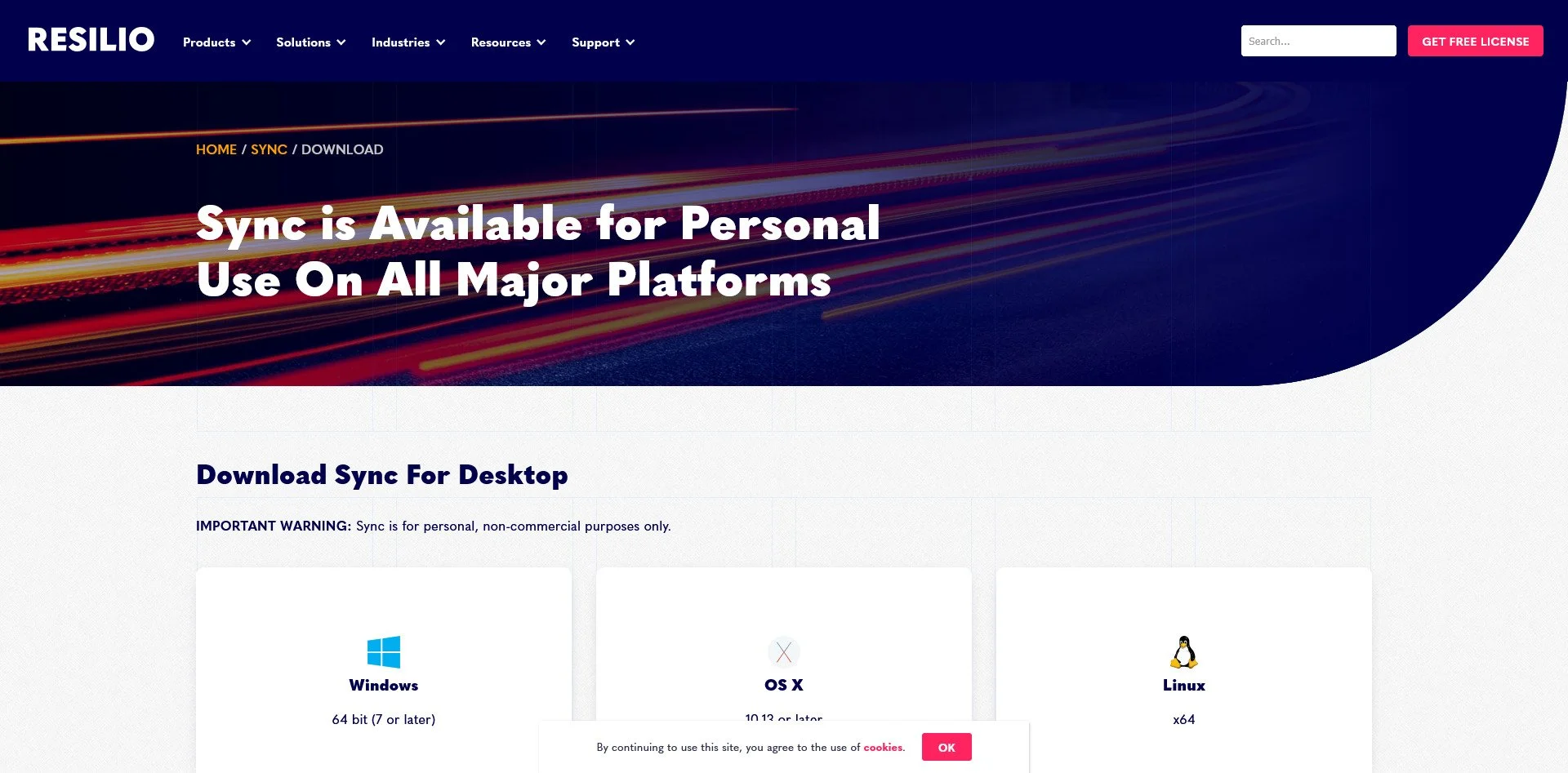
Resilio Sync uses BitTorrent technology to sync files. It is exceptionally fast for large files and does not require a central server. It is a good choice for users who need to transfer large media files between locations.
FileRun
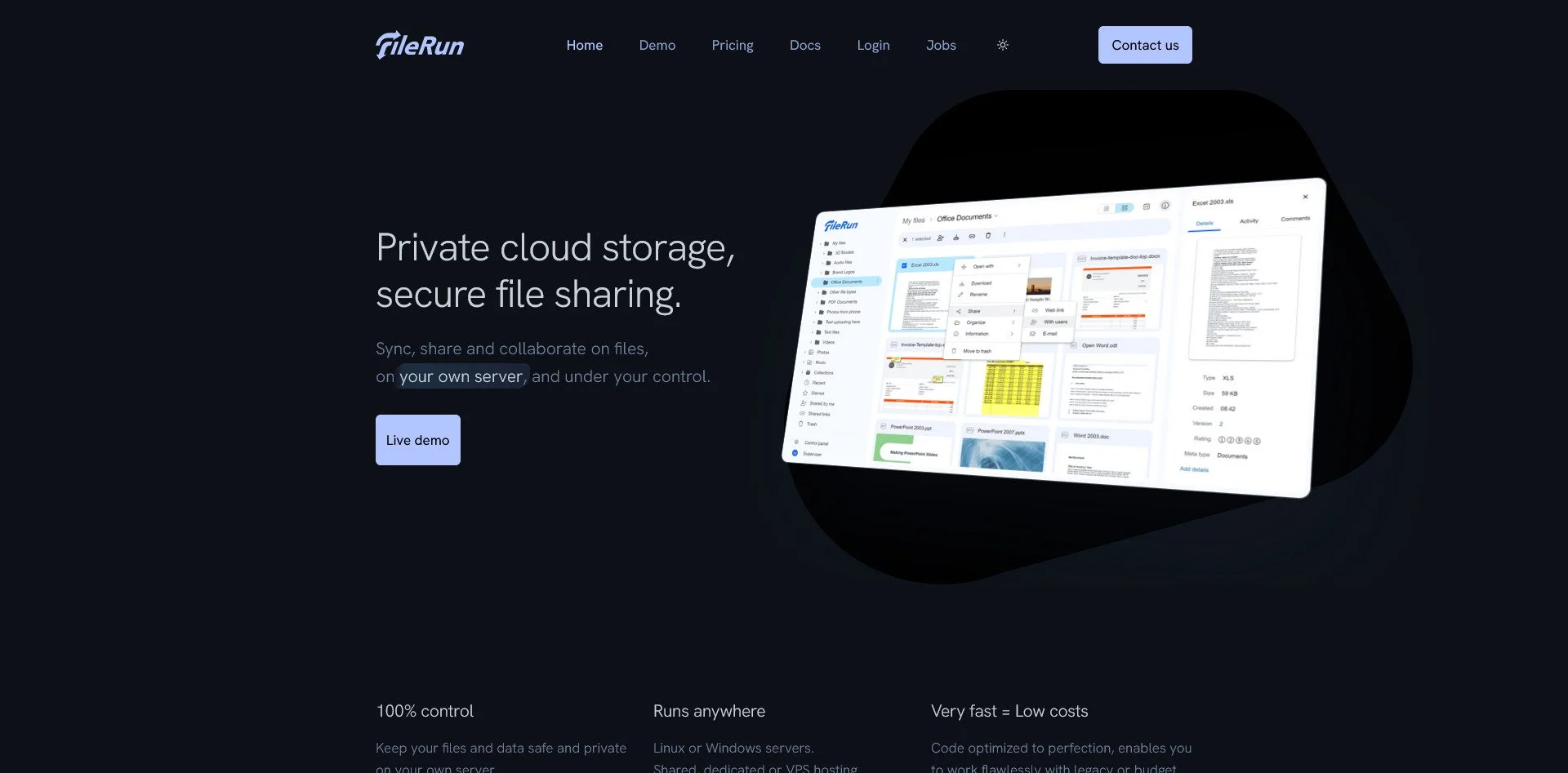
FileRun Website
FileRun is a lightweight file manager that resembles Google Drive. It is easy to set up, has a modern interface, and requires minimal resources. It is ideal for users who want a simple, Dropbox-like experience without the complexity of Nextcloud.
Pydio Cells
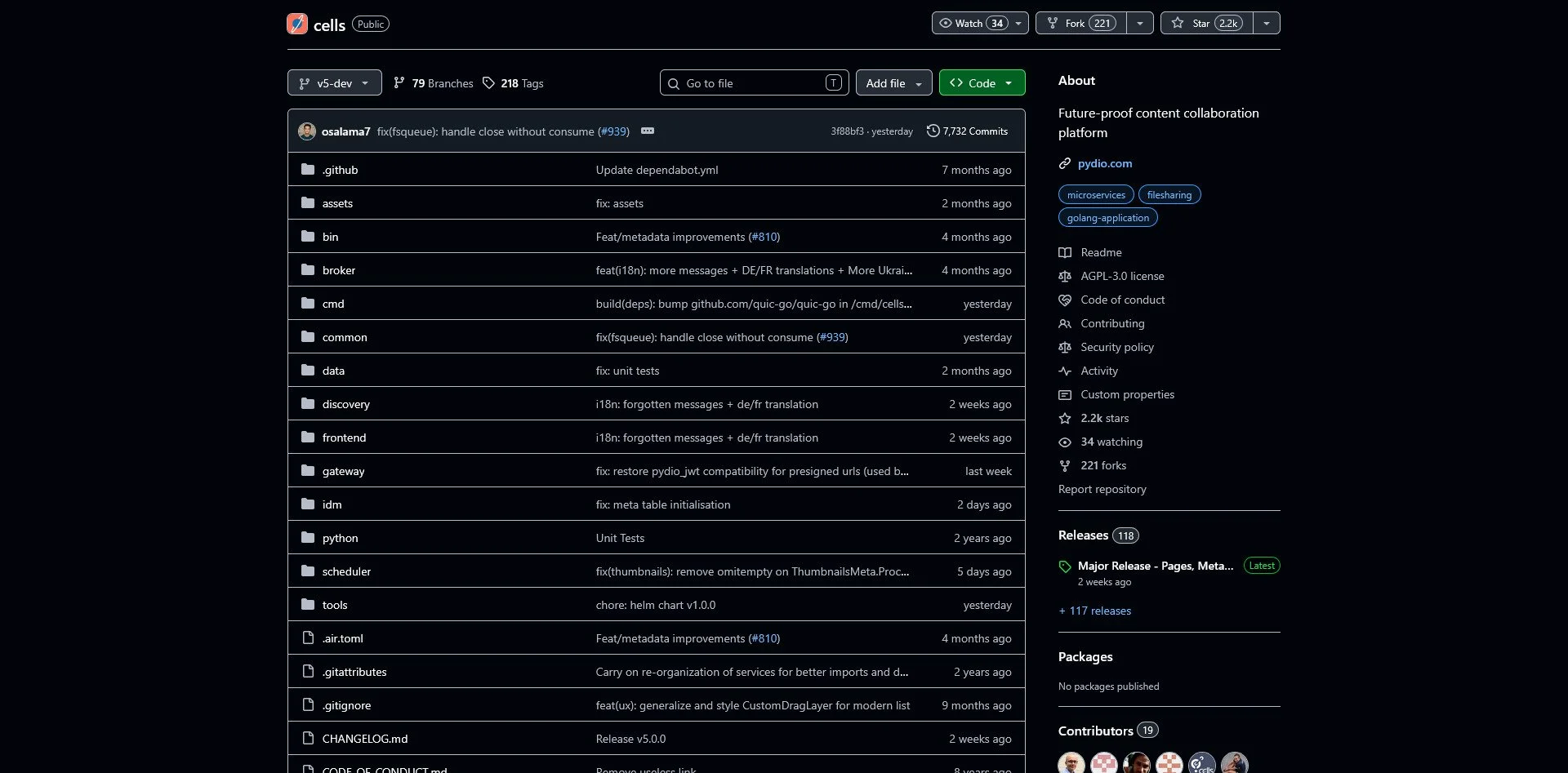
Pydio Cells GitHub Repo
Pydio Cells is designed for enterprise collaboration. It has a modern UI, robust sharing features, and team collaboration tools. It is more polished than Nextcloud for business use cases but requires more resources.
Password Management
The Trap: LastPass, 1Password, iCloud Keychain
The Sovereign Alternatives:
Bitwarden

Bitwarden Website
Bitwarden is the most popular open-source password manager. It offers a full-featured free tier, browser extensions, and mobile apps. It can be used as a cloud service or self-hosted for complete control.
Vaultwarden
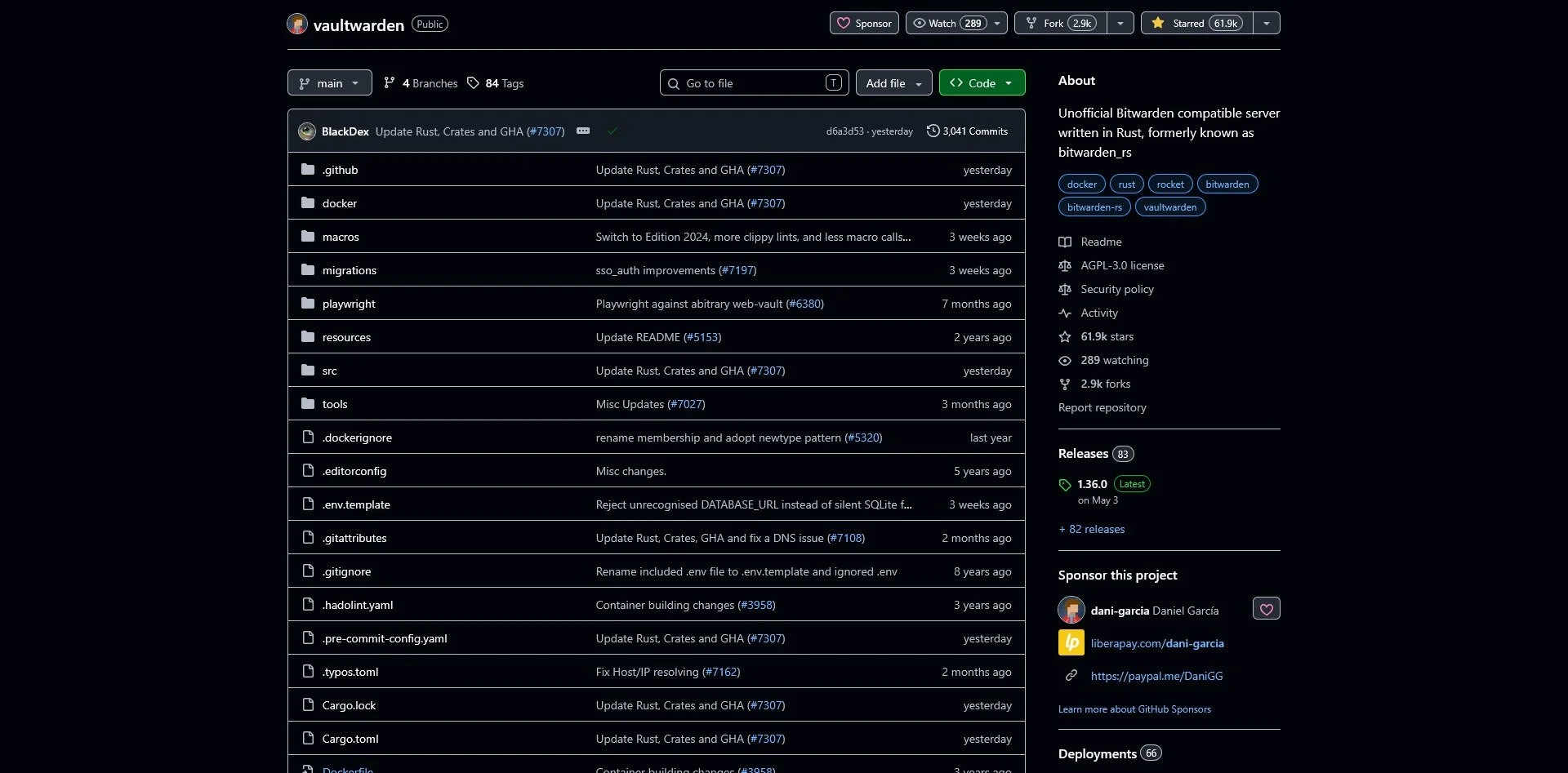
Vaultwarden Website
Vaultwarden is a lightweight Rust implementation of the Bitwarden server. It uses far fewer resources than the official Bitwarden server, making it ideal for self-hosting on a Raspberry Pi or small VPS.
KeePassXC
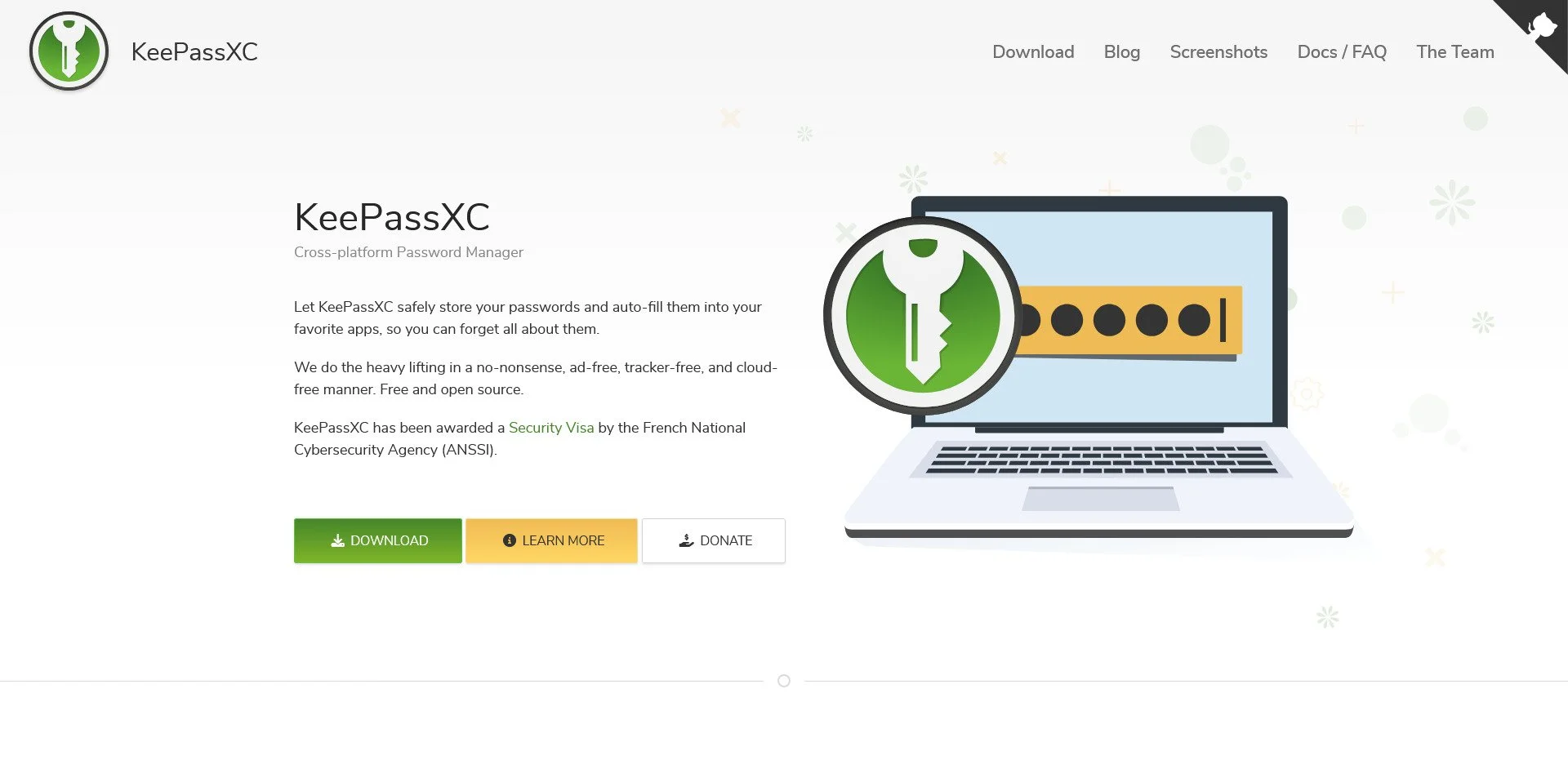
KeePassXC
KeePassXC is an offline password manager. Your password database is a local file that you control. There is no sync, no cloud, and no server. You can store the file on a USB drive or sync it manually with Syncthing. It is ideal for users who want zero cloud dependency.
LessPass
LessPass Website
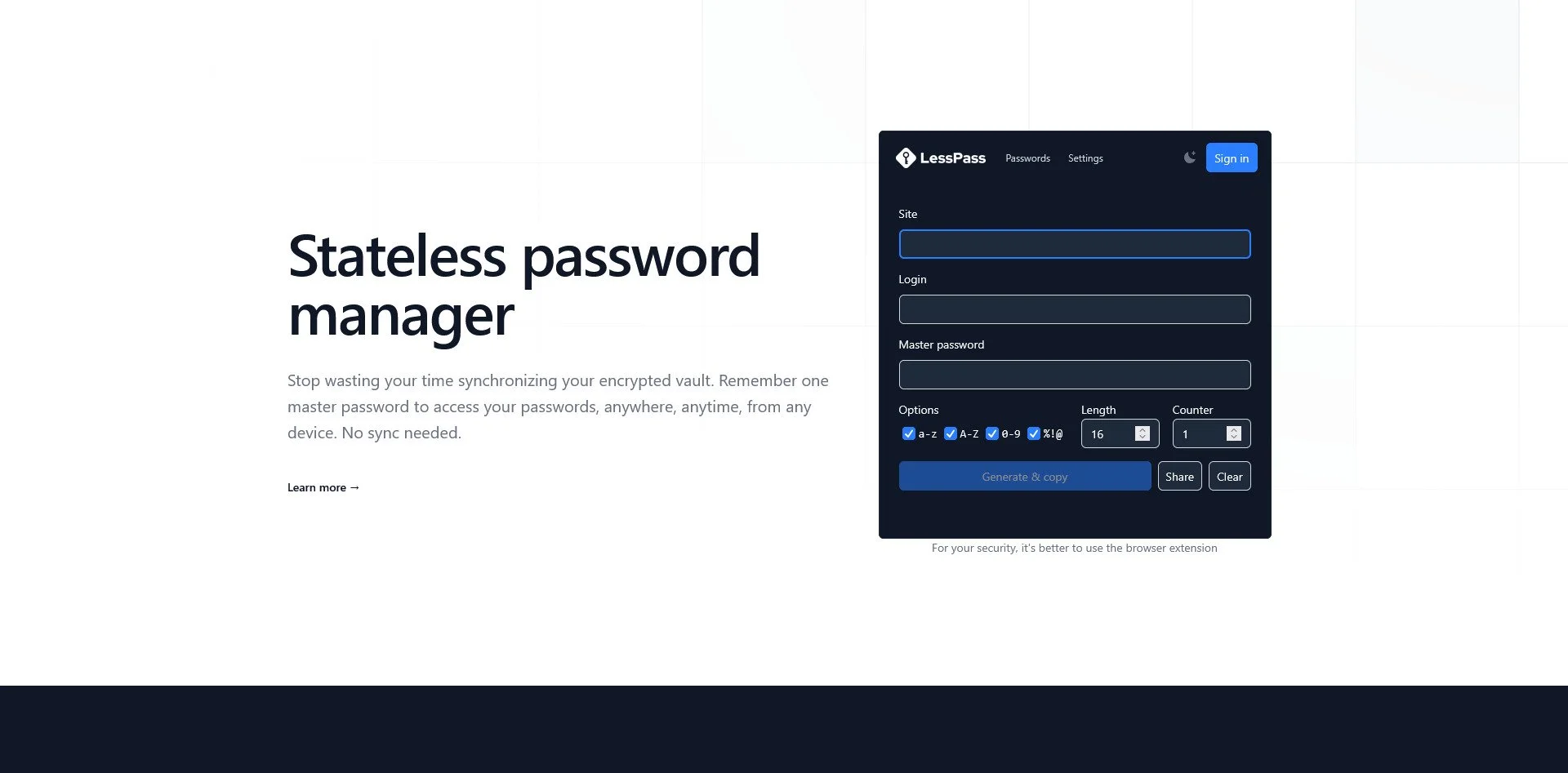
LessPass is a stateless password manager. It does not store your passwords; instead, it generates them from your master password and the site name. This means there is no database to steal or sync. However, if you forget your master password, everything is lost.
Pass (password-store)
Pass Website
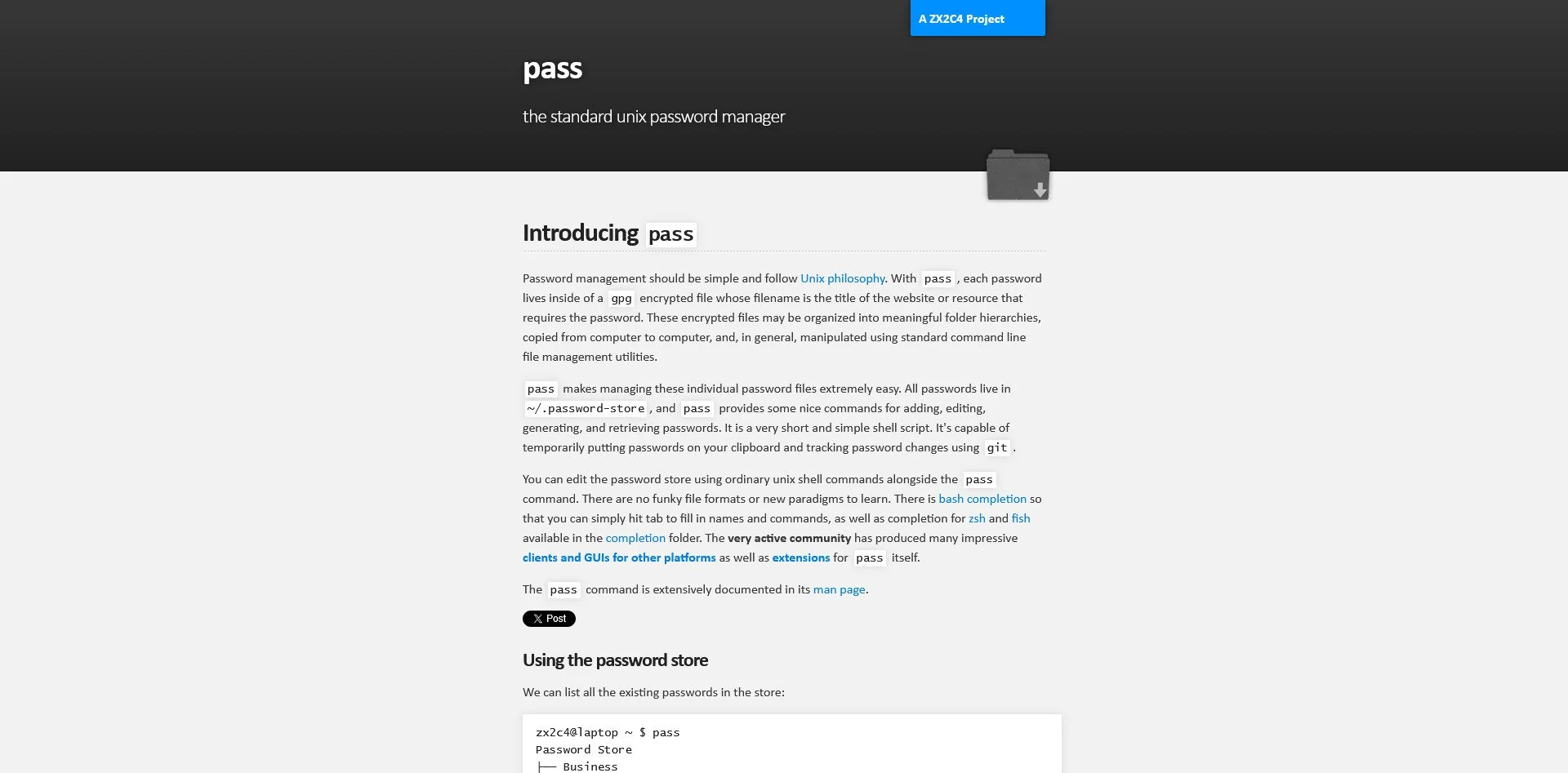
Pass is a Unix-style password manager that uses GPG for encryption. Each password is a separate encrypted file, and the store can be synced via Git. It is ideal for terminal users who want a simple, scriptable password manager.
Proton Pass
Proton Pass is from the team behind Proton Mail. It offers encrypted password storage, email aliases, and secure sharing. It is a good option for users who want a managed service that prioritizes privacy.
Note-Taking & Knowledge Management
The Trap: Notion, Evernote, OneNote, Roam Research
The Sovereign Alternatives:
Obsidian
Obsidian Website
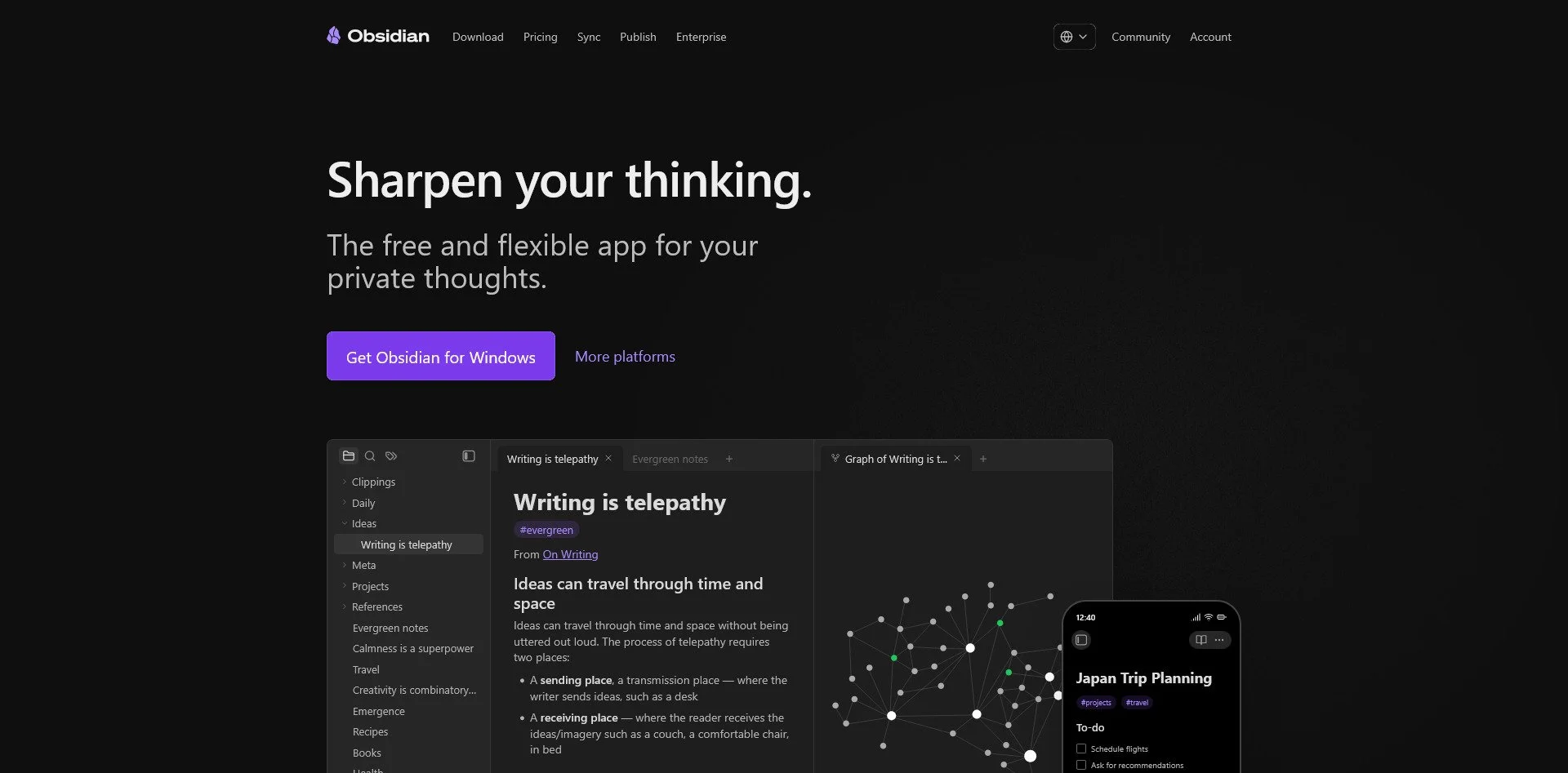
Obsidian stores all your notes as plain Markdown files on your local disk. It offers a graph view to visualize connections between notes, and has an extensive plugin ecosystem. Because your notes are local files, no vendor can hold your knowledge hostage.
Joplin
Joplin Website
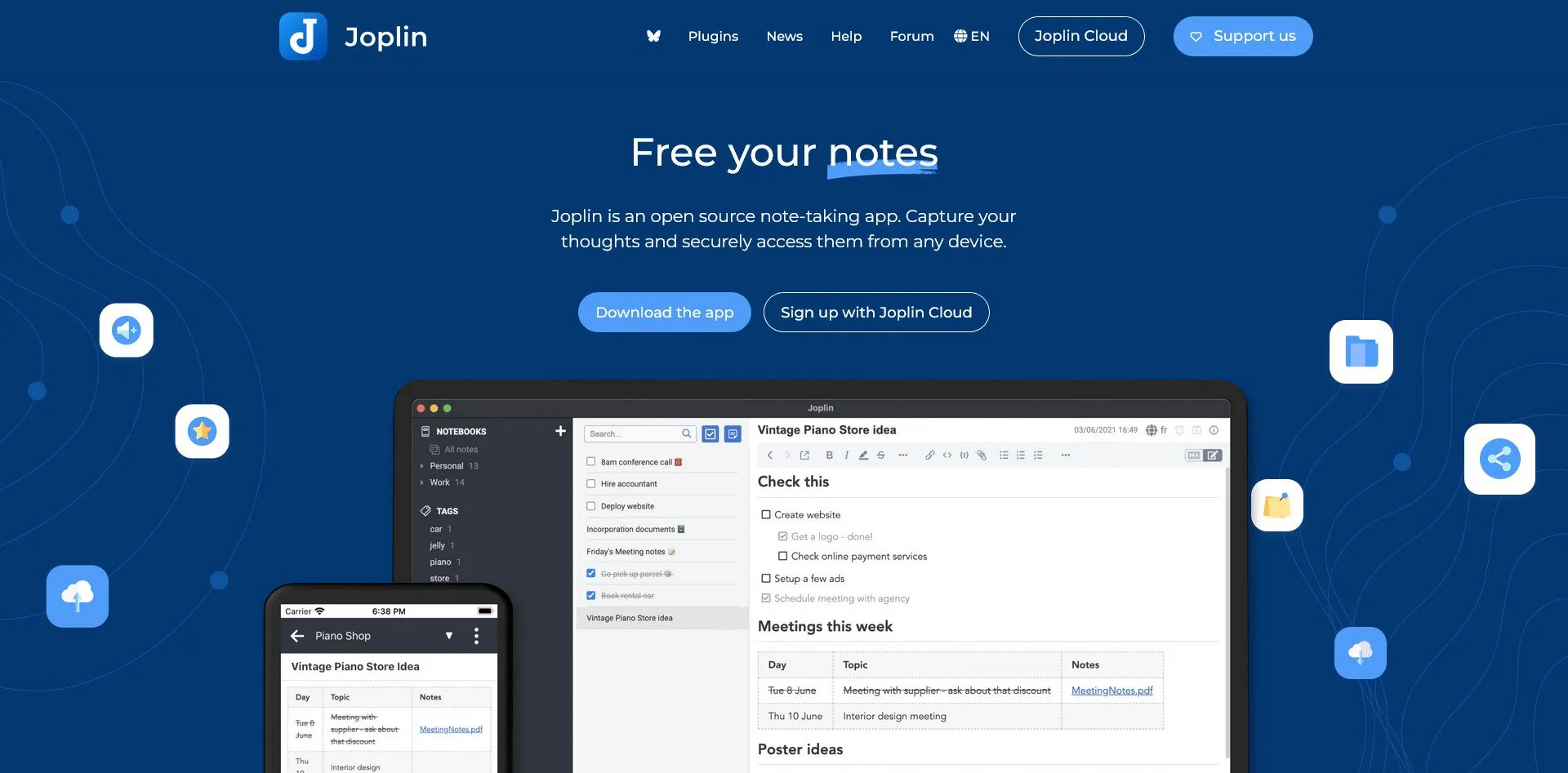
Joplin is an Evernote alternative with end-to-end encryption. It supports web clipping, cross-platform sync (via your own cloud storage), and Markdown. It is ideal for users migrating from Evernote who want a similar experience without the data mining.
Logseq
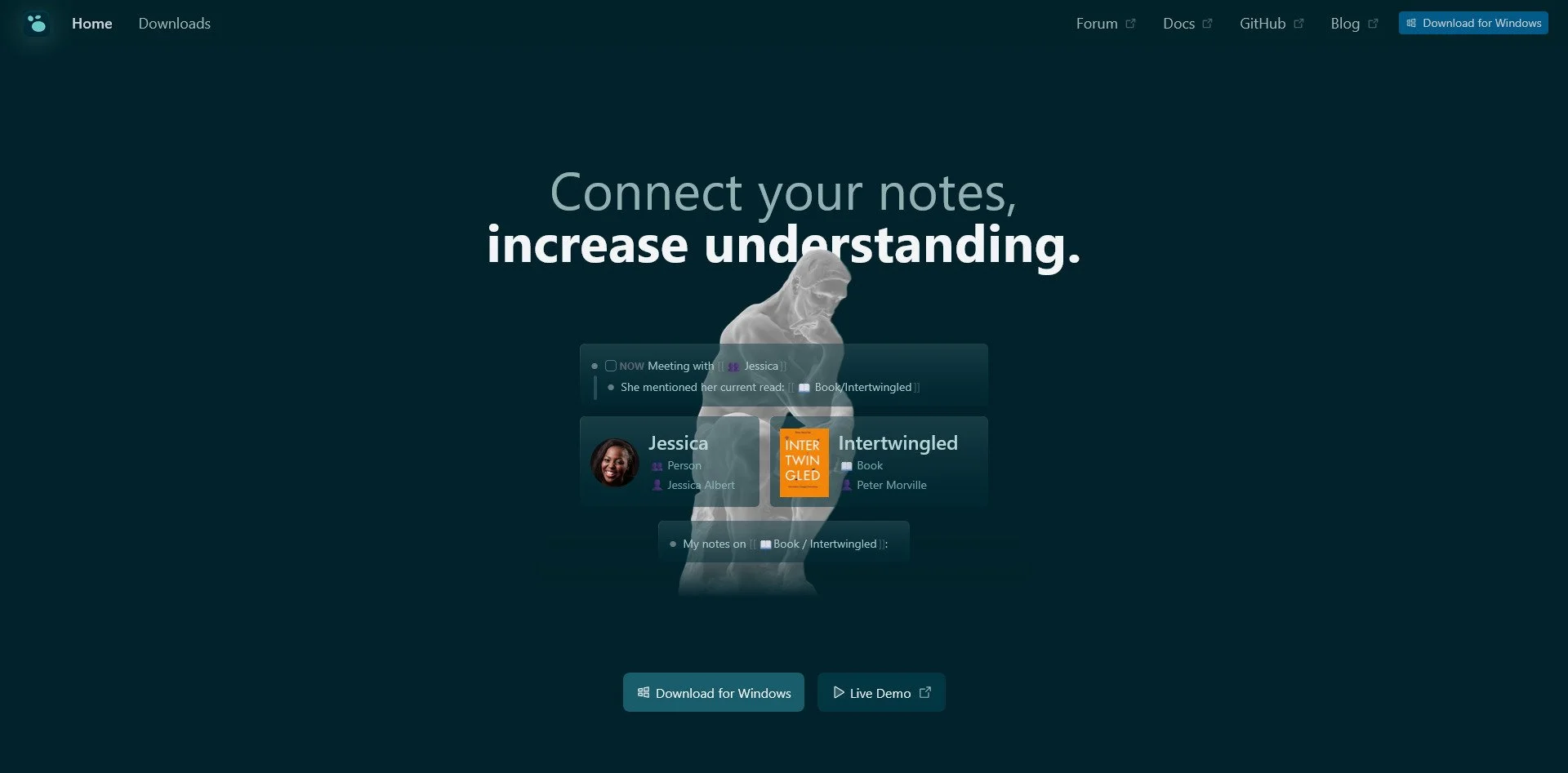
Logseq Website
Logseq is an outliner-based knowledge management tool. It uses block-based notes and bidirectional linking, making it ideal for "networked thought." It is local-first and stores data in plain text formats.
Foam

Foam Website
Foam is a note-taking system built on VS Code. It uses Markdown and offers graph visualization. It is ideal for developers who want to keep their notes in the same editor they use for code.
Zettlr
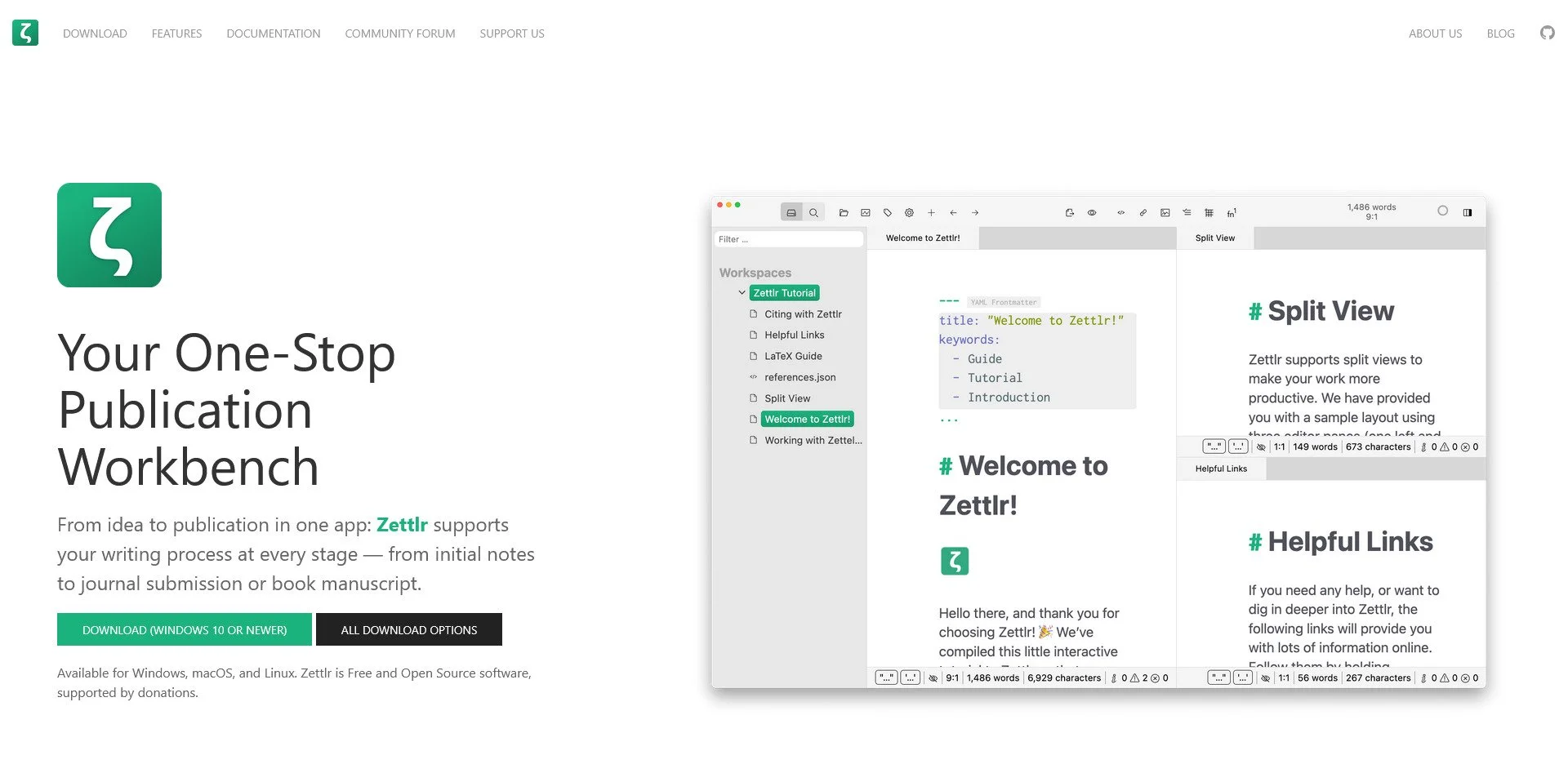
Zettlr Website
Zettlr is designed for academic writing. It includes citation management, Markdown support, and research-focused features. It is ideal for students and researchers who need to manage references and long-form documents.
Standard Notes
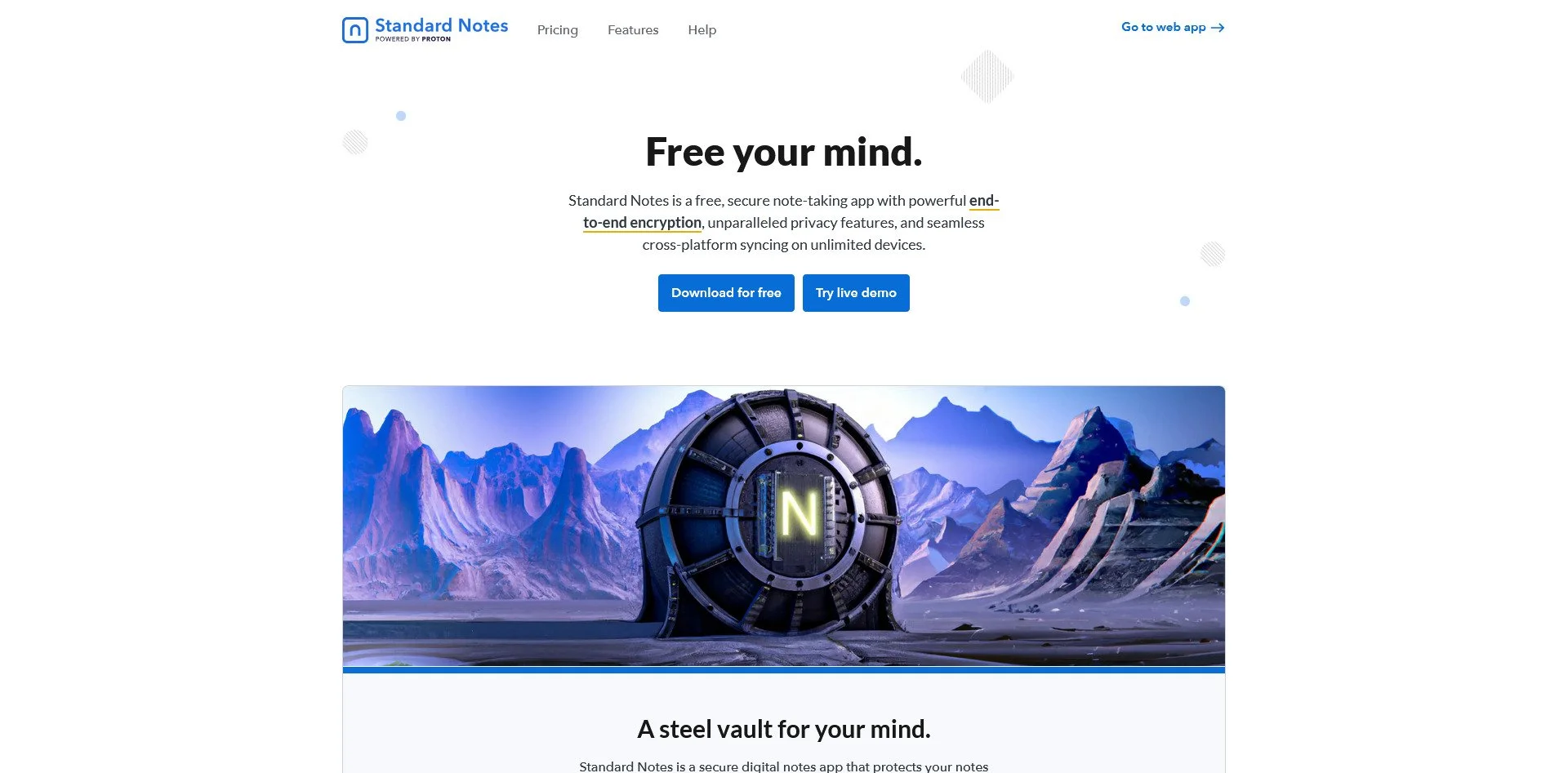
Standard Notes website
Standard Notes is a simple, encrypted note-taking app. It is designed for security and longevity, with a focus on keeping your notes accessible for decades. It offers extensions for advanced features like spreadsheets and tasks.
TiddlyWiki
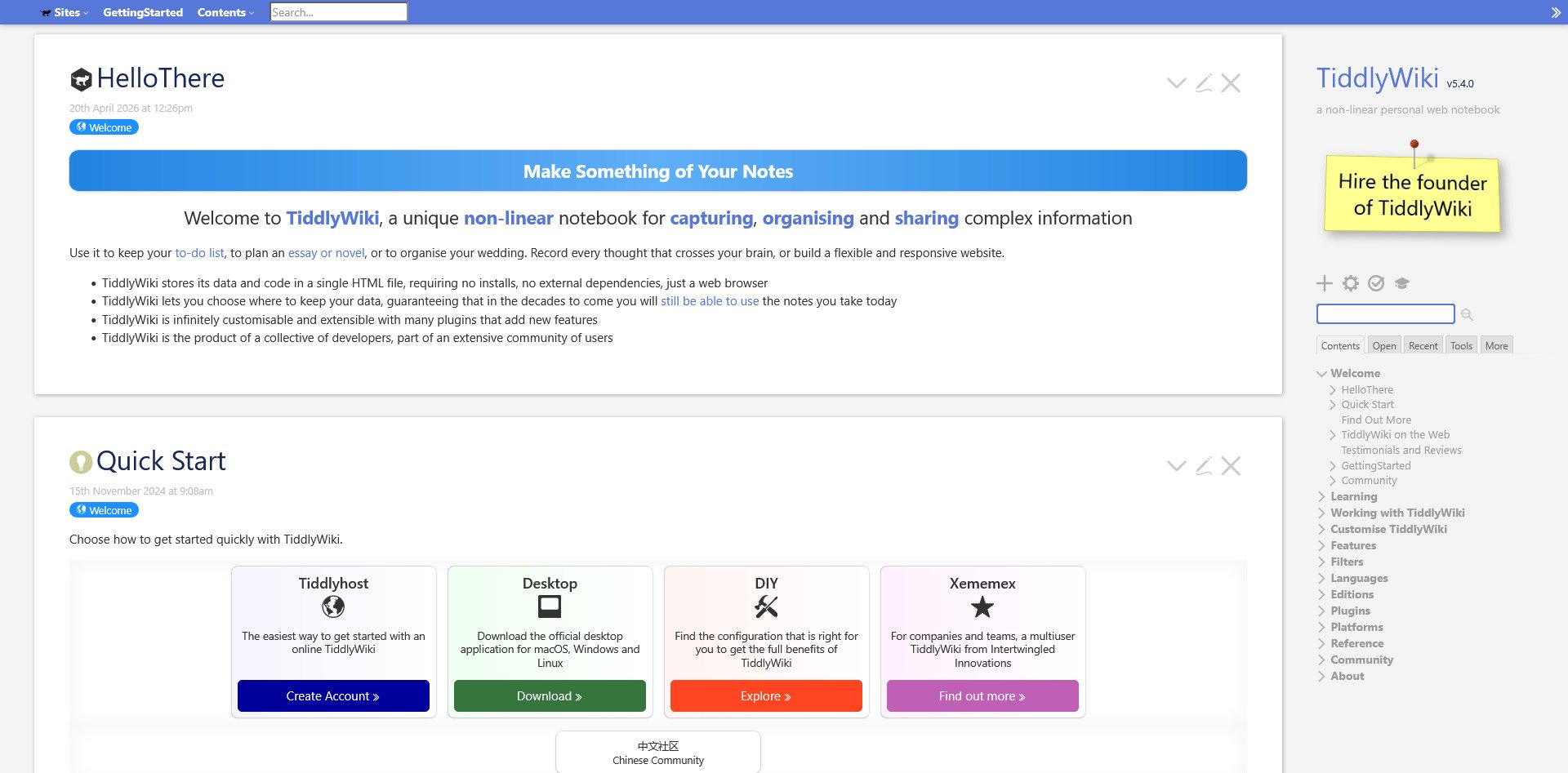
TiddlyWiki Website
TiddlyWiki is a unique "personal wiki" that exists as a single HTML file. It is highly customizable and portable—you can carry your entire wiki on a USB drive. It is ideal for users who want a self-contained knowledge base.
Dendron
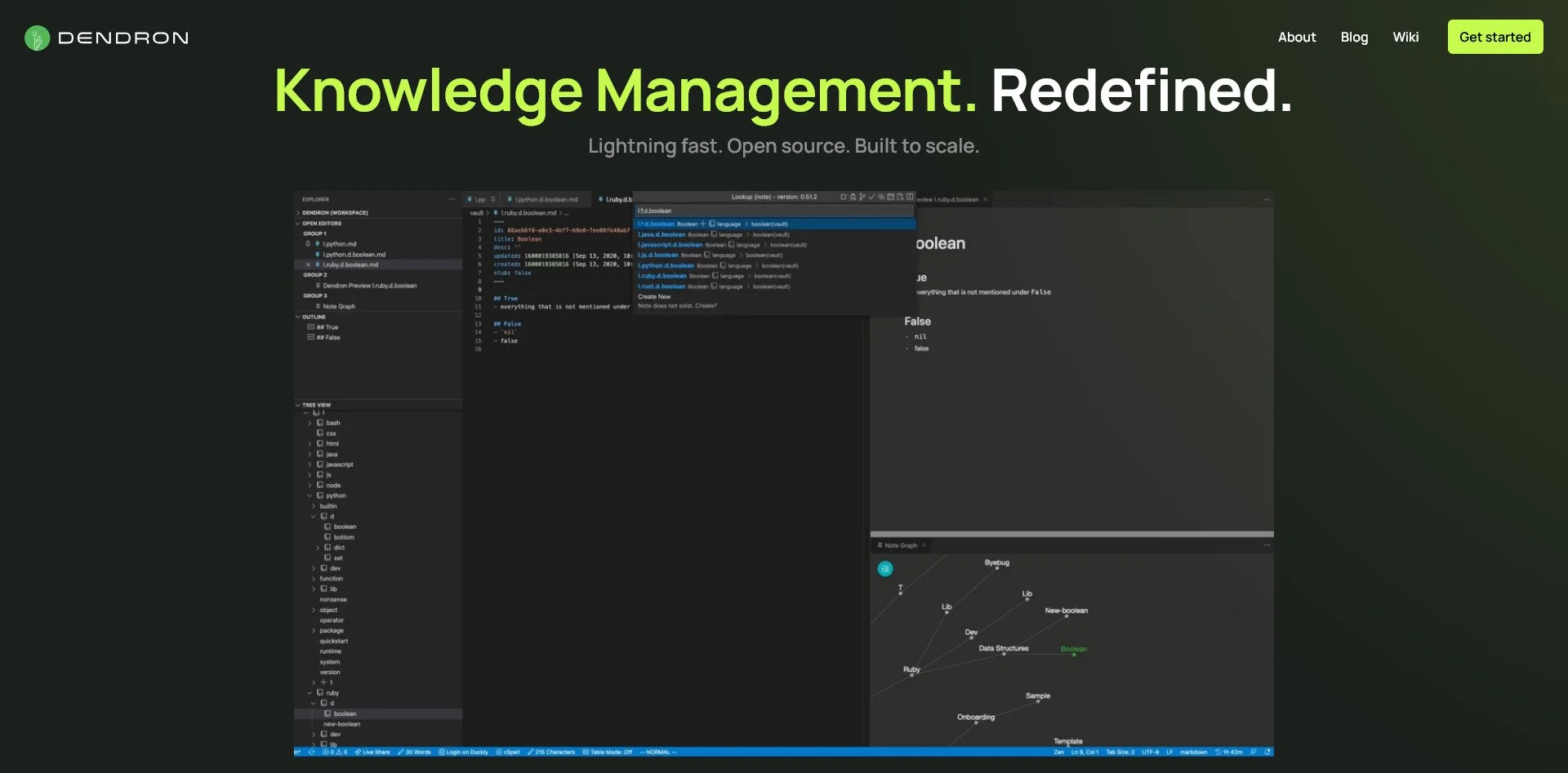
Dendron Website
Dendron is a hierarchical note-taking extension for VS Code. It uses a tree-based organization system, making it easy to manage large knowledge bases. It is ideal for users who prefer structured, hierarchical notes over networked graphs.
Project Management & Collaboration
The Trap: Asana, Trello, Monday.com, Slack
The Sovereign Alternatives:
Plane
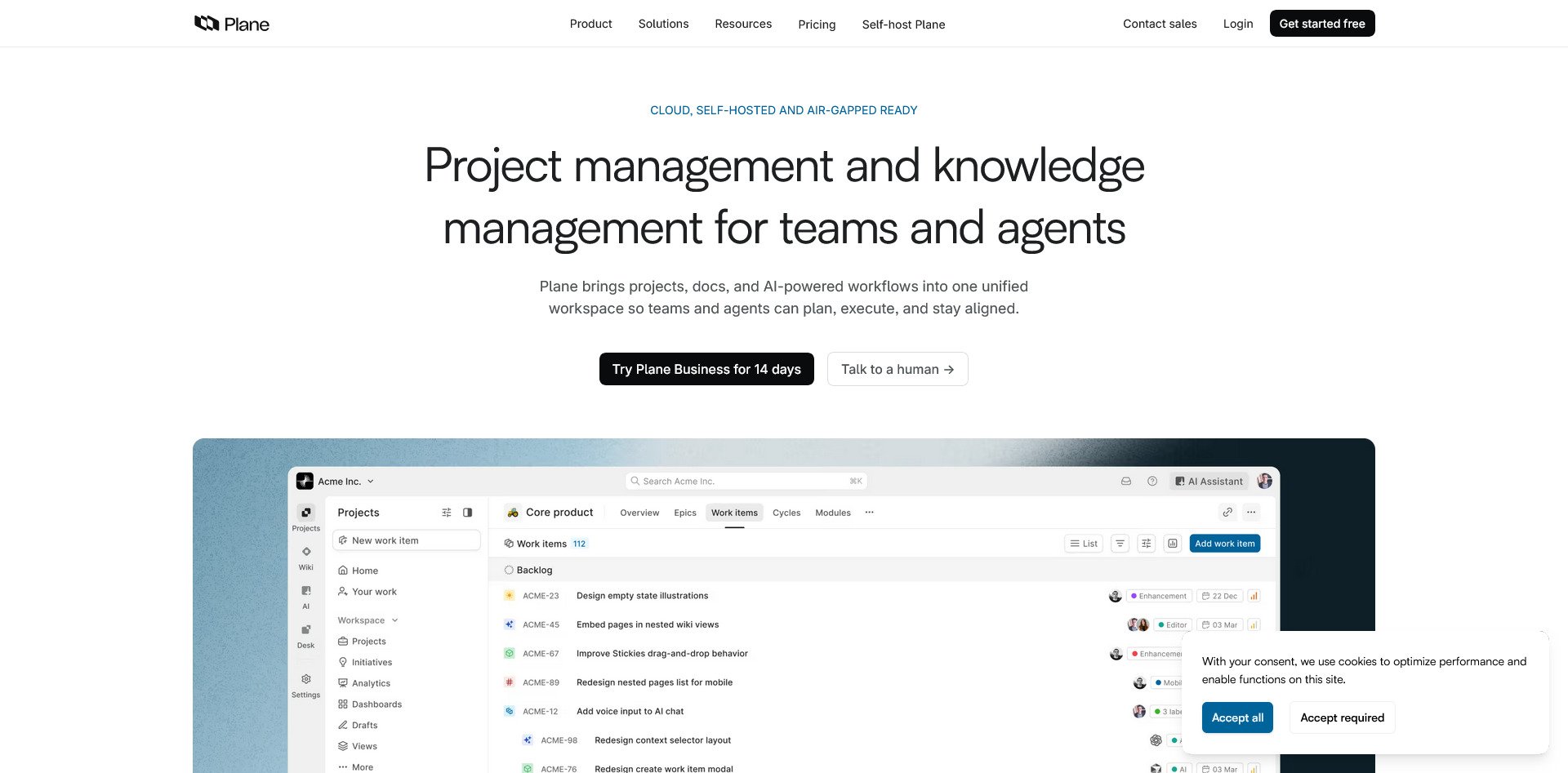
Plane Website
Plane is a modern alternative to Jira. It offers issue tracking, sprint planning, and a clean UI. It is designed to be self-hosted and is ideal for software teams that want the power of Jira without the per-user pricing.
OpenProject
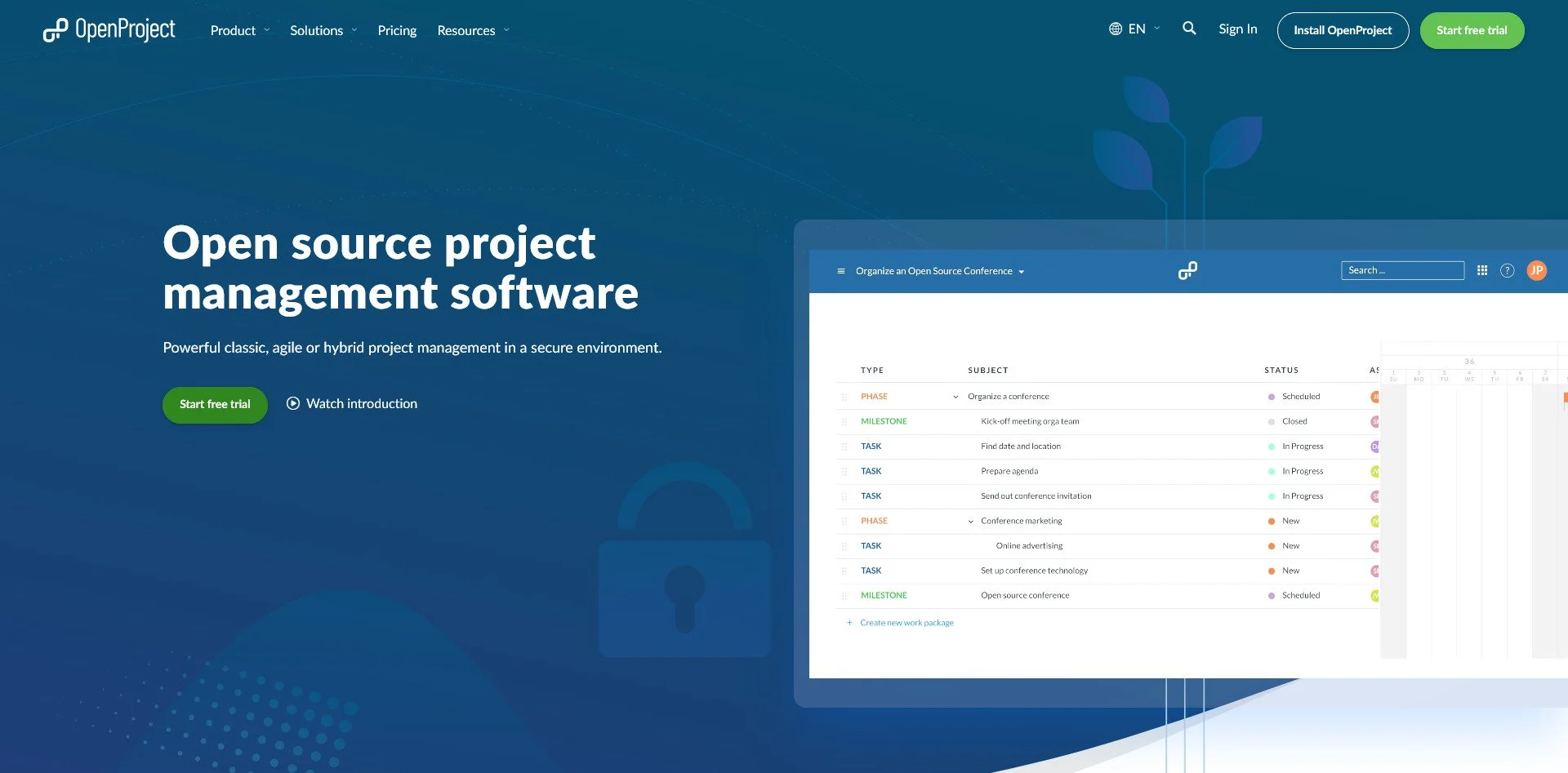
OpenProject Website
OpenProject is a comprehensive project management tool. It includes Gantt charts, time tracking, and support for both agile and waterfall methodologies. It is ideal for enterprises that need detailed project tracking.
Focalboard
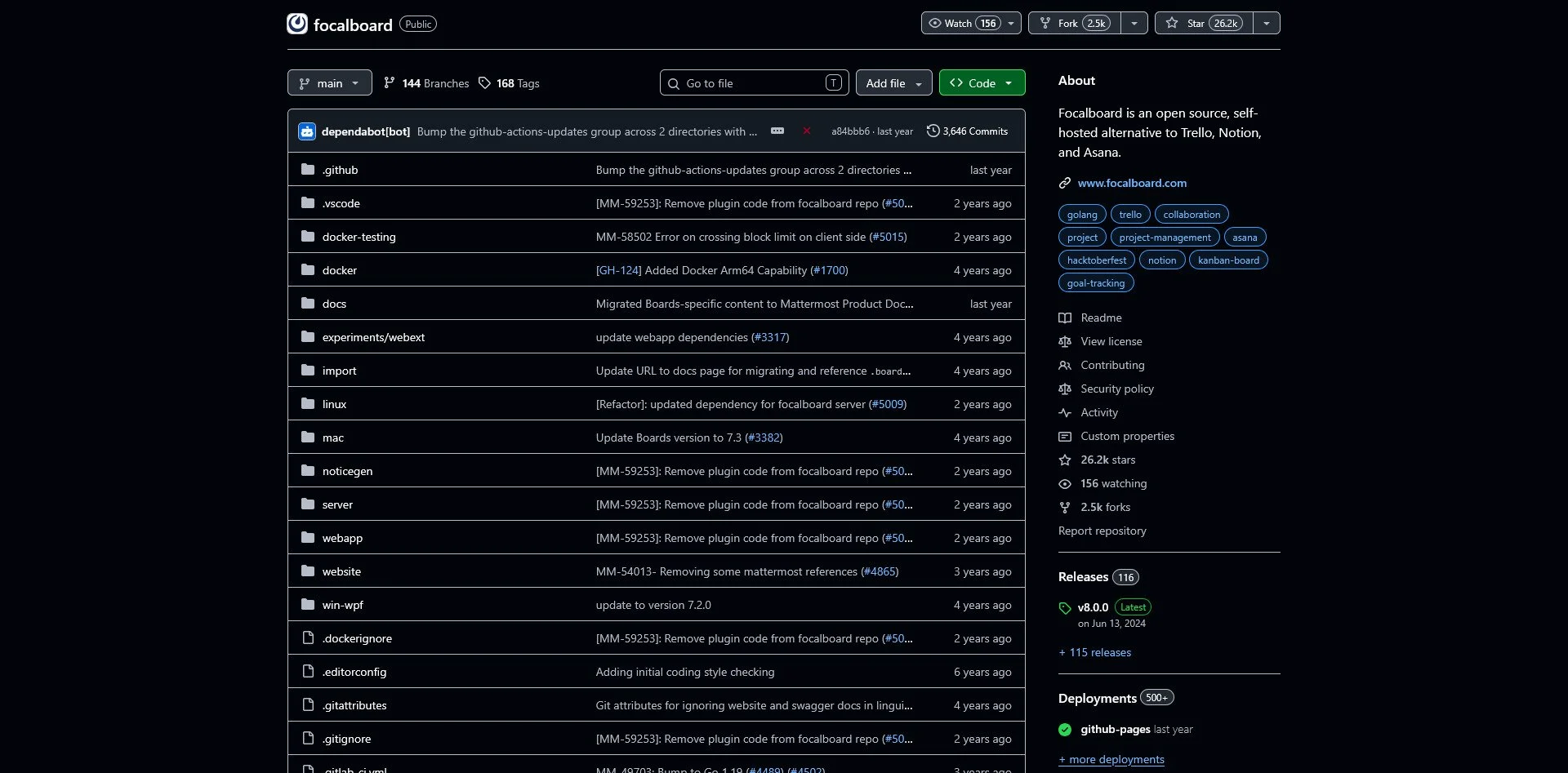
Focalboard GitHub Repo
Focalboard is an alternative to Trello and Notion. It offers Kanban boards, table views, and can be self-hosted. It is simple, fast, and integrates well with Mattermost for team communication.
Taiga
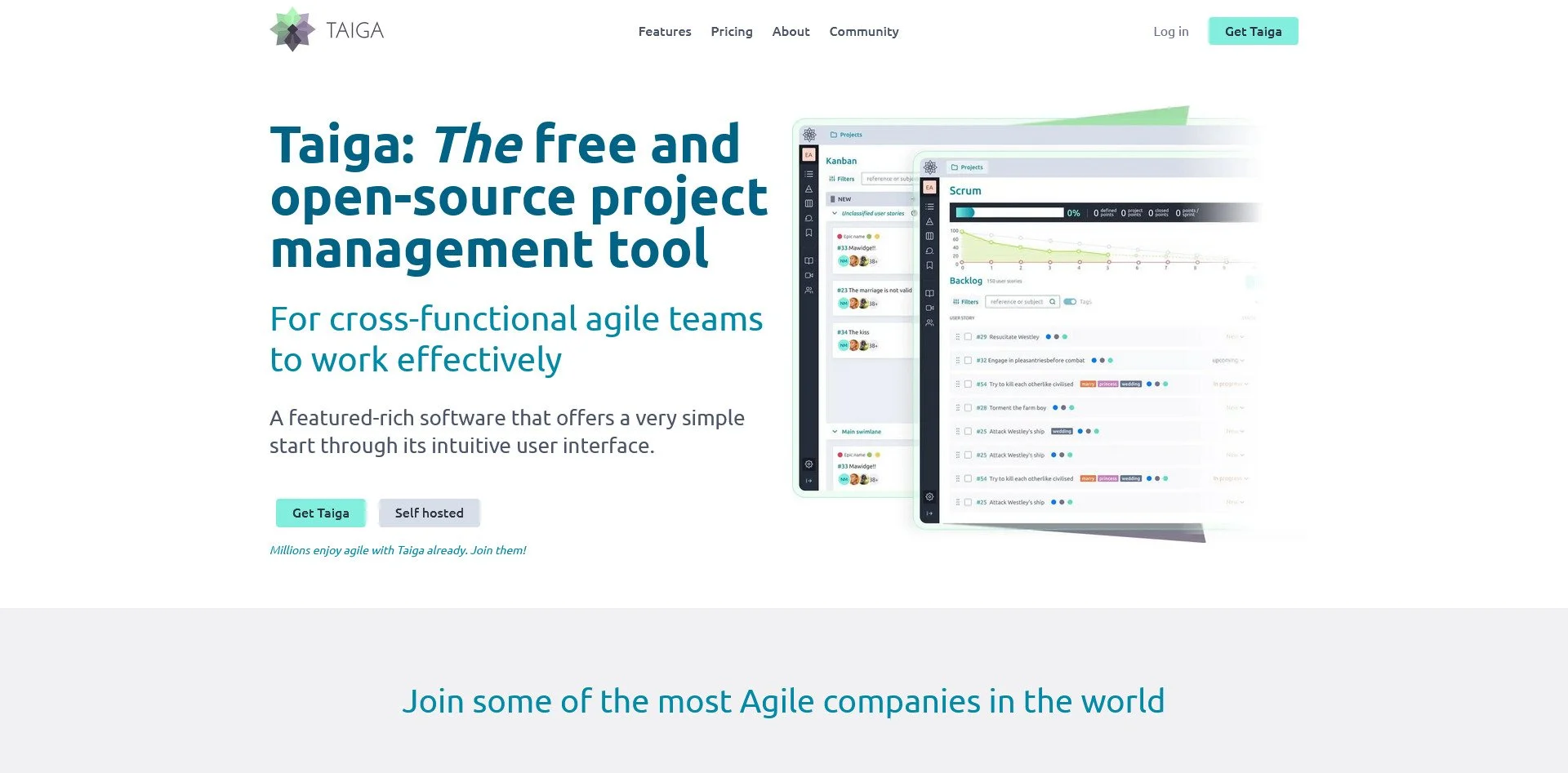
Taiga Website
Taiga is designed for agile teams. It supports Scrum and Kanban, has a beautiful UI, and is developer-friendly. It is ideal for teams that want a visually appealing tool that supports agile workflows.
Mattermost
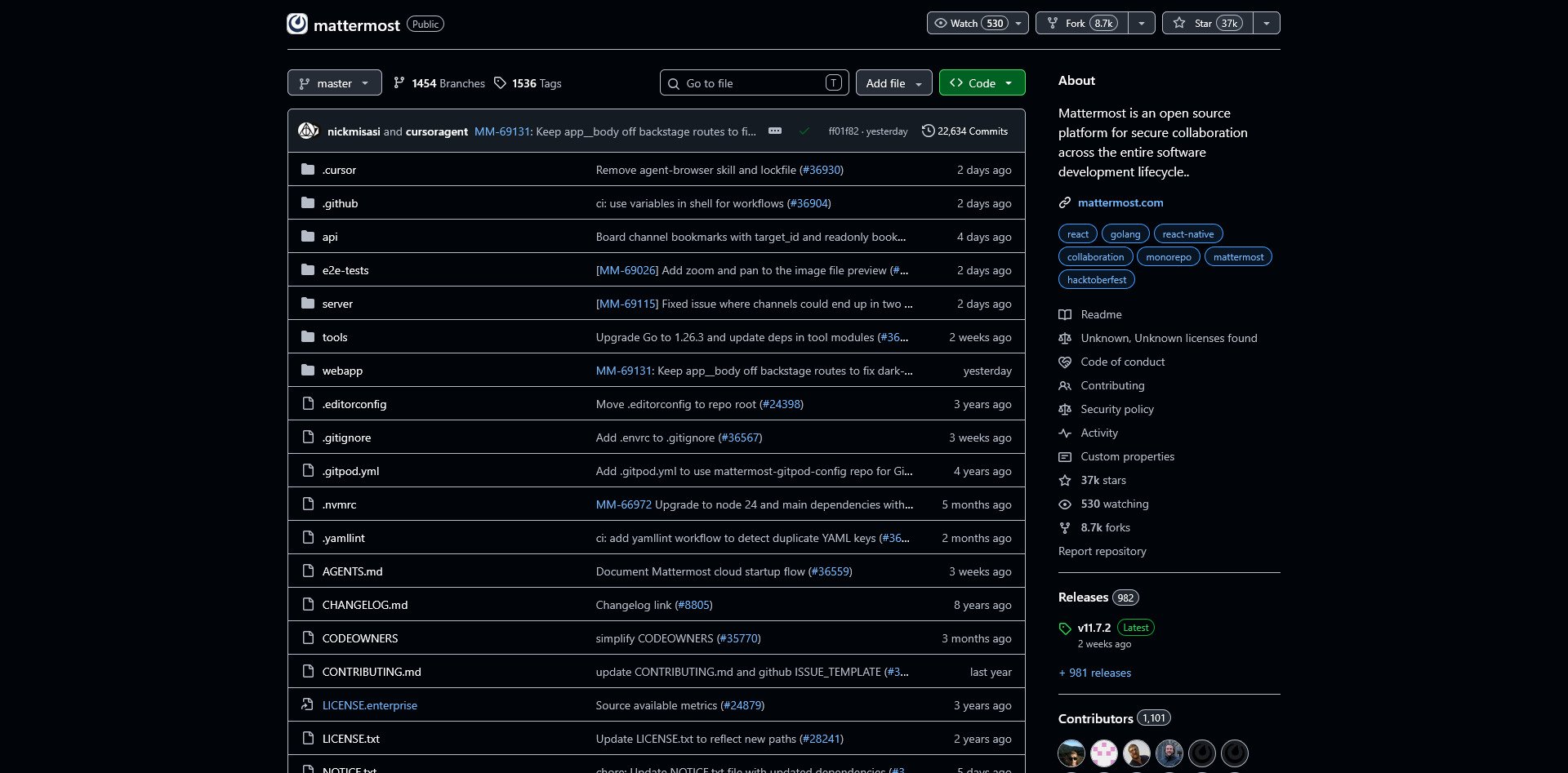
Mattermost GitHub Repo
Mattermost is a self-hosted alternative to Slack. It offers chat, file sharing, and video calls. It is designed for enterprises that want to keep their communication data on their own servers.
Rocket.Chat
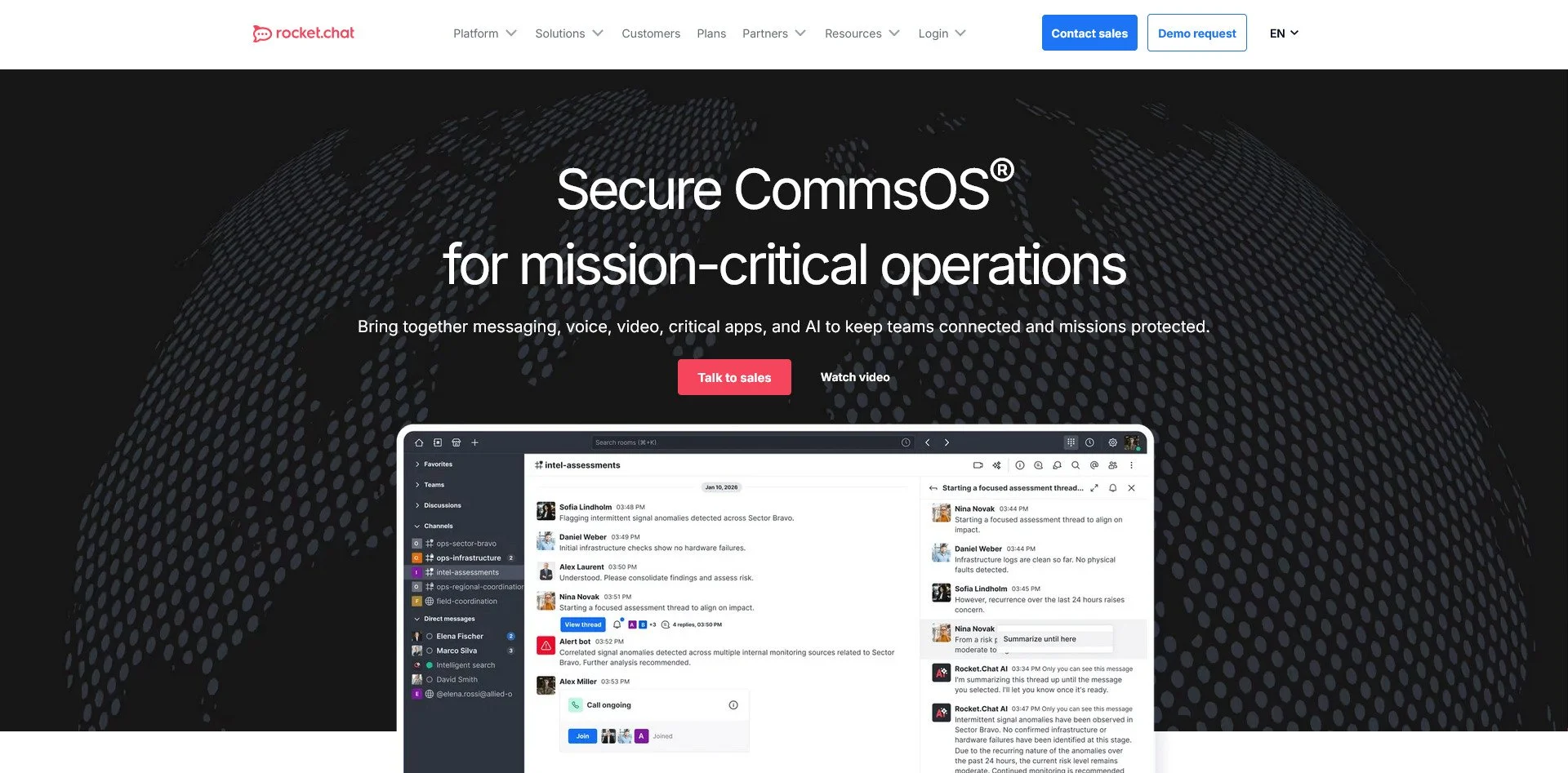
Rocket.Chat Website
Rocket.Chat is a team communication platform with omnichannel support. It can be used for internal team chat or as a customer support live chat. It is highly customizable and supports integrations.
Element (Matrix)
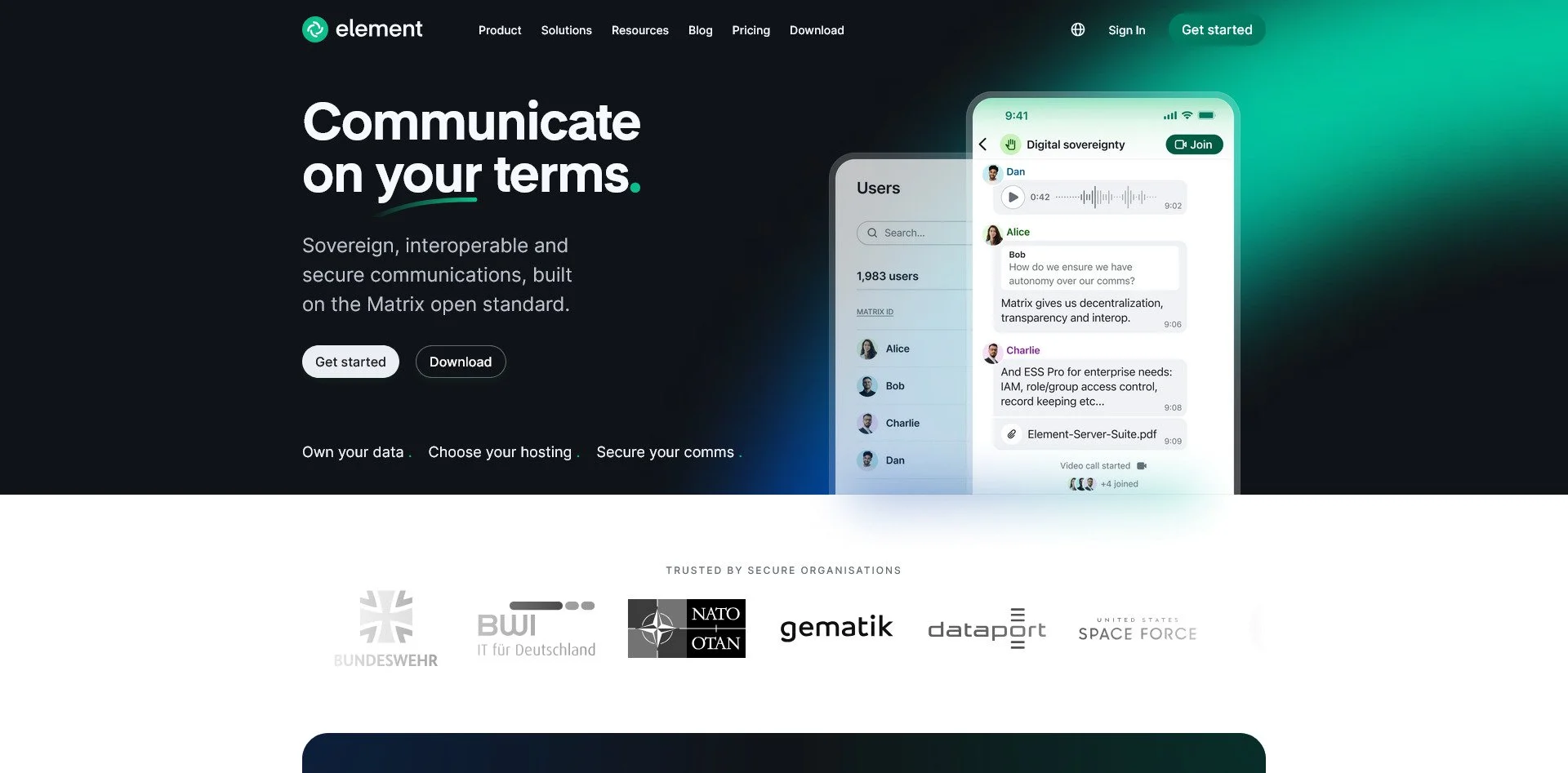
Element Website
Element is a client for the Matrix protocol, a decentralized communication network. Messages are encrypted, and you can host your own server or use any public server. It is ideal for users who want communication that cannot be shut down by a single company.
Zulip
Zulip Website
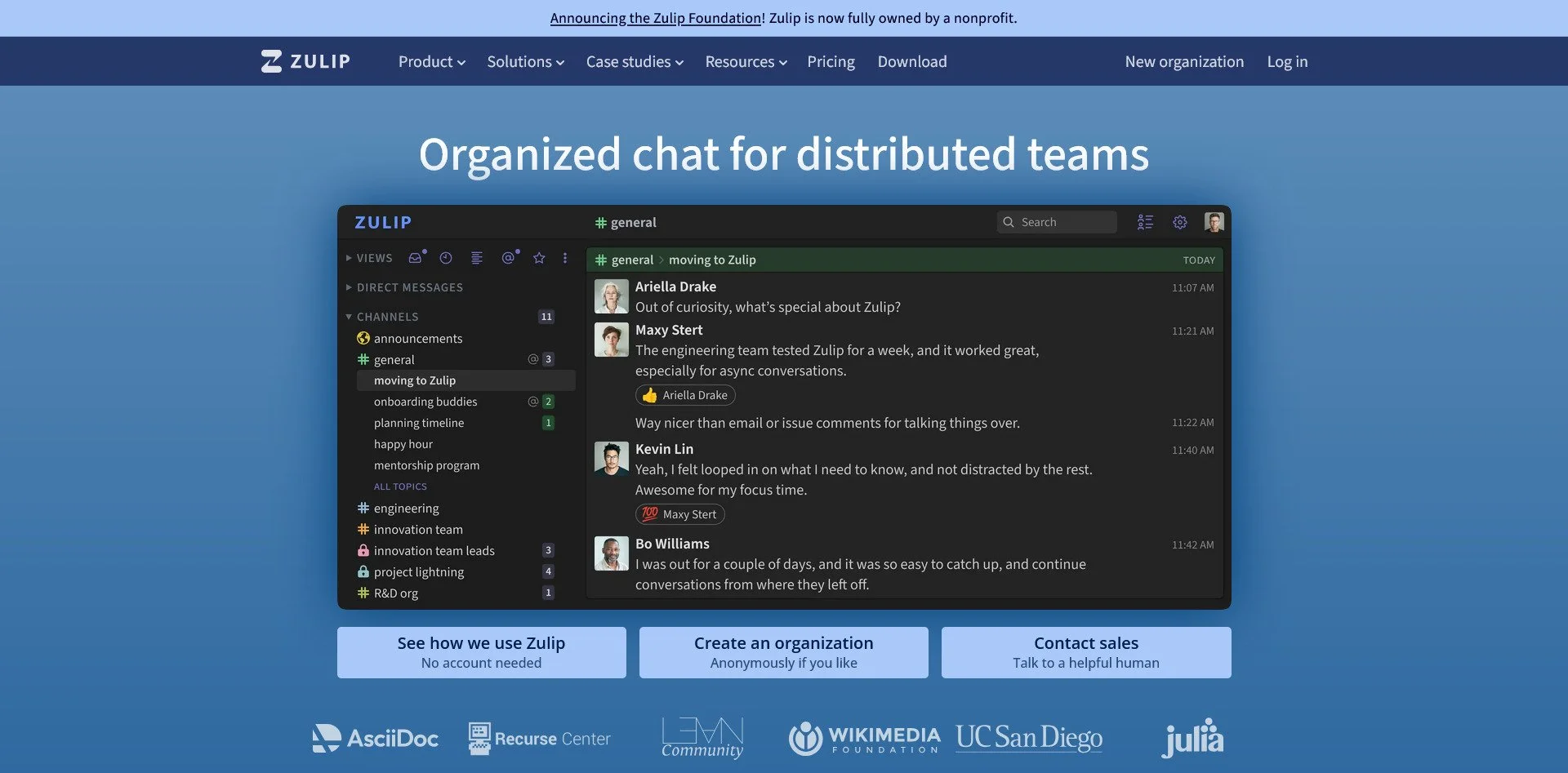
Zulip is a team chat tool with threaded conversations. Unlike Slack's linear chat, Zulip organizes messages by topic, making it easier to follow multiple conversations. It is open-source and can be self-hosted.
Analytics & Web Insights
The Trap: Google Analytics, Hotjar, Mixpanel
The Sovereign Alternatives:
Plausible Analytics

Plausible Website
Plausible is a lightweight, privacy-focused analytics tool. It does not use cookies and is fully GDPR-compliant. It provides essential insights without tracking your visitors across the web.
Matomo

Matomo Website
Matomo is a full-featured alternative to Google Analytics. It offers detailed reports, user tracking (with consent), and can be self-hosted. It is ideal for users who want the depth of Google Analytics without the privacy violations.
Umami

Umami Website
Umami is a simple, fast analytics tool with a modern UI. It is easy to set up and provides essential metrics without overwhelming you with data. It is ideal for small websites that want privacy-respecting analytics.
Fathom Analytics
Fathom Analytics Website
PostHog GitHub Repo
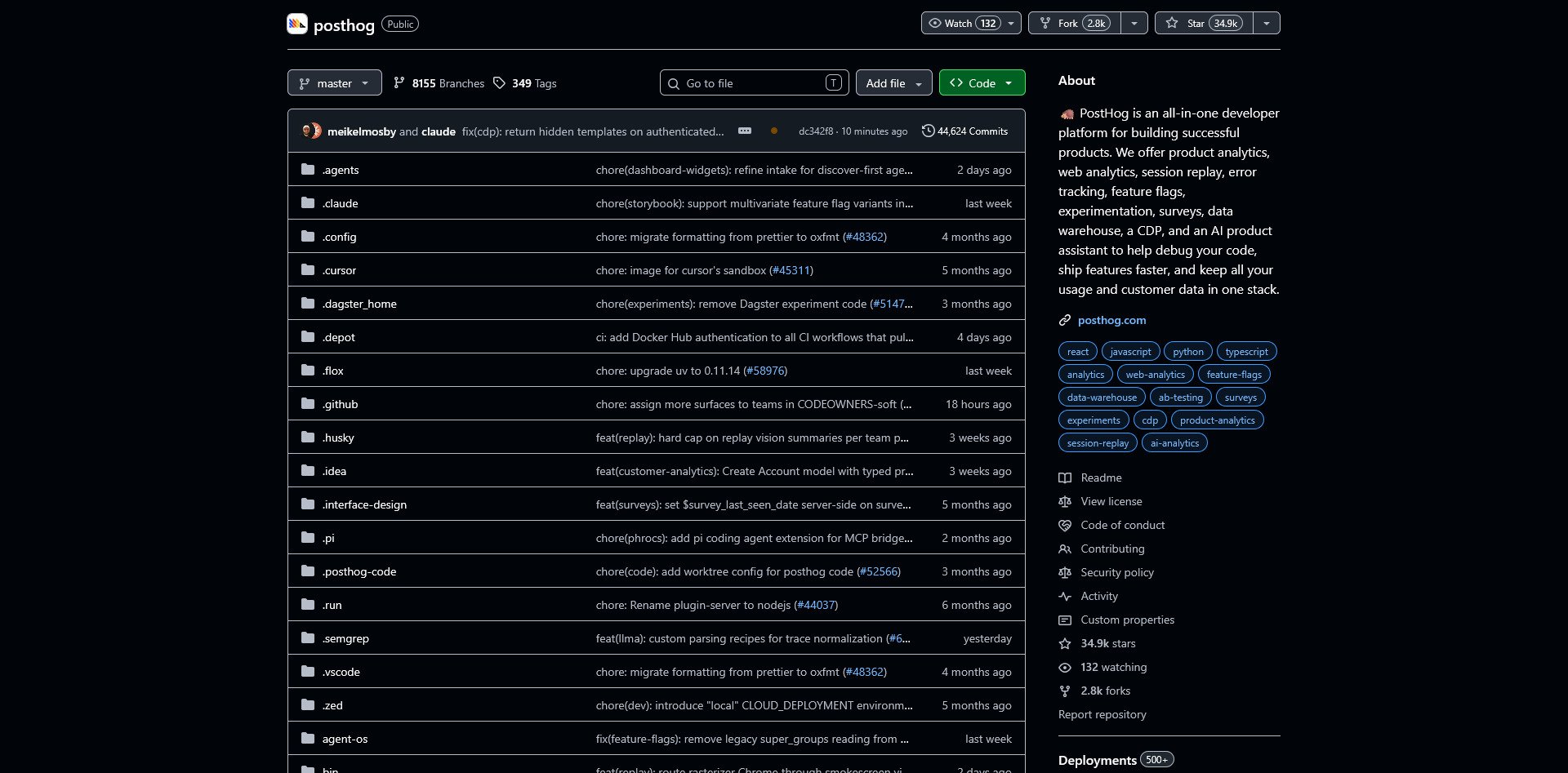
PostHog is a product analytics platform. It includes feature flags, session recording, and user analytics. It is open-source and can be self-hosted, making it ideal for startups that want the power of Mixpanel without the cost.
Virtualization & Cloud Infrastructure
The Trap: AWS, Azure, Google Cloud, VMware
The Sovereign Alternatives:
Proxmox VE
Proxmox VE Website
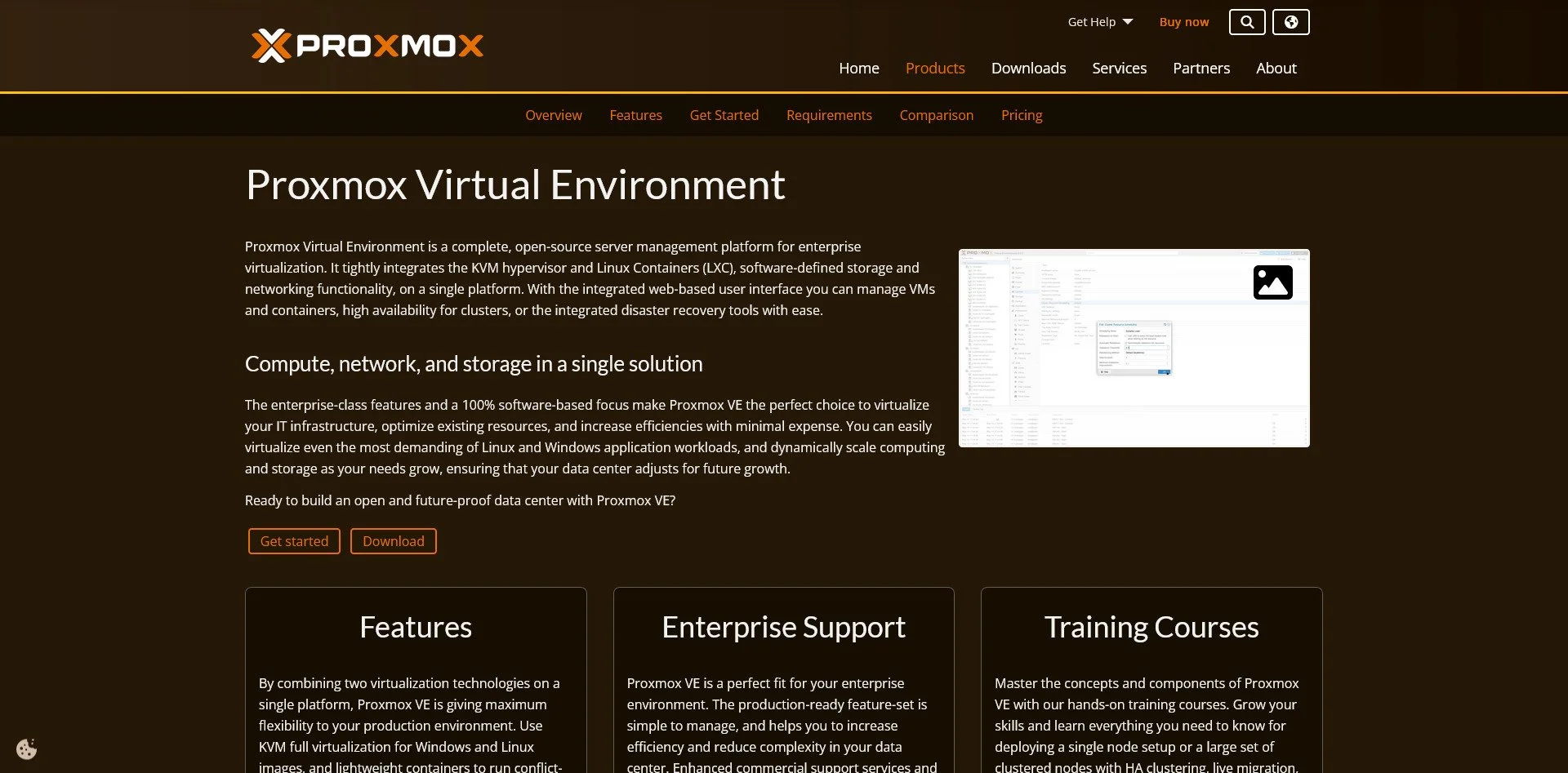
Proxmox is the gold standard for open-source virtualization. It combines KVM (for virtual machines) and LXC (for containers) in a single web interface. It is enterprise-grade, free, and ideal for building a home lab or private cloud.
TrueNAS Scale
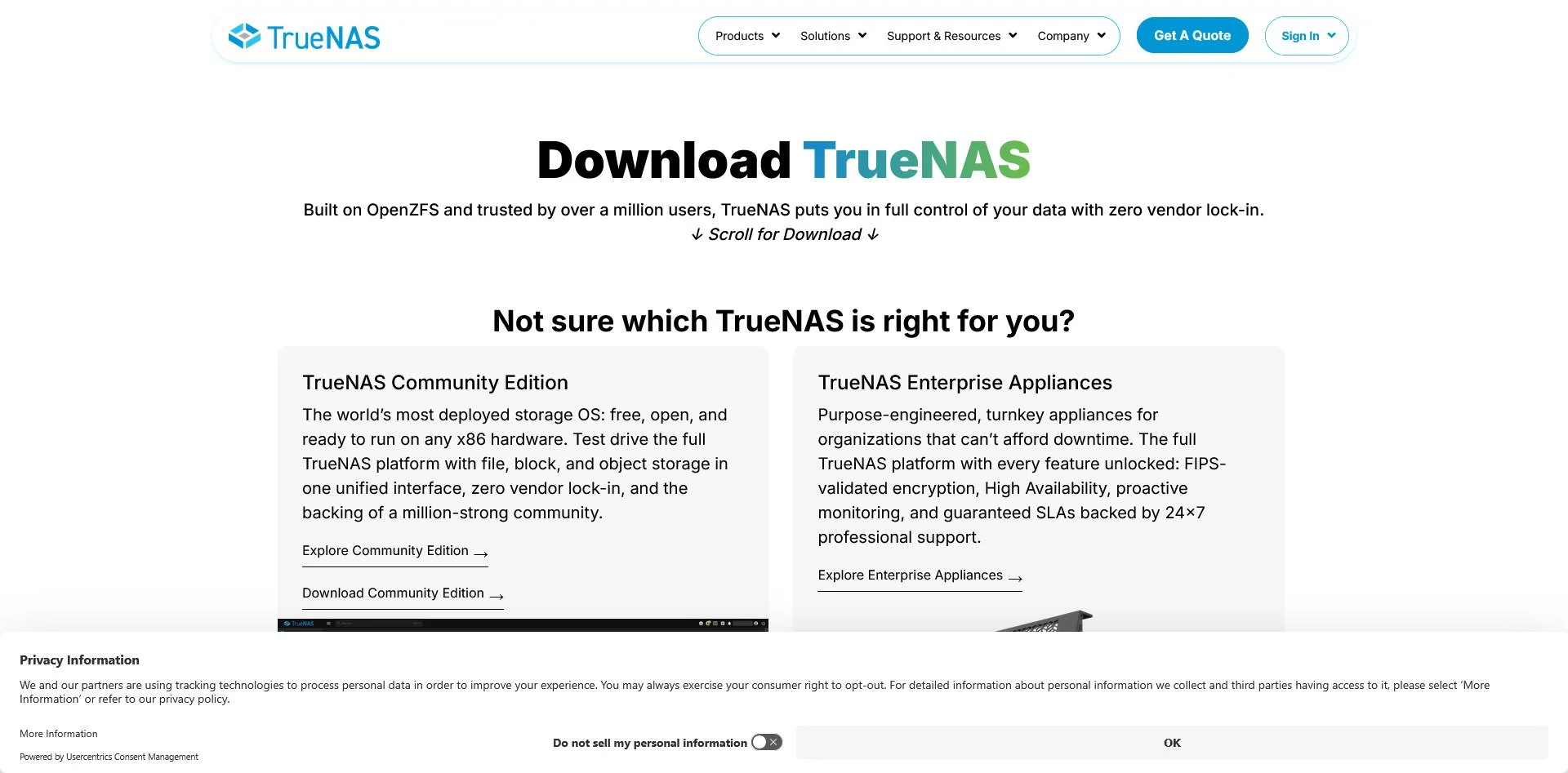
TrueNAS Scale Website
TrueNAS Scale is a NAS operating system that also supports virtualization and Docker apps. It uses the ZFS filesystem for data integrity and is ideal for users who want storage and VMs in one platform.
XCP-ng
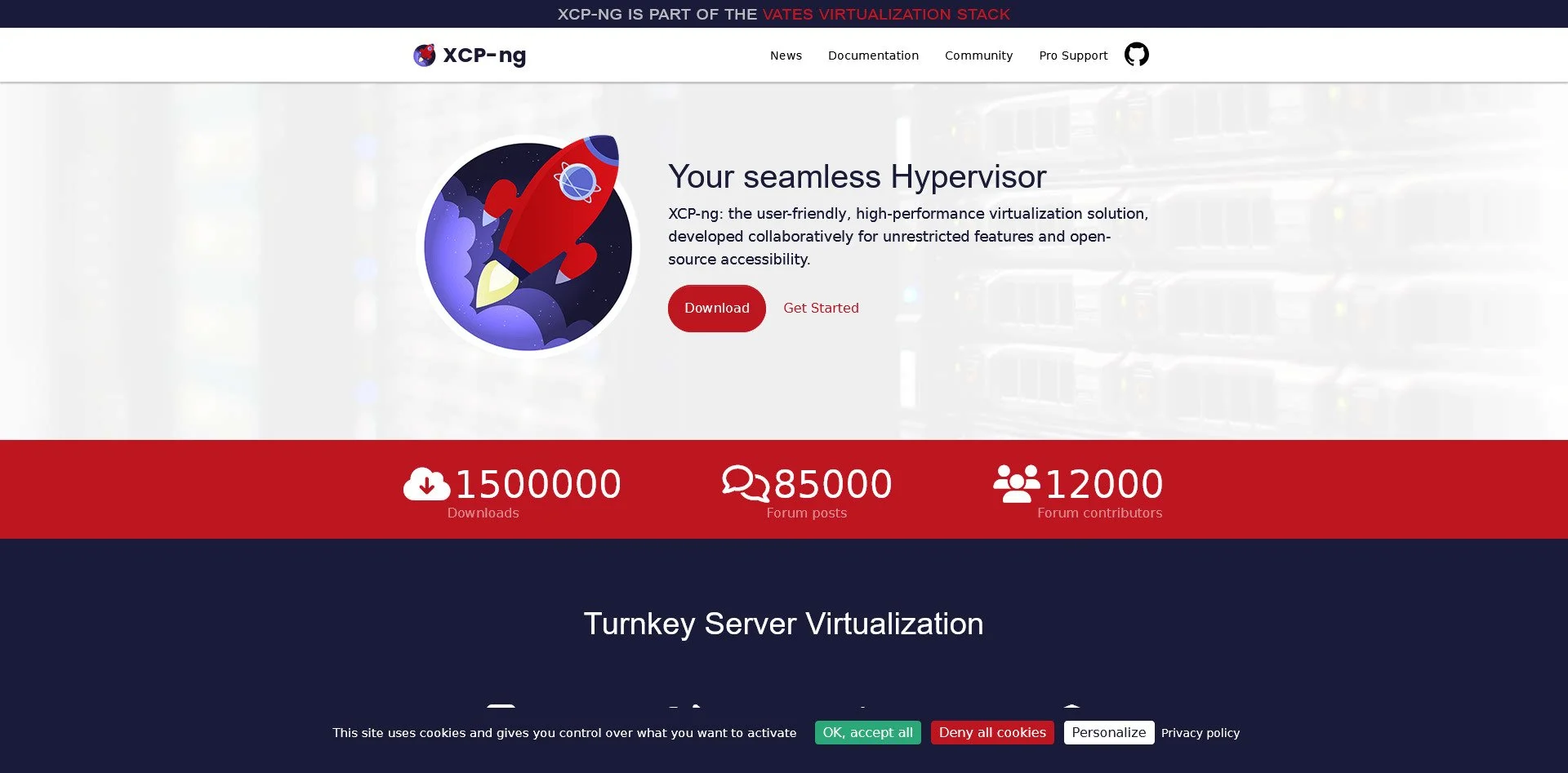
XCP-ng
XCP-ng is an enterprise virtualization platform based on Xen. It is a Citrix alternative that is fully open-source and scalable. It is ideal for businesses that need a robust virtualization solution.
oVirt
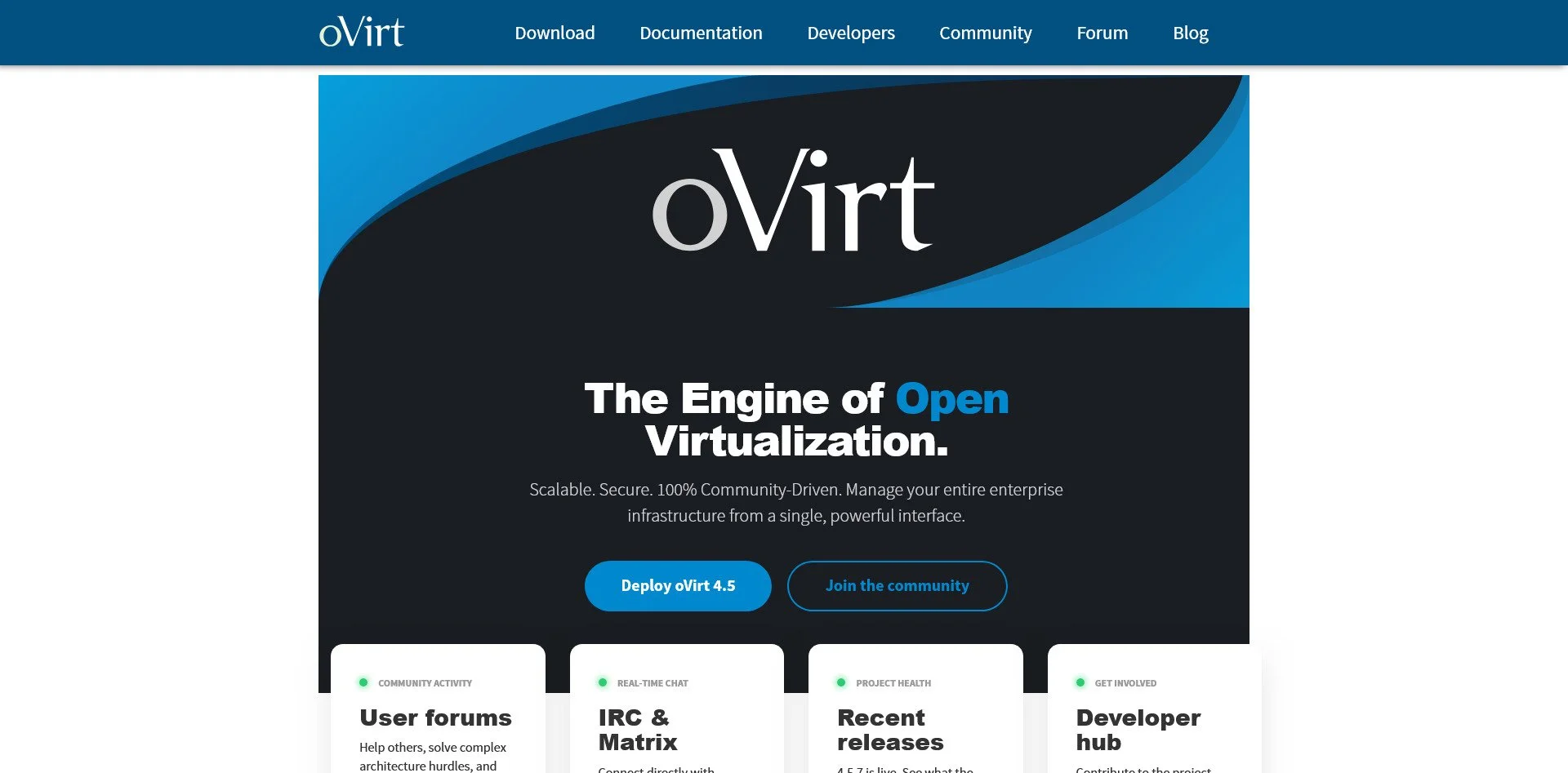
oVirt Website
oVirt is a data center virtualization platform based on KVM. It is part of the Red Hat ecosystem and offers powerful features for managing large clusters of VMs.
OpenStack
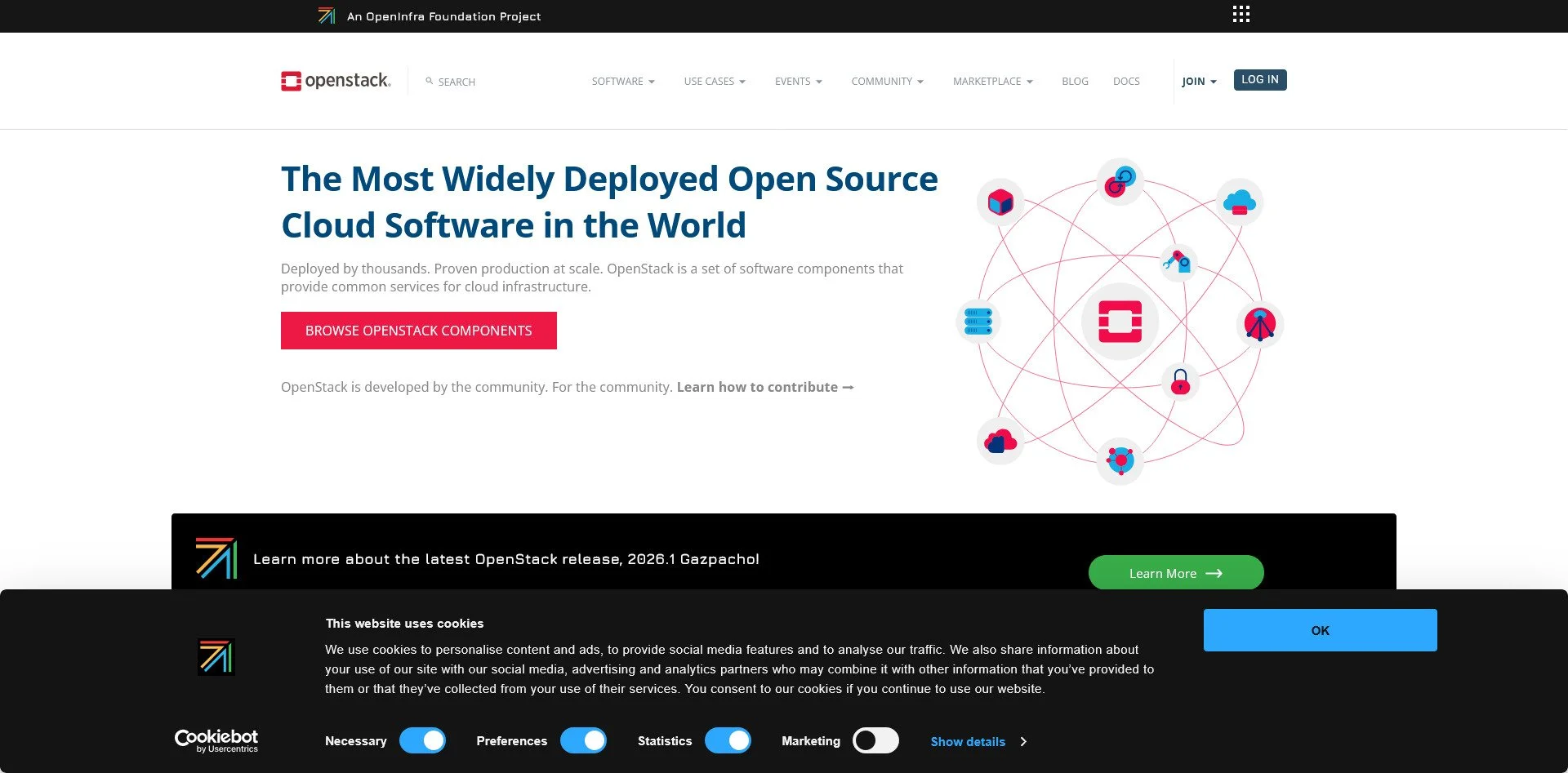
OpenStack Website
OpenStack is a cloud infrastructure platform that rivals AWS. It is massive, complex, and designed for large-scale deployments. It is ideal for organizations that want to build their own public or private cloud.
Kubernetes (K3s/K8s)
Kubernetes Website
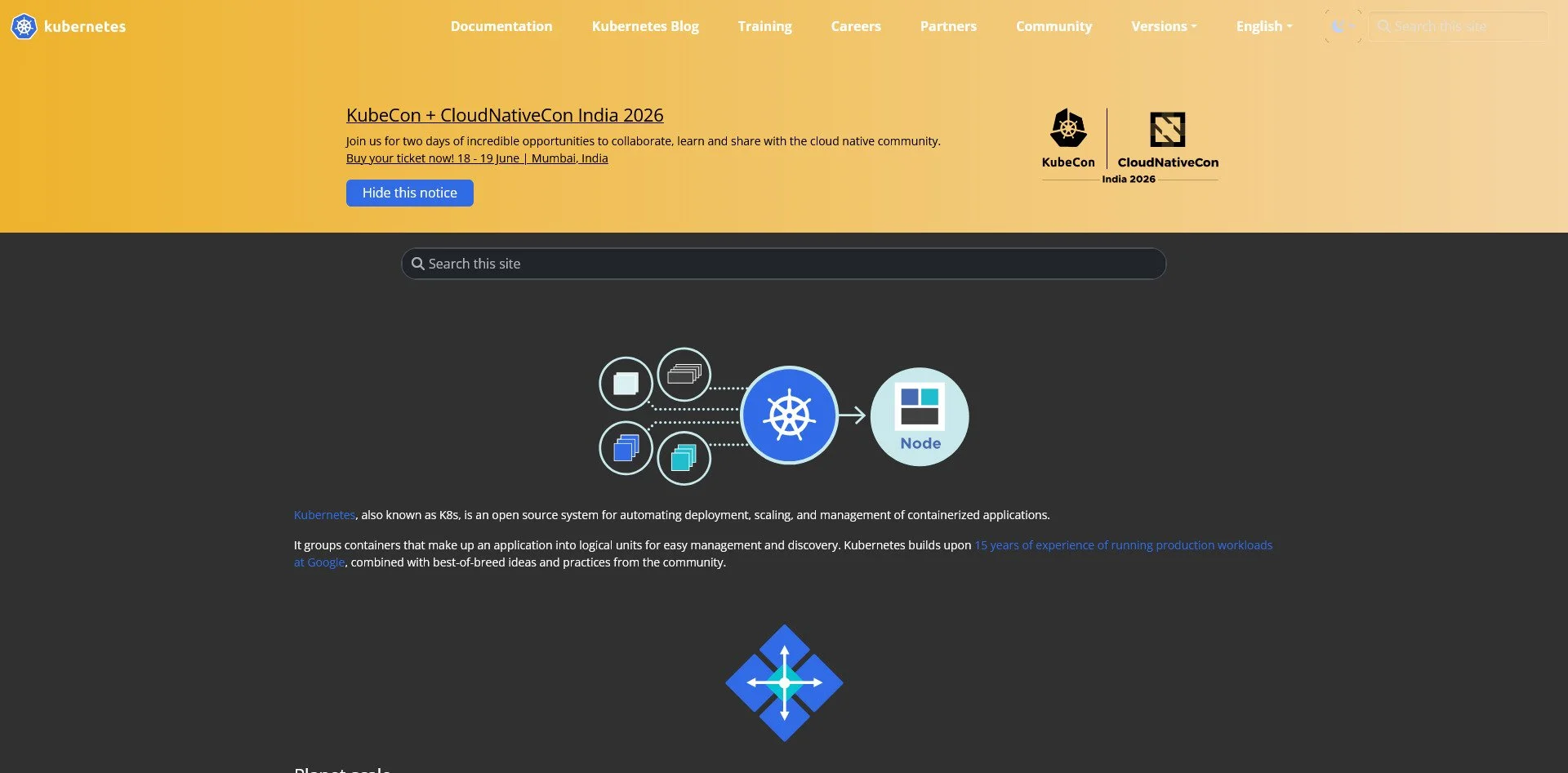
Kubernetes is the industry standard for container orchestration. K3s is a lightweight version designed for edge and home use. It is ideal for users who want to run containerized applications at scale.
Cloudron
Cloudron Website
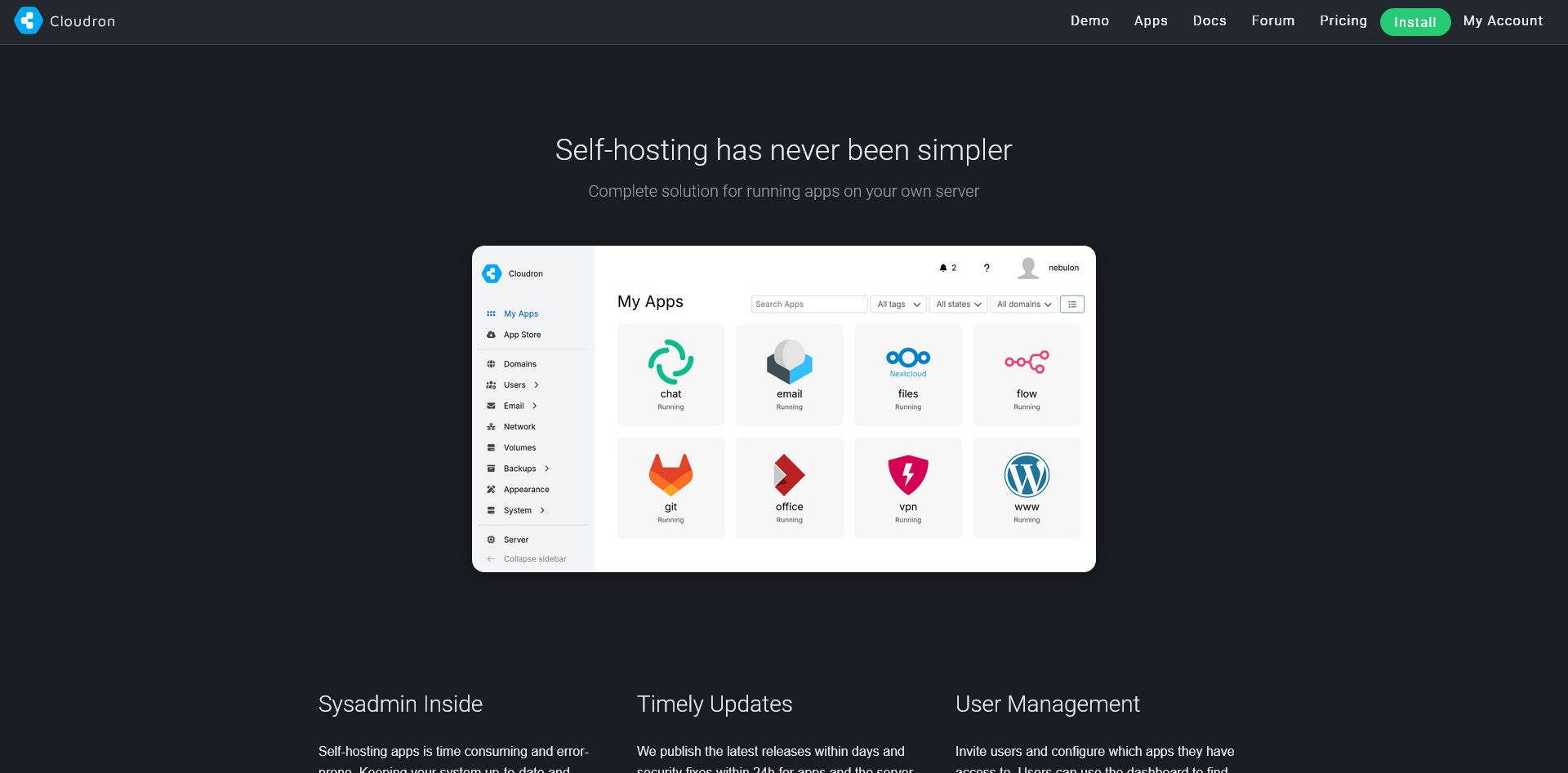
Cloudron is an app platform that makes self-hosting easy. It offers one-click deployment for dozens of apps, user management, and automatic backups. It is ideal for users who want to self-host without managing each app individually.
YunoHost

YunoHost Website
YunoHost is an all-in-one server designed for beginners. It includes an app catalog, user management, and easy administration. It is ideal for users who want a simple way to self-host multiple services.
VPN & Network Security
The Trap: Commercial VPNs, Proprietary Firewalls
The Sovereign Alternatives:
WireGuard
WireGuard Website
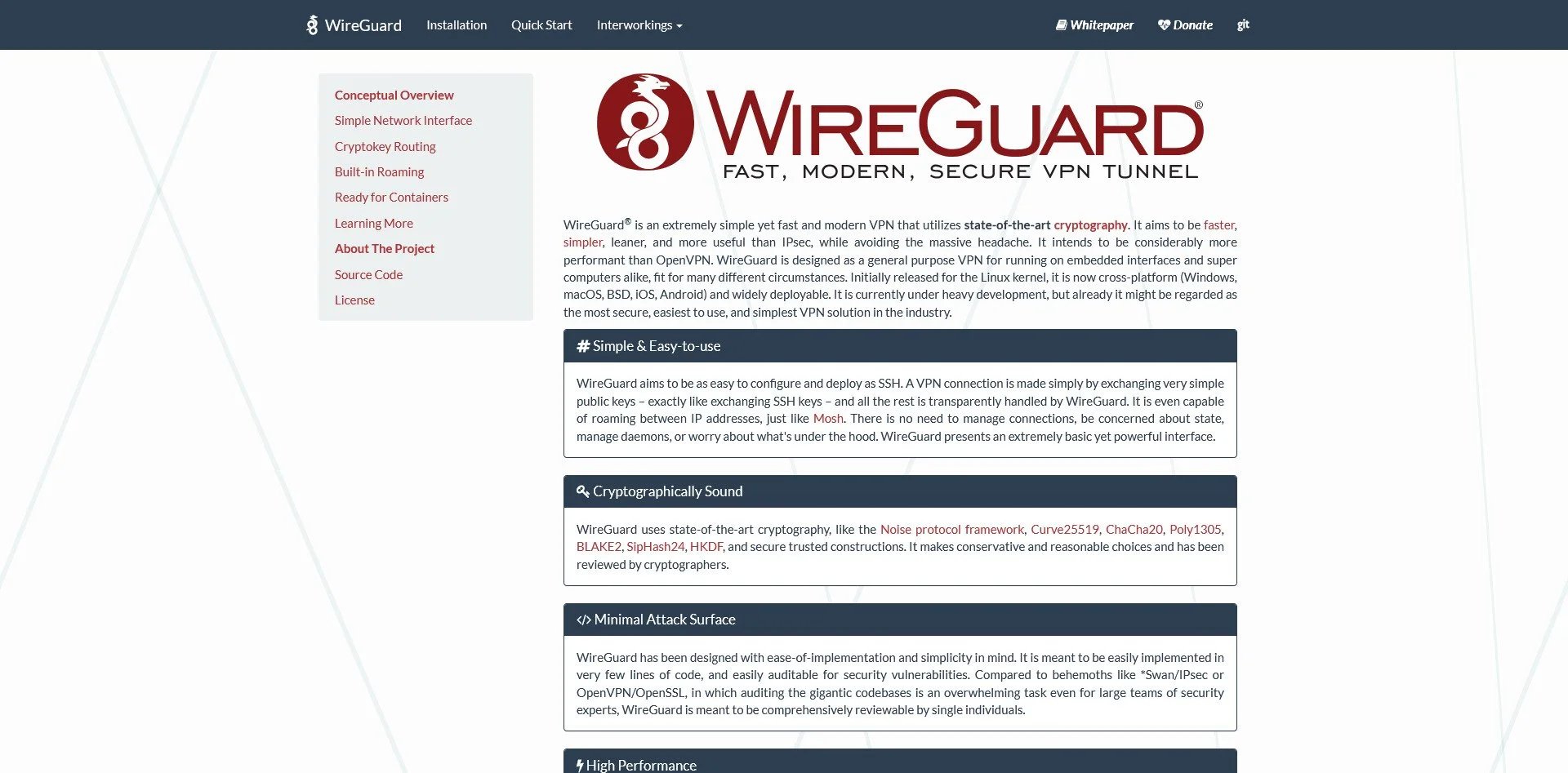
WireGuard is a modern VPN protocol that is fast, lightweight, and cryptographically sound. It is simpler than OpenVPN and offers better performance. It is ideal for creating a personal VPN.
OpenVPN
OpenVPN Website
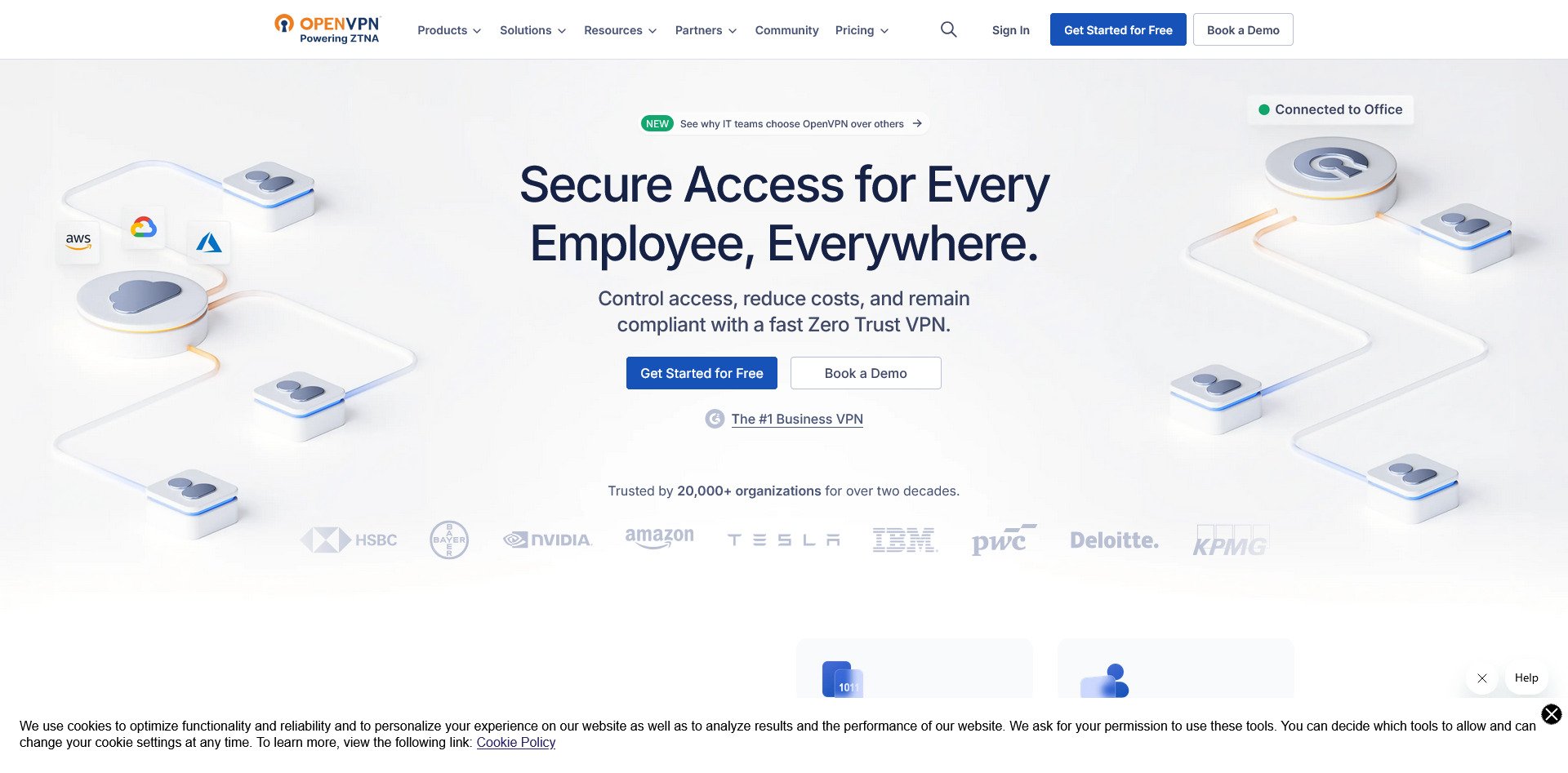
OpenVPN is the established standard for VPNs. It is mature, widely supported, and highly flexible. It is more complex than WireGuard but offers more configuration options.
Tailscale
Tailscale Website
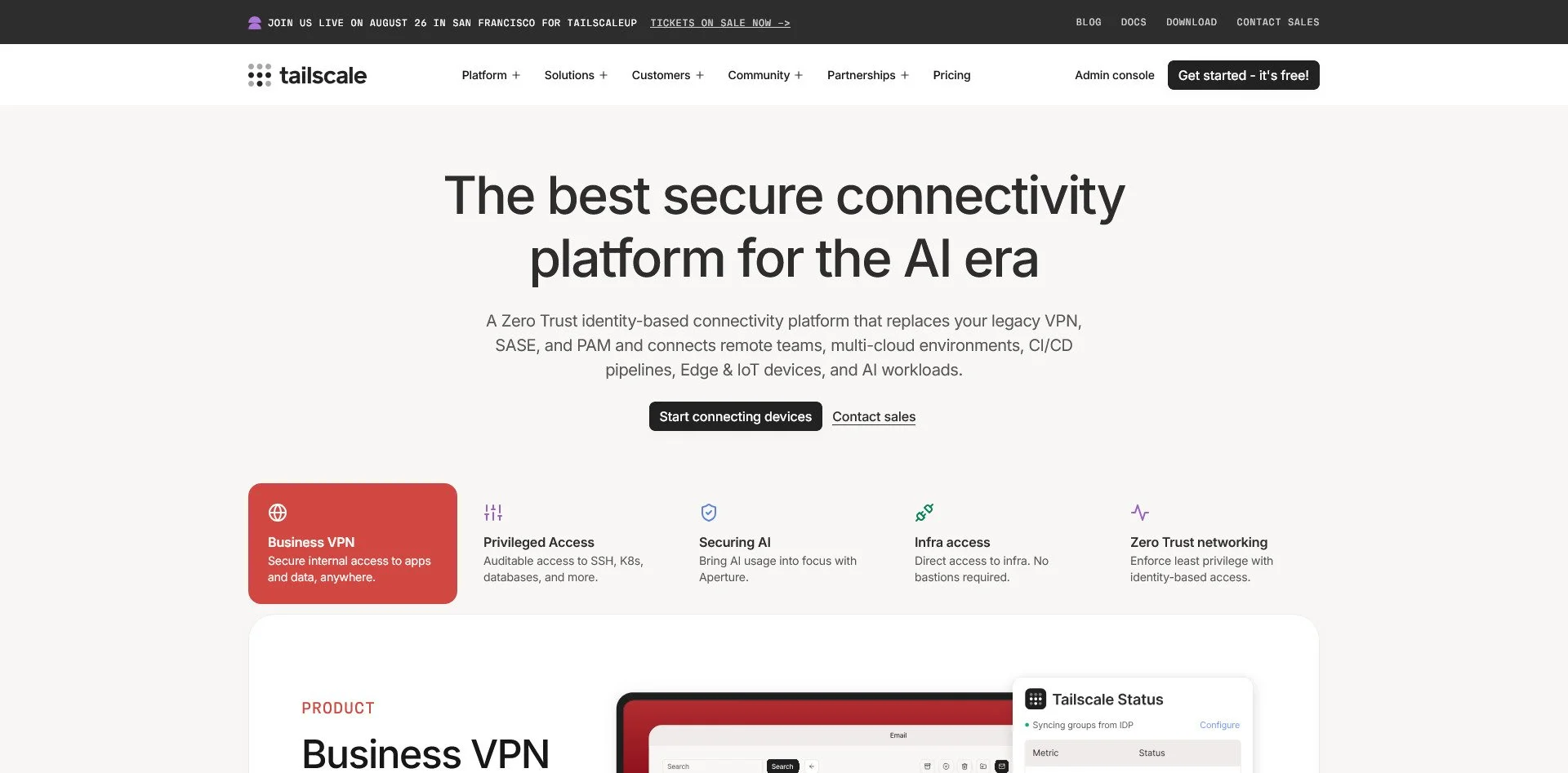
Tailscale is a mesh VPN built on WireGuard. It is incredibly easy to set up and handles NAT traversal automatically. It has a free tier and is ideal for connecting your devices securely.
Netmaker
Netmaker Website
OPNsense Website
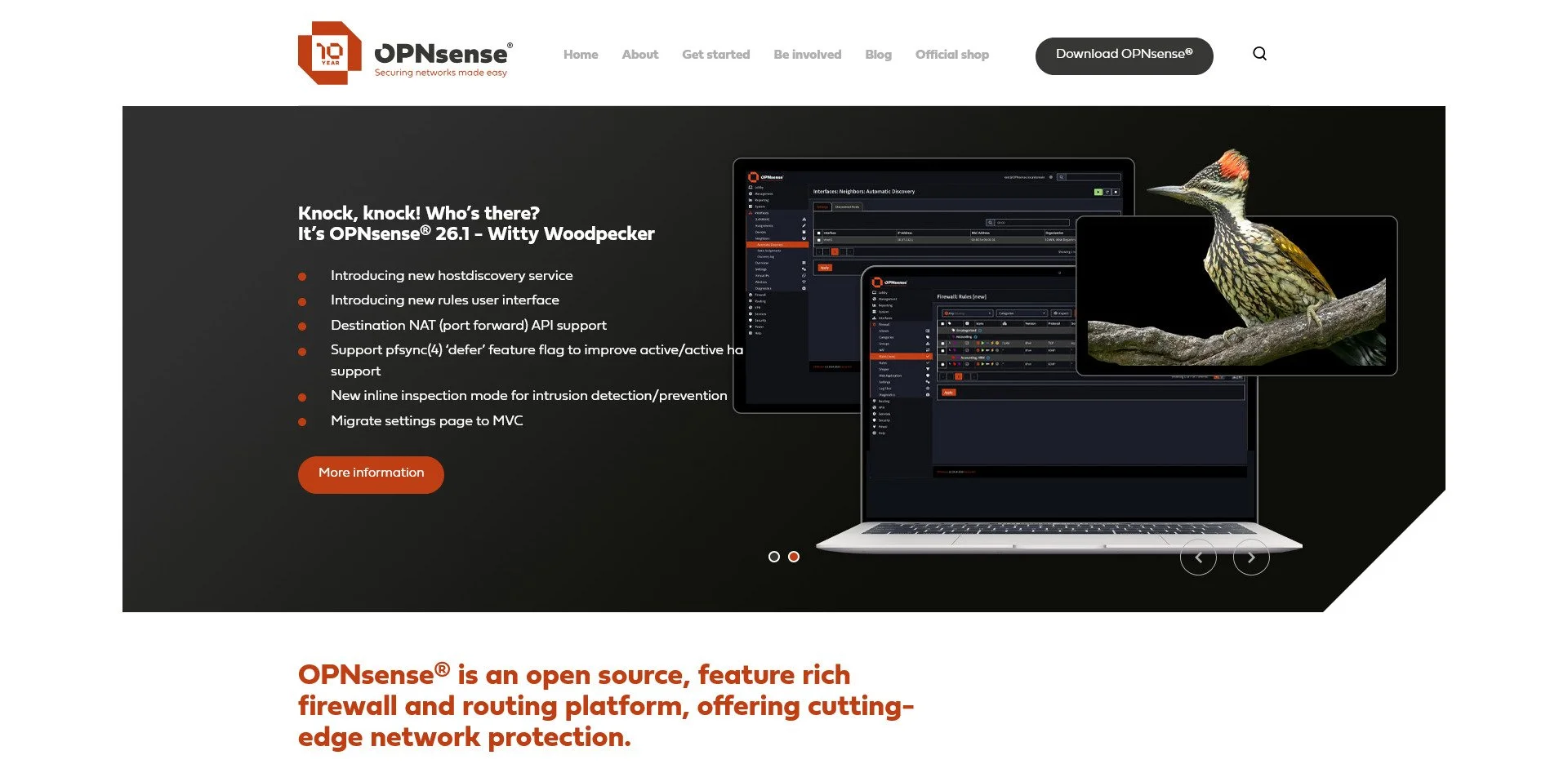
pfSense and OPNsense are enterprise-grade firewall and routing platforms. They offer VPN server capabilities, packet filtering, and extensive networking features. They are ideal for users who want professional-grade network security.
Pi-hole
Pi-hole Website
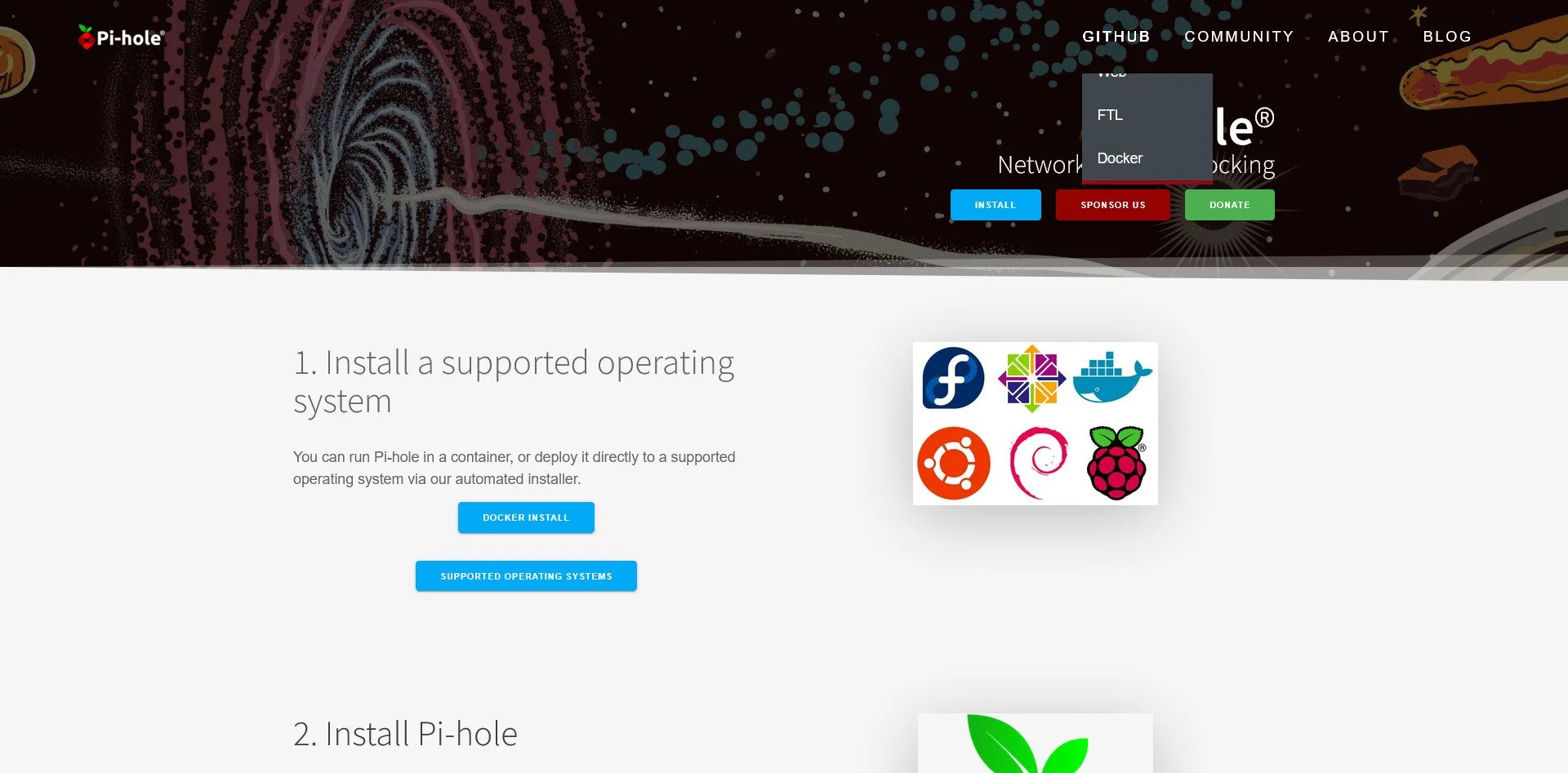
Pi-hole is a network-wide ad blocker. It works at the DNS level, blocking ads on all devices in your home without installing software on each device. It is ideal for users who want a cleaner internet experience.
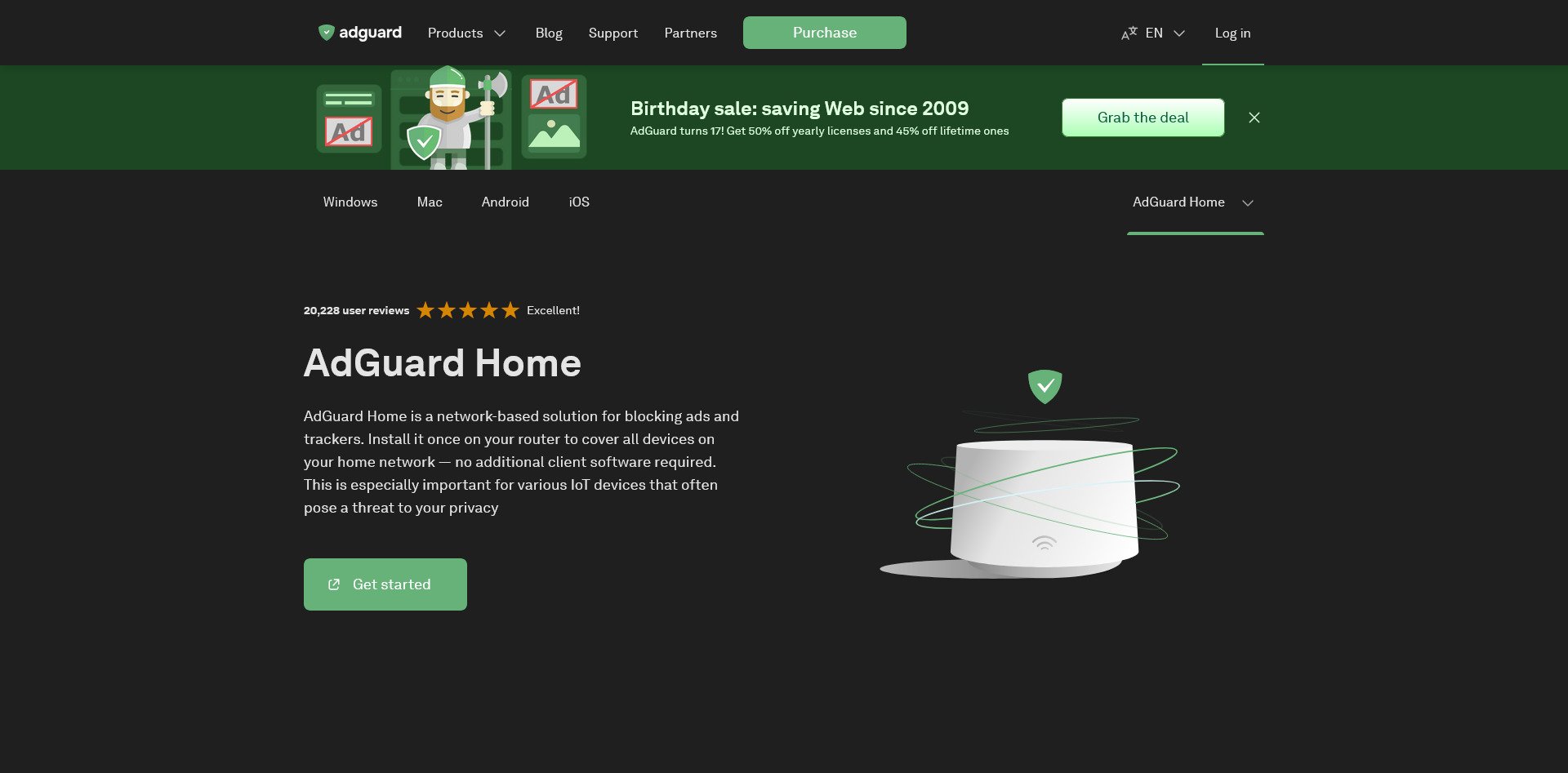
AdGuard Home
AdGuard Home Website
AdGuard Home is similar to Pi-hole but offers a more modern interface and additional features like DNS encryption and parental controls. It is ideal for users who want ad blocking with more customization.
Media & Entertainment
The Trap: Netflix, Spotify, YouTube (Ads & Tracking)
The Sovereign Alternatives:
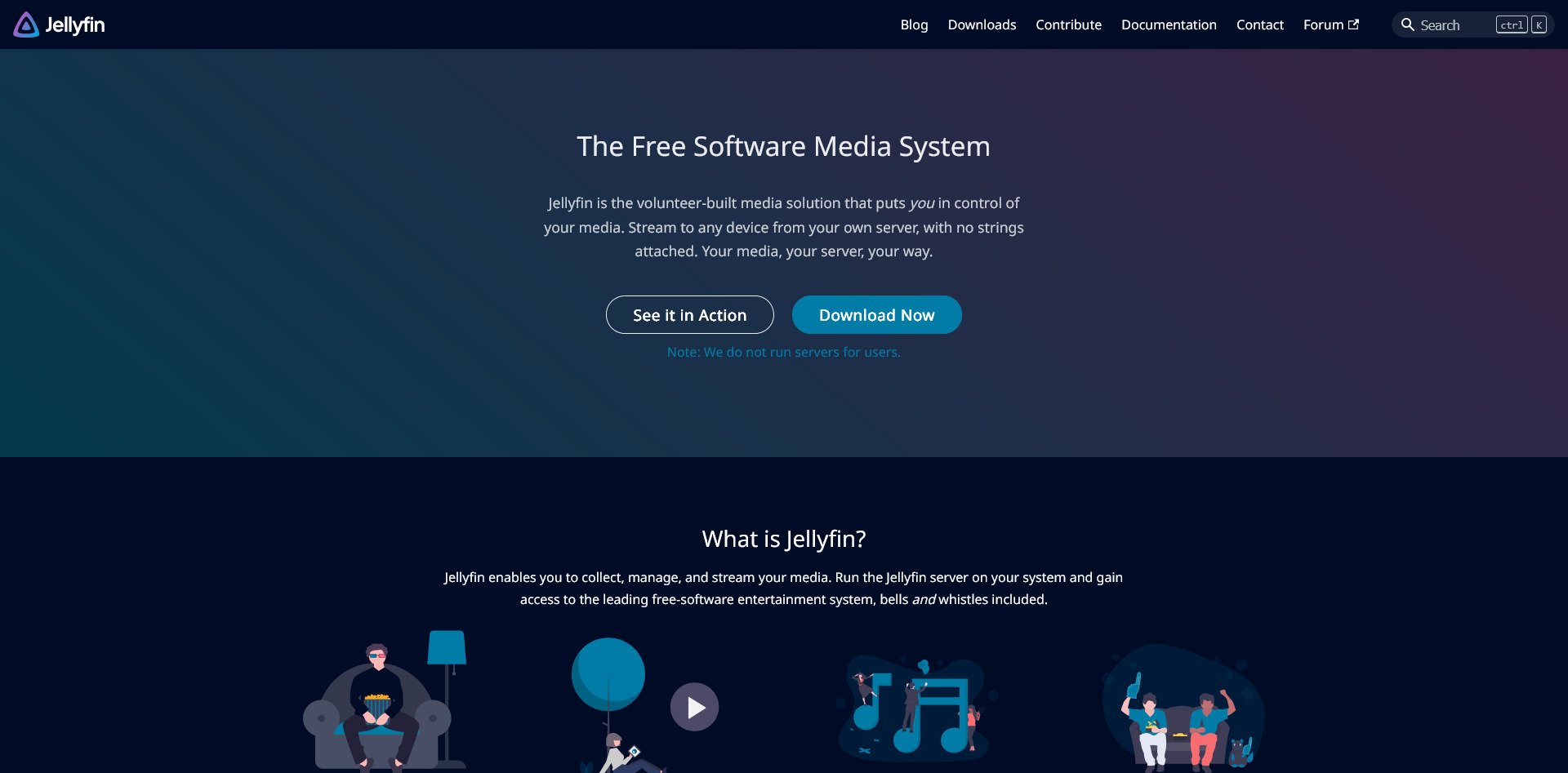
Jellyfin
Jellyfin Website
Jellyfin is a completely free media server with no premium tier. All features are unlocked, including live TV, DVR, and multi-user support. It is ideal for users who want to host their own media library without paywalls.
Plex (Self-Hosted)

Plex Website
Plex offers a polished interface and excellent mobile apps. Some features require a Plex Pass subscription, but the core functionality is free. It is ideal for users who want a Netflix-like experience with their own media.
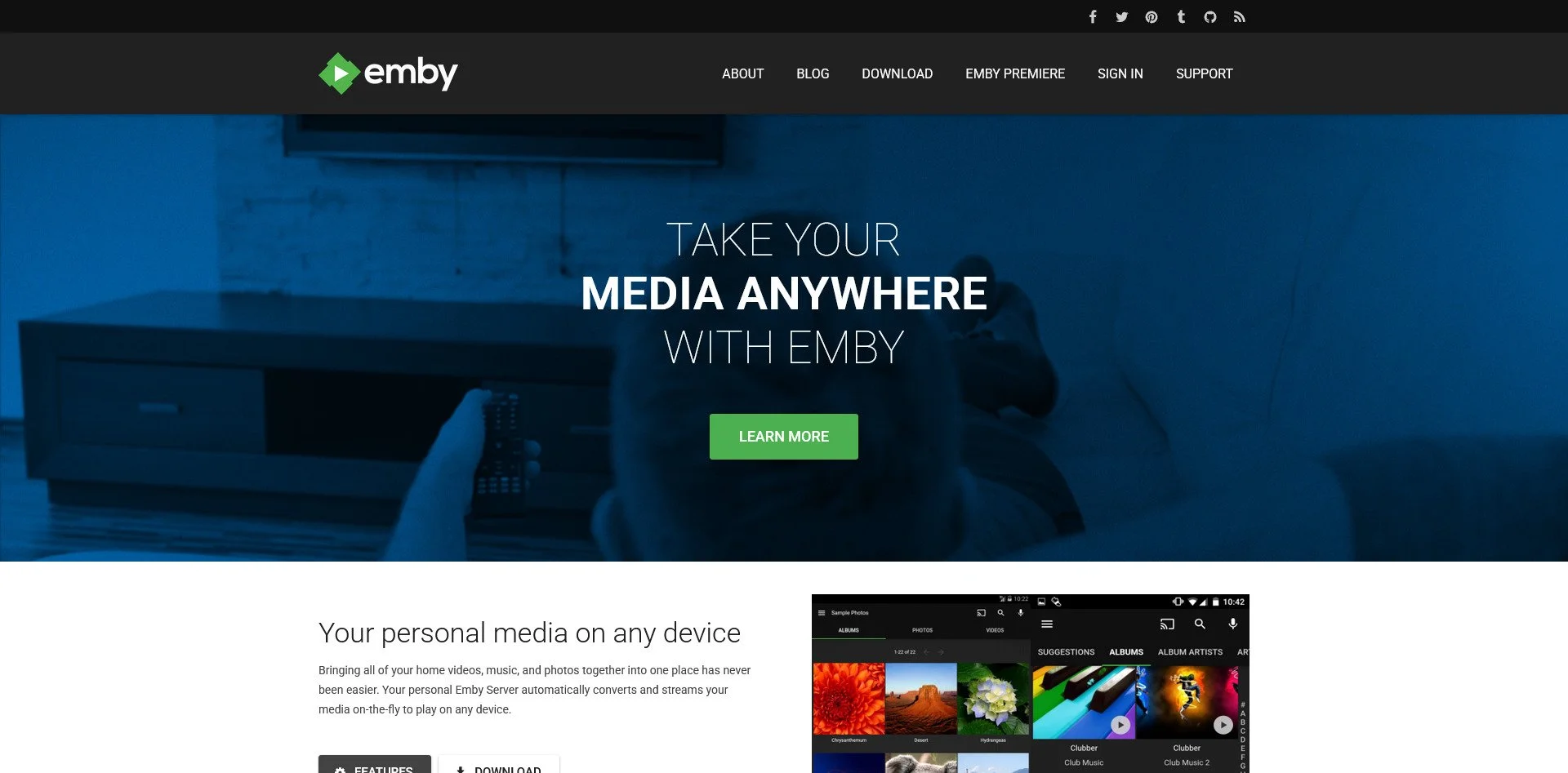
Emby
Emby Website
Emby is similar to Plex but offers more flexibility for self-hosters. It has good metadata support and is ideal for users who want a balance between polish and control.
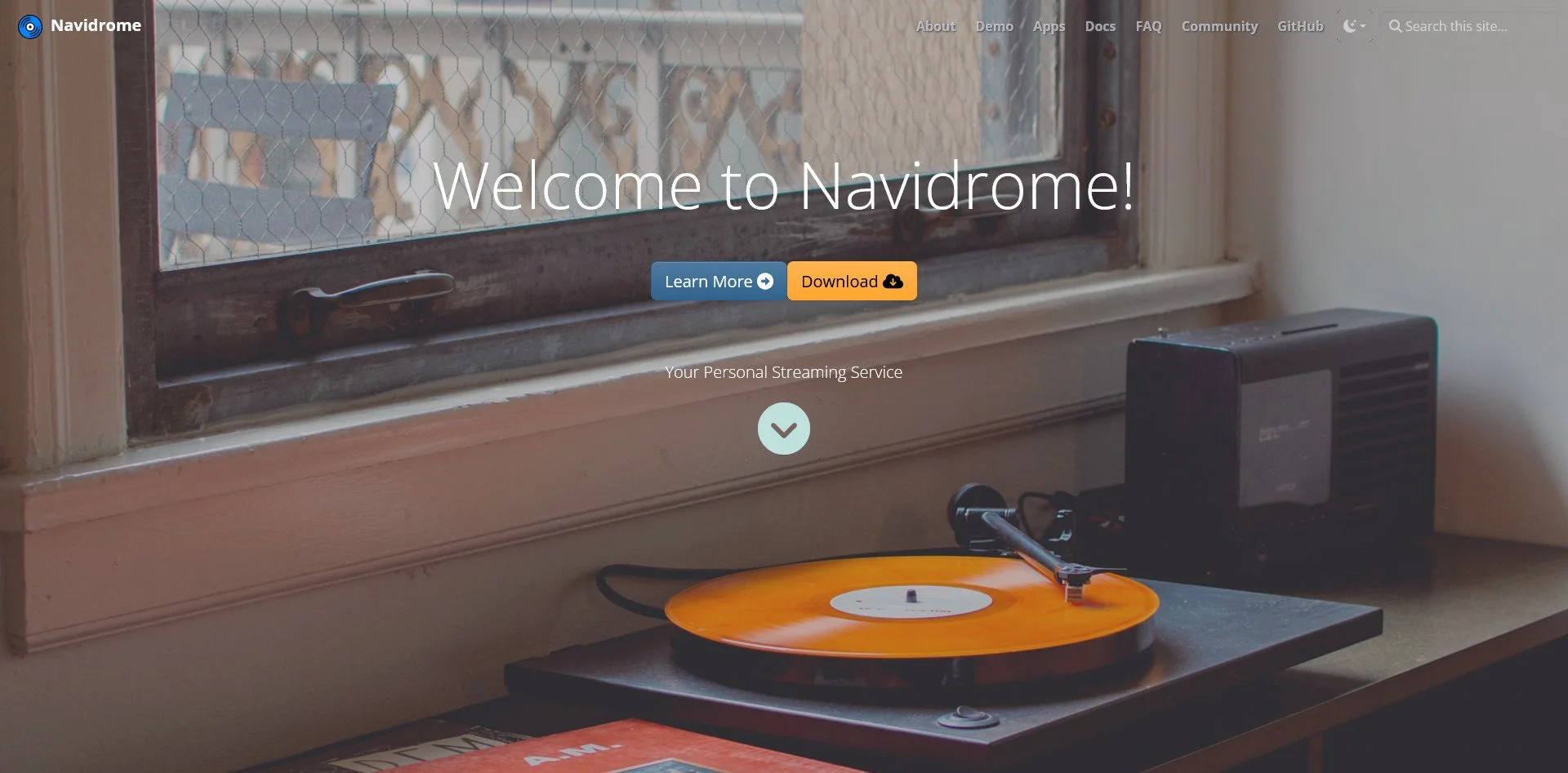
Navidrome
Navidrome Website
Navidrome is a self-hosted music streaming server. It is compatible with Subsonic clients, meaning you can use any Subsonic app to stream your music. It is lightweight and ideal for users who want a Spotify alternative with their own library.
Airsonic-Advanced
Airsonic-Advanced GitHub Repo
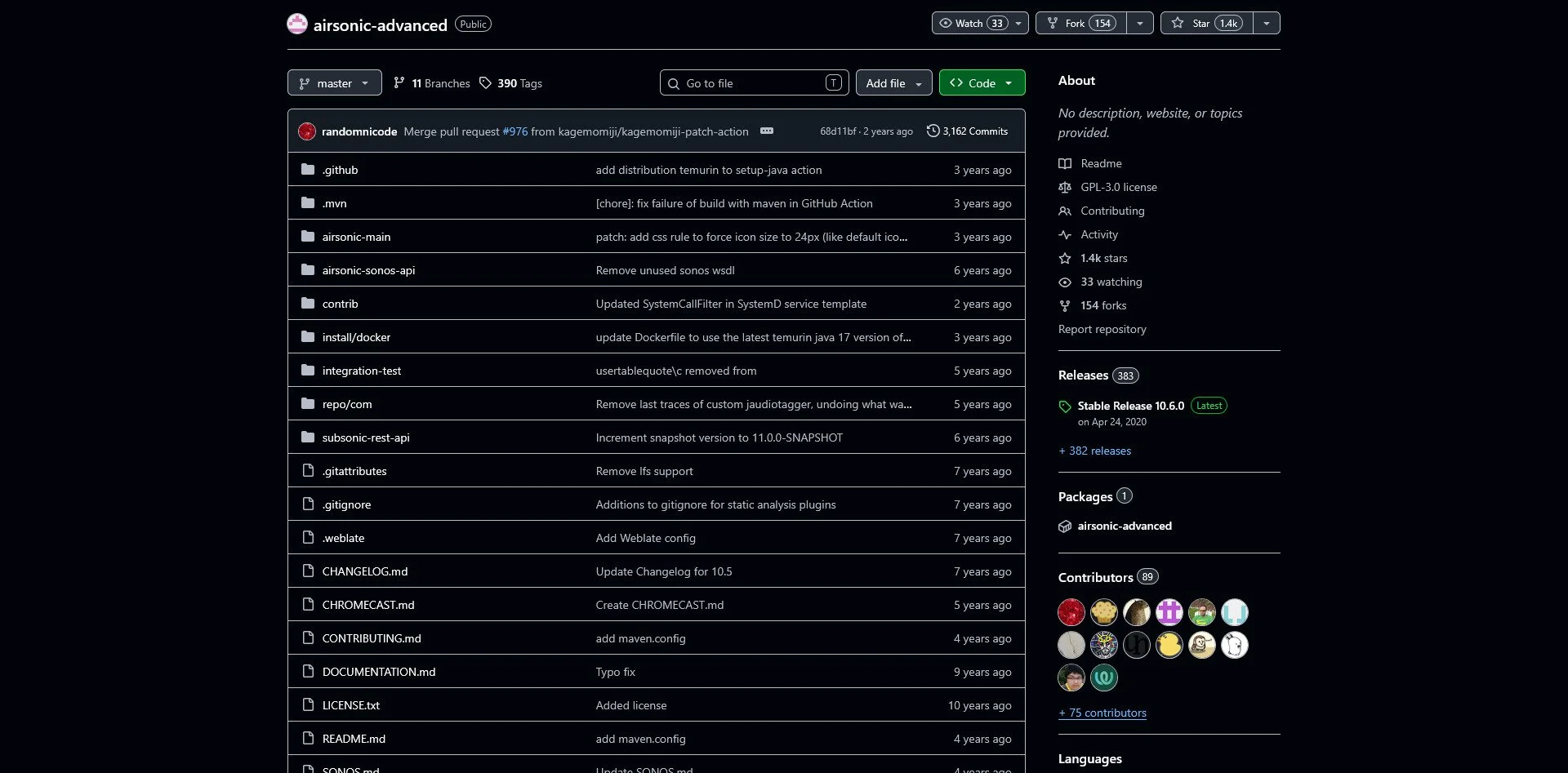
Airsonic-Advanced is another Subsonic-compatible music server. It offers podcast support, streaming, and a web interface. It is ideal for users who want a feature-rich music server.
Invidious
Invidious Website
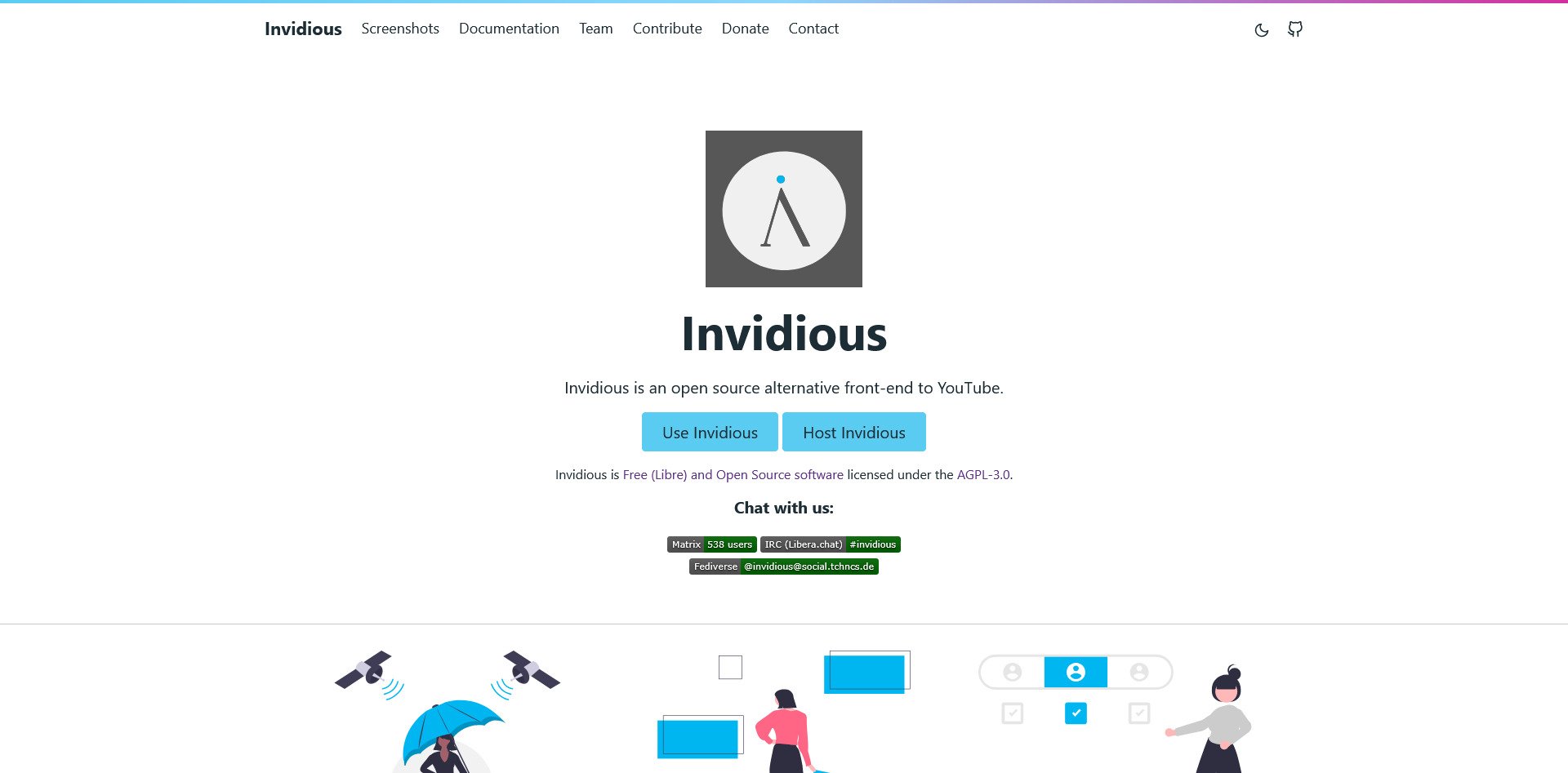
Invidious is a privacy-focused front-end for YouTube. It removes ads, tracking, and recommendations. You can use public instances or self-host your own. It is ideal for users who want to watch YouTube without being tracked.
NewPipe (Android)
NewPipe Website
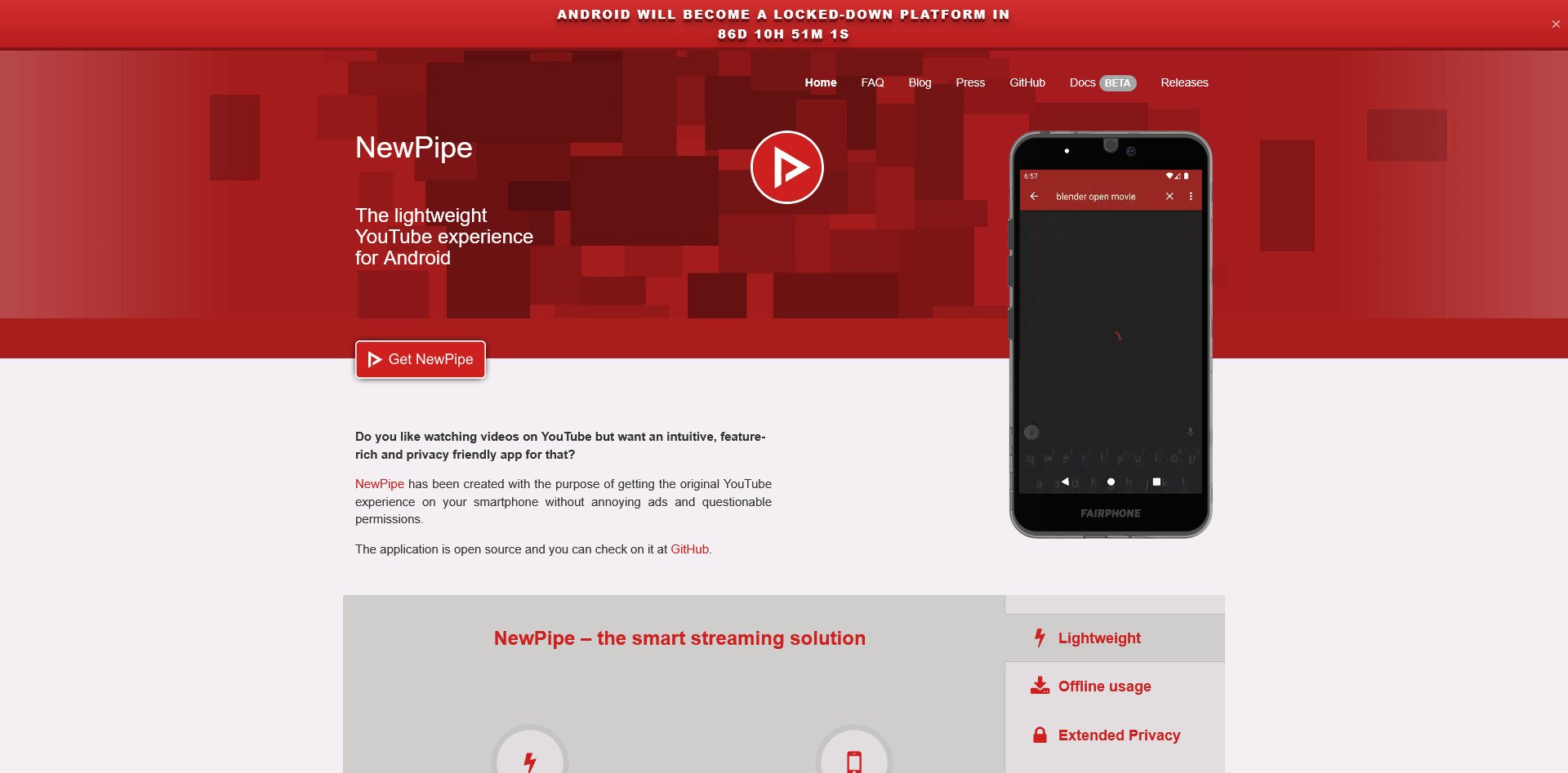
NewPipe is a YouTube client for Android that blocks ads, allows background play, and supports downloads. It does not require a Google account and is ideal for mobile users who want a better YouTube experience.
Kodi
Kodi Website
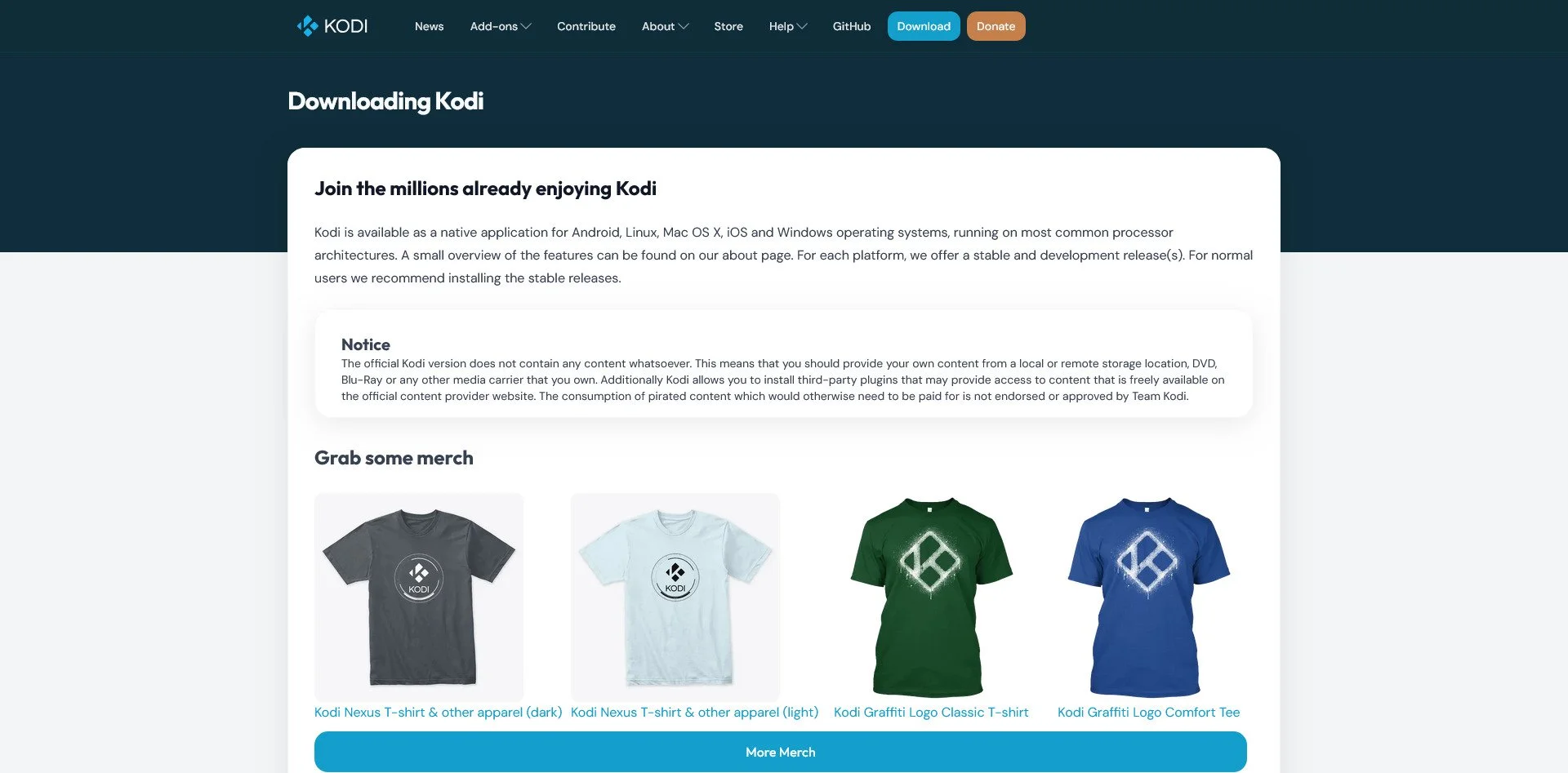
Kodi is a highly customizable media center. It has an extensive addon ecosystem and can be configured to do almost anything. It is ideal for users who want a powerful, local media player.
Operating Systems
The Trap: Windows, macOS (Telemetry & Lock-in)
The Sovereign Alternatives:
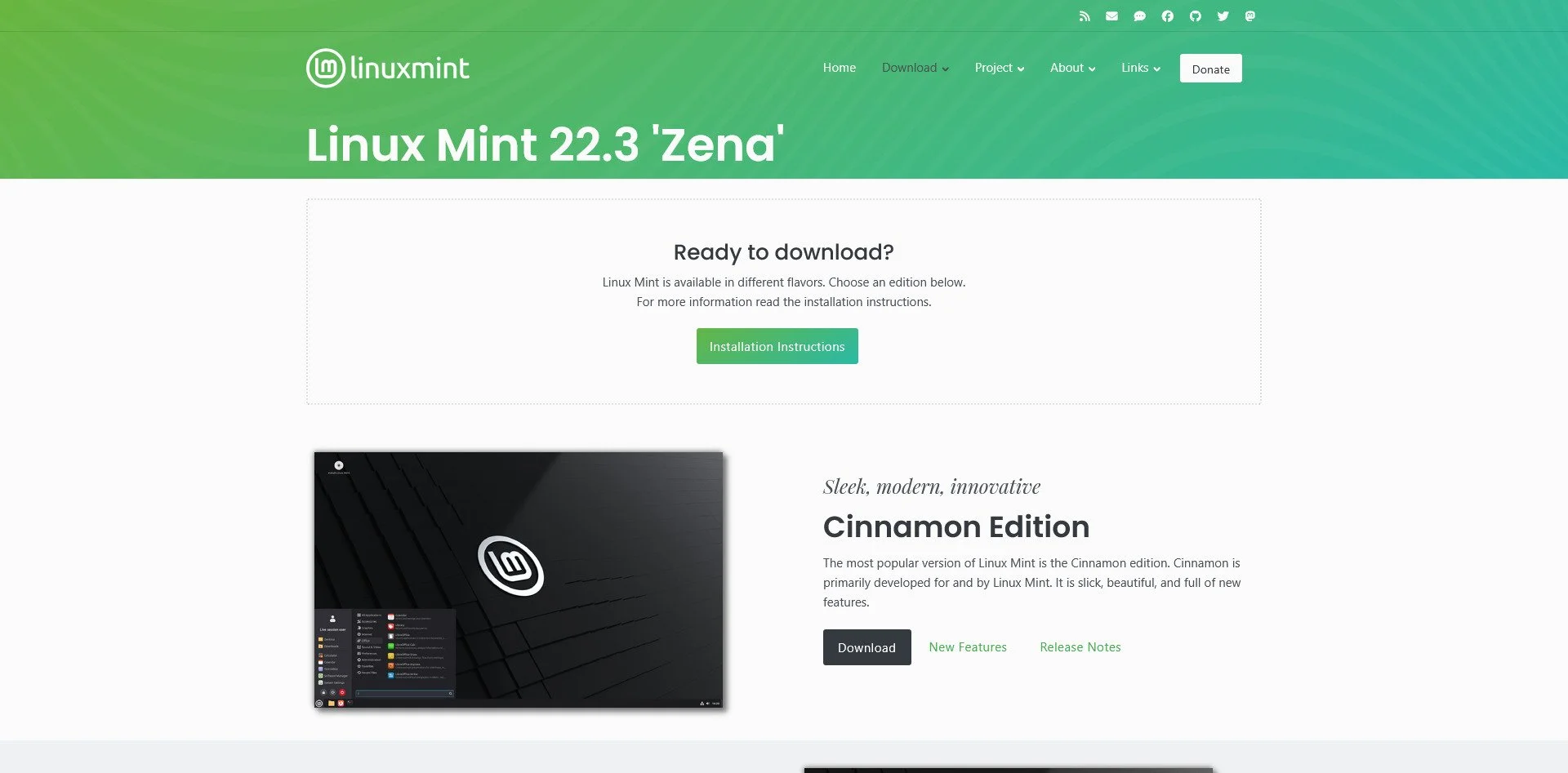
Linux Mint
Linux Mint Website
Linux Mint is designed for Windows refugees. It has a familiar interface, is stable, and is beginner-friendly. It is the most recommended distribution for users new to Linux.
Pop!_OS
Pop!_OS Website
Pop!_OS is designed for developers and gamers. It has a modern UI, excellent NVIDIA support, and is gaming-ready out of the box. It is ideal for users who want a polished, modern Linux experience.
Fedora
Fedora Website
Fedora offers cutting-edge technology while remaining stable. It is the upstream for Red Hat Enterprise Linux and is ideal for users who want the latest software without sacrificing reliability.
Debian
Debian Website
Debian is the bedrock of many Linux distributions. It is rock-solid, has a massive package repository, and is universally compatible. It is ideal for servers and users who prioritize stability over new features.
Arch Linux
Arch Linux Website
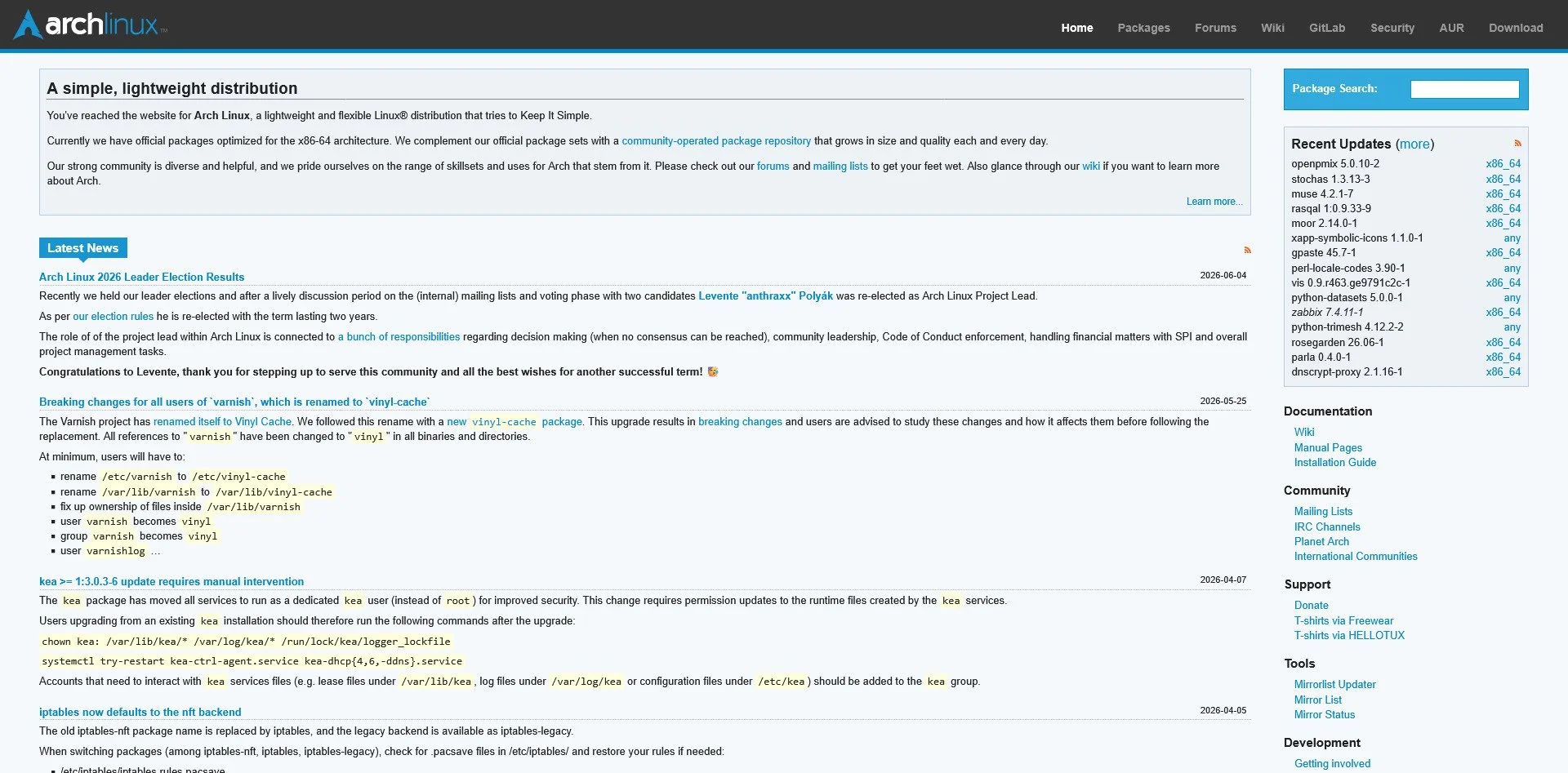
Arch Linux is a DIY distribution that lets you build your system from the ground up. It has the AUR (Arch User Repository) and is always up-to-date. It is ideal for users who want complete control and customization.
NixOS
NixOS
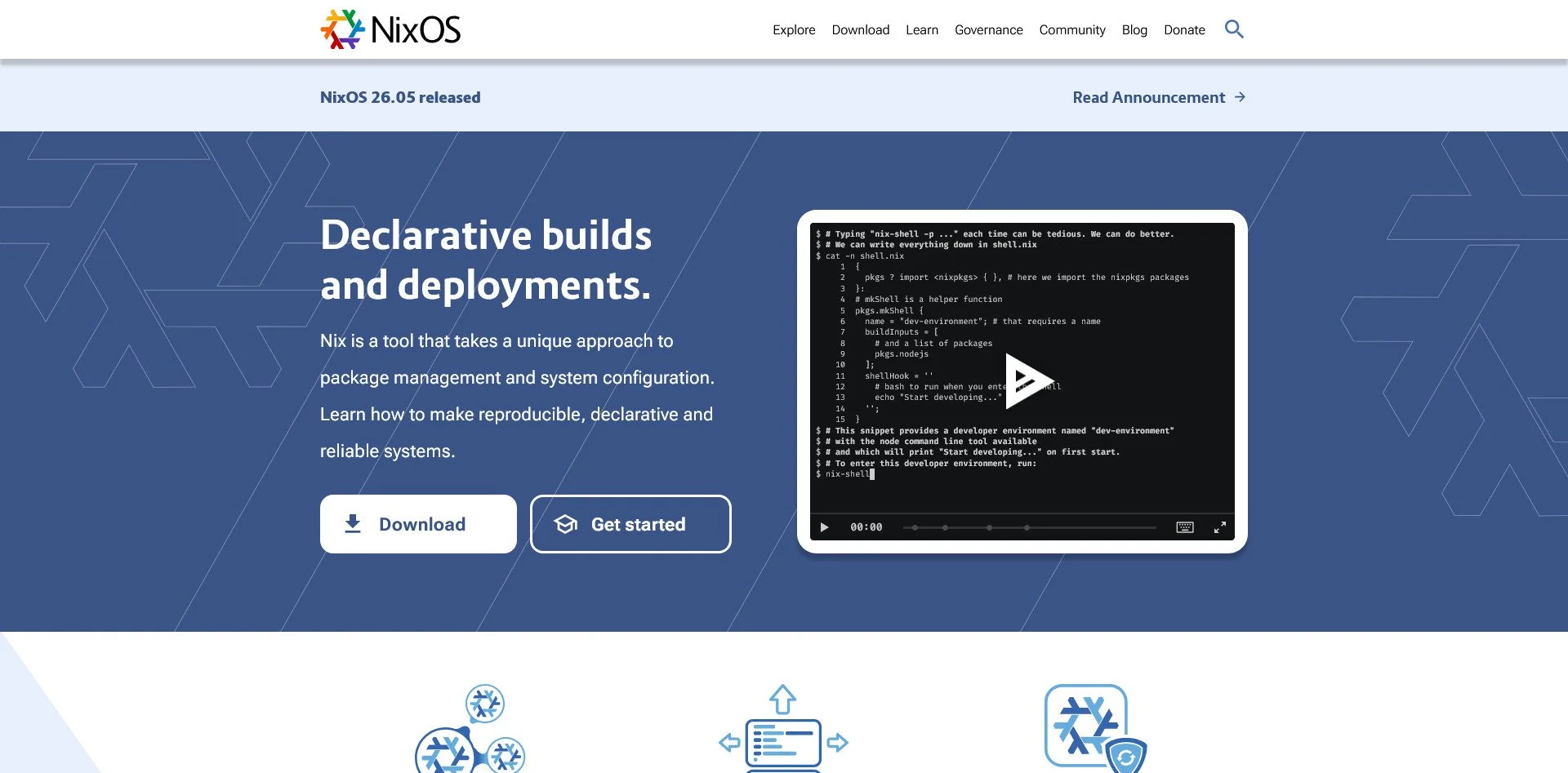
NixOS is a unique distribution that uses declarative configuration. You define your system in a configuration file, and NixOS builds it exactly as specified. It offers unparalleled rollback support and is ideal for advanced users.
FreeBSD
FreeBSD Website
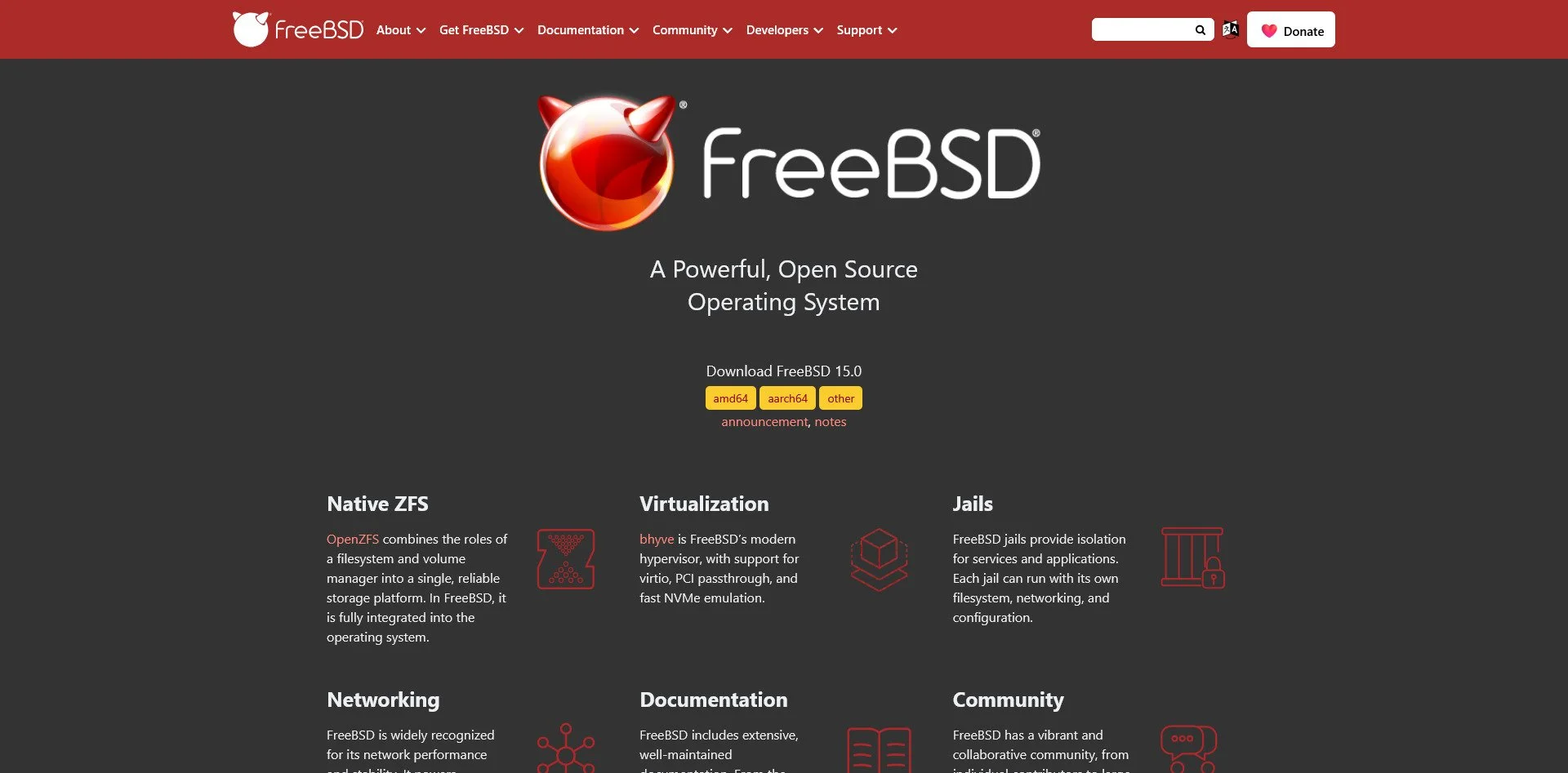
FreeBSD is a true Unix operating system. It has excellent documentation, is extremely stable, and is ideal for users who want a Unix experience rather than a Linux one.
Tails
Tails Website
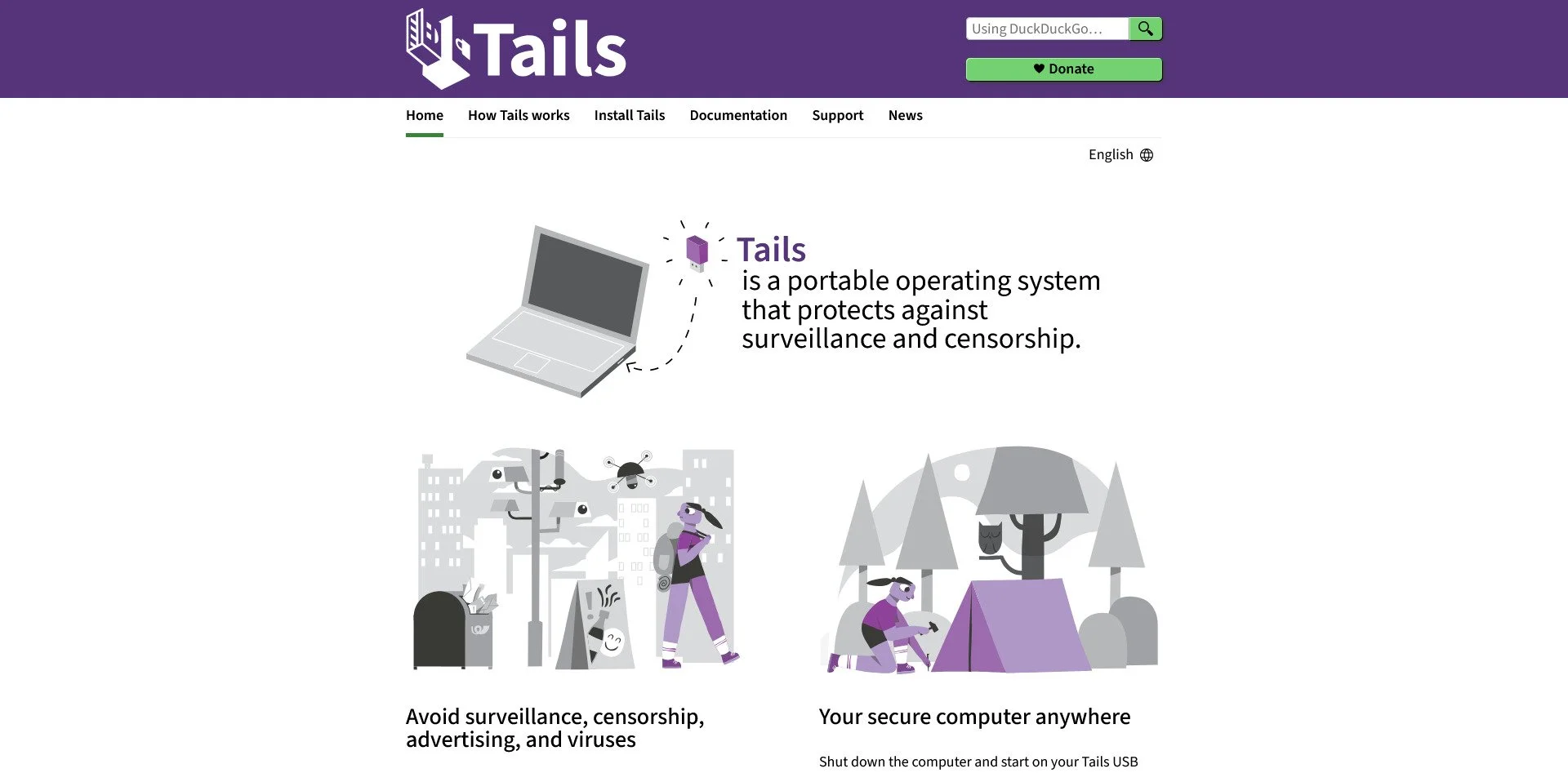
Tails is a live operating system that routes everything through Tor. It leaves no trace on the machine you use and is ideal for users who need maximum anonymity and security.
The Migration Roadmap: Where to Start?
Migrating your entire digital life overnight is impossible. Instead, follow this Phased Sovereignty Plan:
Phase 1: The Low-Hanging Fruit (Week 1)
Switch your browser to LibreWolf or Brave
Install Ollama and try running a local chat model
Install uBlock Origin on every browser you own
Switch your password manager to Bitwarden or KeePassXC
Phase 2: The Core Services (Month 1)
Move your email to Proton or set up Mail-in-a-Box
Deploy Nextcloud or Syncthing to replace Google Drive
Replace Microsoft Office with LibreOffice
Set up Pi-hole for network-wide ad blocking
Phase 3: The Sovereign Stack (Year 1)
Build a dedicated home server with Proxmox or TrueNAS
Deploy SourceBox Sentinel for privacy-first security
Integrate Home Assistant for local automation
Use PrintMCP and SearchBox to automate your workflow with local AI
Migrate your notes to Obsidian or Joplin
Self-host your code on Gitea or Forgejo
The Verdict: Control is the Ultimate Upgrade
Open-source alternatives in 2026 are not compromises. They are upgrades in the only areas that matter: privacy, ownership, and freedom.
Yes, the initial setup takes effort. Yes, there is a learning curve. But once deployed, you own your infrastructure. No subscription creep. No policy changes you didn't agree to. No vendor deciding what you can and cannot do with your own data.
The trade-off is clear: Convenience vs. Control. Big Tech optimizes for the former. Open Source delivers the latter.
Choose based on your priorities, not their marketing.
Your data. Your rules. Your infrastructure.
Stop renting your digital existence.
Buy a board, spin up a container, take your data back.
