Ditch the Subscriptions: Your $95 Path to Self-Hosting Freedom in 2026
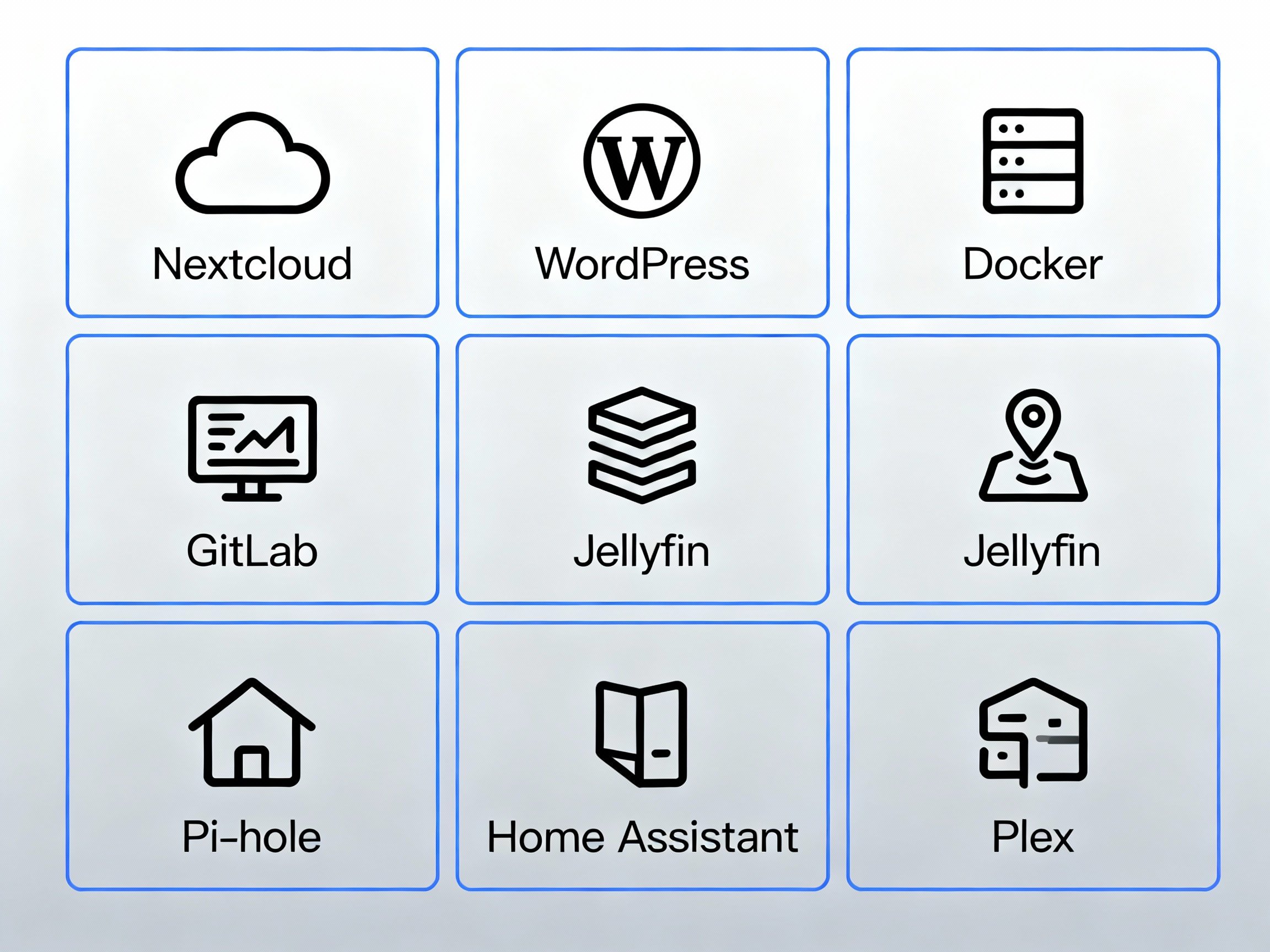
Self Hosted Services
What Self-Hosting Actually Means
Look, self-hosting is basically running your own stuff instead of paying someone else to do it. You get a server (could be a Raspberry Pi on your desk or a $5/month VPS), install some software, and boom – you've got your own services running. No more monthly subscriptions bleeding you dry, no more wondering what companies are doing with your data.
Think about it like this: would you rather rent a storage unit forever, or just build a shed in your backyard? Self-hosting is the shed option.
Why People Are Actually Doing This Now
Honestly, 2025 has been wild. Everyone's suddenly realizing how much they're spending on subscriptions. Netflix, Spotify, cloud storage, project management tools, password managers – it adds up to hundreds per month. Meanwhile, privacy regulations are getting stricter, and people are tired of tech companies treating their data like it's free real estate.
So who's jumping on the self-hosting train?
- Small businesses tired of SaaS prices that keep climbing
- Tech nerds who just enjoy tinkering (guilty as charged)
- Companies that need to prove they're handling data properly
- Anyone who's ever had a cloud service shut down with their files still on it
Does It Actually Save Money?
Here's the real talk: yes and no.
For beginners, start with the basics. A Raspberry Pi 5 with 4GB RAM costs around $60. Add a power supply ($12), case with fan ($12), and a 64GB microSD card ($10), and you're looking at about $95 total to get started. Use it to replace a $15/month cloud storage service, and you break even in 6-7 months. After that, you're saving $180 every year. The Pi sips power too – just 3-5 watts, which adds maybe $3-5 per year to your electricity bill.
Compare that to a used office PC ($150-200) that uses 30-60 watts and costs $25-50 per year in electricity. More powerful, yes, but also more expensive upfront and to run.
But if you factor in your time learning everything, fixing problems at 2am, and dealing with power outages – well, that's harder to calculate. For me, it's worth it because I actually enjoy this stuff. For your non-technical friend who just wants things to work? Maybe not.
The sweet spot is when you've got multiple services running on one box. Replace your cloud storage ($15/month), password manager ($3/month), and media streaming service ($10/month) all at once, and suddenly that $95 Raspberry Pi pays for itself in 3-4 months.
Where Should You Actually Host?
The Beginner Path: Raspberry Pi
For absolute beginners, a Raspberry Pi is the perfect starting point. A Raspberry Pi 5 (4GB model) costs $60, plus about $35 for essentials (power supply, case, SD card), getting you started for around $95 total. It's low-power (typically 3-5 watts), completely silent, and perfect for learning. Great for services like Pi-hole (ad blocking), Nextcloud (personal cloud), or a small media server.
The Raspberry Pi 4 (4GB) is still excellent and often easier to find in stock, usually around $55. It's slightly less powerful but will handle most beginner self-hosting projects just fine.
When You Need More Power: Home Server
When you outgrow the Pi (or want more power from day one), grab a used office PC for $150-200 or a mini PC like the ones with Intel N100 processors ($150-200 new). These give you more RAM, storage options, and processing power. Install Ubuntu, and you're off.
The downside? Your internet goes down, your services go down. Your power bill goes up a bit (figure $25-50 per year for a typical setup). You become "that person" who has a server humming in their closet.
The Reliable Middle Ground: VPS
VPS providers like DigitalOcean or Hetzner are the middle ground for those who want reliability without hardware headaches. Five to ten bucks a month gets you a small virtual server that's actually reliable, with proper internet and power redundancy. You can destroy it and rebuild it without worrying about hardware failing. This is honestly a great option once you've learned the basics on a Pi or local setup.
Advanced Options
Kubernetes and container platforms are for when you've gone deep down the rabbit hole. They're powerful but complex. Unless you're managing dozens of services or have a team, you probably don't need this yet. Start simple, learn the fundamentals, then explore these if you need them.
"Managed self-hosting" sounds like an oxymoron, but services like Fly.io let you deploy your own apps while they handle the infrastructure. It's a decent compromise if you want some control without full responsibility.
What You'll Actually Need
Let's cut through the tech jargon. Here's what matters:
Web server: NGINX is what most people use. It handles incoming web traffic and SSL certificates. Apache works too, but NGINX is generally faster and simpler to configure.
Database: PostgreSQL is solid and free. MySQL works fine too. Unless you're building something massive, either will do the job.
Docker: This is probably the most important tool. It packages your apps into containers so they run consistently. It's like a standardized shipping container for software – works the same everywhere.
Backups: Restic is great for this. It encrypts your backups and stores them wherever you want. I learned this lesson the hard way when a hard drive died and took three months of work with it.
Monitoring: Grafana and Prometheus sound complicated, but they're basically just dashboards that tell you when things are breaking. You'll want this eventually, but don't worry about it on day one.
Actually Setting Everything Up
Here's the straightforward version:
1. Get your server ready. If you're using a Raspberry Pi, install Raspberry Pi OS (the 64-bit version). For other hardware, install Ubuntu 24.04 LTS. Update everything with apt update && apt upgrade -y.
2. Lock down security immediately. Set up SSH keys, disable password login, enable the firewall. Do this before anything else. Seriously – bots will find your server within hours if it's exposed to the internet.
3. Install Docker. One command: curl -fsSL https://get.docker.com | sh. Done. Docker makes installing and managing services incredibly simple.
4. Deploy something simple first. A basic NGINX welcome page or Pi-hole proves everything works before you get fancy. Success builds confidence.
5. Get SSL certificates (if exposing services to the internet). Let's Encrypt is free. Run certbot --nginx -d yourdomain.com and you're golden. You'll need a domain name for this, which costs about $10-15 per year.
6. Set up automated backups. Schedule Restic to back up your important directories daily. Test restoring from backup at least once – trust me on this.
7. Add monitoring (once you're comfortable). Spin up Grafana and point it at your server. You'll thank yourself when you can see problems before they become disasters.
Here's a basic docker-compose.yml to get started:
version: '3'
services:
  web:
    image: nginx:latest
    ports:
      - "80:80"
      - "443:443"
    volumes:
      - ./html:/usr/share/nginx/html
      - ./certs:/etc/nginx/certs
    restart: unless-stopped
Security Stuff You Can't Skip
Use SSH keys only – disable password login entirely. Enable automatic security updates. Use a firewall (UFW on Ubuntu/Debian) and only open the ports you actually need. Keep your secrets in environment variables, not in code.
Back everything up, and test your backups occasionally. I run restoration drills quarterly because I'm paranoid, but even doing it once or twice a year will save you someday.
Enable fail2ban to automatically block IPs that try brute-forcing your SSH. It's easy to set up and catches a surprising amount of garbage traffic.
For Raspberry Pi users: Change the default password immediately. Seriously. The default pi/raspberry combination is the first thing attackers try.
Common Ways People Screw This Up
Forgetting about the firewall. Your server will get hammered by login attempts within hours of going online if you expose it to the internet. UFW and fail2ban are your friends.
No backups. I cannot stress this enough. SD cards fail (especially on Raspberry Pis). Hard drives die. Mistakes happen. Ransomware exists. Back. Everything. Up.
Ignoring updates. Yeah, they're annoying, but security patches matter. Enable automatic updates for the important stuff.
Not monitoring resources. I've seen people run out of disk space and lose data because they didn't notice storage was at 99%. Set up alerts, or at least check occasionally.
Over-buying hardware. You probably don't need that $2000 server right away. Start small with a $95 Raspberry Pi, monitor usage, scale up when you actually need it.
Starting with too many services. Get one thing working well before you add five more. It's easier to troubleshoot when you're not juggling a dozen containers.
Beginner-Friendly First Projects
Not sure what to self-host first? Here are some great starter projects:
Pi-hole: Network-wide ad blocking. Simple to set up, immediate benefits, teaches you about DNS.
Nextcloud: Your own personal cloud storage. Like Dropbox, but yours.
Jellyfin: Media server for your movies and TV shows. No subscription required.
Vaultwarden: Password manager (Bitwarden-compatible). Because you should have one.
Homepage/Dashboard: A simple dashboard showing all your services in one place. Makes everything feel more organized.
Where This Is All Headed
Edge computing is getting interesting – running services physically closer to users for better performance. 5G is making this more practical.
There are open-source serverless platforms now, so you can run that kind of architecture on your own hardware instead of AWS Lambda.
AI is starting to creep into infrastructure management. Imagine systems that predict when hardware will fail and automatically move workloads around. It's coming.
Decentralized storage like IPFS might change the game too. Instead of one server, your files are distributed across a network. Weird concept, but it could work.
Should You Actually Do This?
If you enjoy learning technical stuff and don't mind occasional troubleshooting, absolutely. If you're trying to save money and don't mind investing time upfront, probably yes. If you just want things to work and don't care about the technical details, maybe stick with regular cloud services for now.
Self-hosting in 2025 is surprisingly accessible. The tools are better, the documentation is clearer, and the community is huge. You don't need to be a Linux wizard anymore – just patient and willing to learn.
Start small. Buy a Raspberry Pi, install Pi-hole, and see how it feels. Run one service. See how it goes. You can always add more later.
Resources That Actually Help
The r/selfhosted subreddit is gold – real people sharing real setups and real problems. Search before you post; your question has probably been answered.
The Docker documentation is surprisingly readable. Start with their getting started guide.
YouTube has tons of walkthroughs. Look for creators like Techno Tim, NetworkChuck, or Jeff Geerling (especially for Raspberry Pi content). Just avoid ones that are super outdated.
The Self-Hosted podcast by Jupiter Broadcasting is worth checking out. They actually run this stuff in production and talk about real issues, not just theoretical best practices.
Awesome-Selfhosted on GitHub is a massive list of self-hostable services with descriptions and links.
Bottom Line
Self-hosting gives you control. It takes effort, but it's not rocket science anymore. Start with a $95 Raspberry Pi and one simple service. Learn how it works. Add more services gradually. Before you know it, you'll have a home server running half a dozen services, saving you money every month, and you'll actually understand how it all works.
If you've ever thought "I could probably run this myself," you're probably right.
